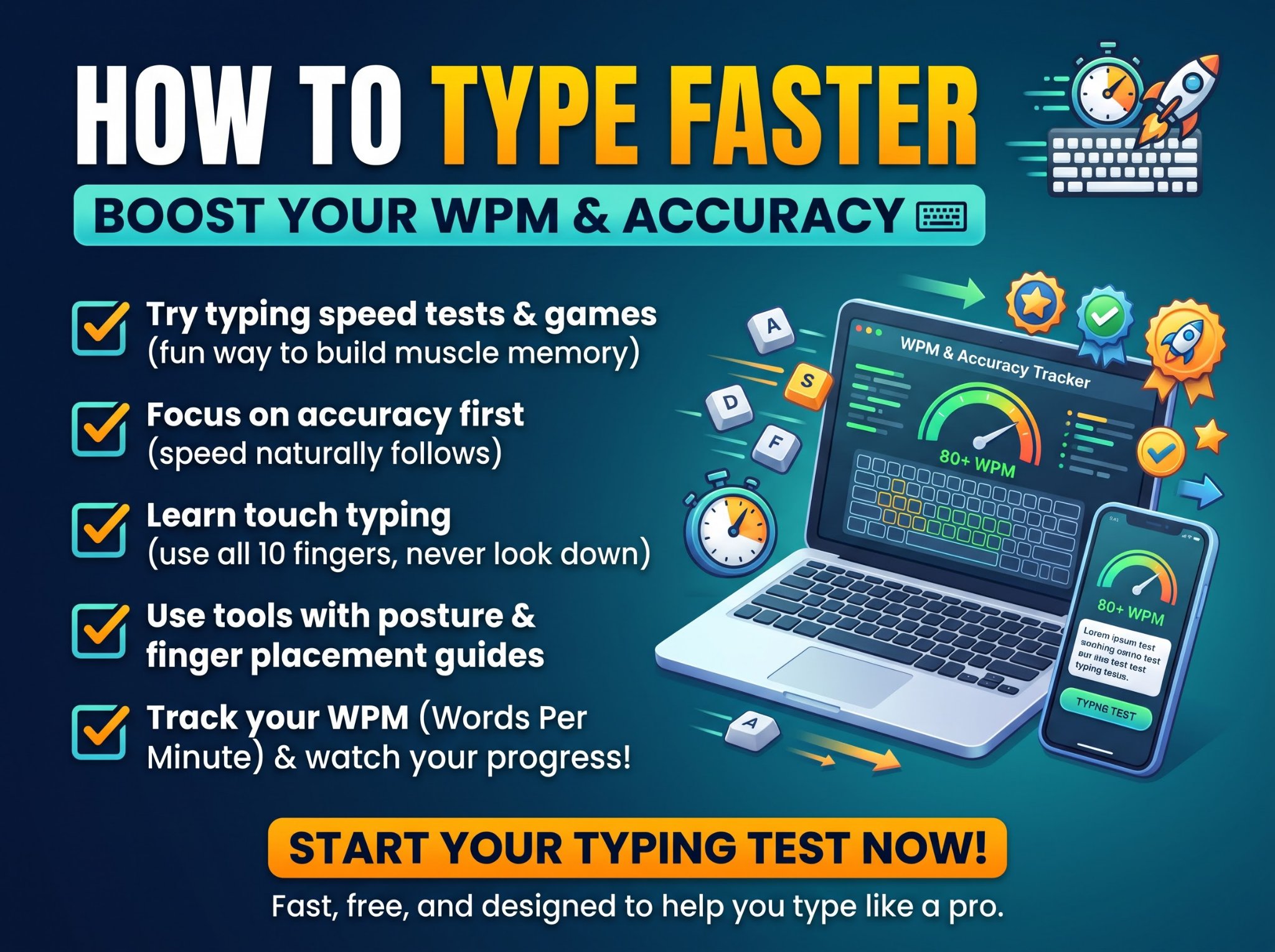
Most people type every day for years and never get faster — not because they lack talent, but because they keep practising their mistakes. Typing speed is a technique skill, not a gift. With the right method and ten to fifteen minutes of focused practice a day, almost anyone can double their speed in a few months.
This guide covers how typing speed is measured, what a good score actually is, the technique that fast typists use, and a simple daily practice plan. Start by finding out where you stand: take a free typing test and note your WPM and accuracy. That is your baseline — everything below is about beating it.
What Is a Good Typing Speed?
Typing speed is measured in words per minute (WPM). As a rough guide:
| Typing speed | Level | Typical for |
|---|---|---|
| Under 25 WPM | Beginner | Hunt-and-peck typing, looking at the keyboard |
| 25–40 WPM | Average | Most casual computer users |
| 40–55 WPM | Good | Comfortable for school and most office work |
| 55–75 WPM | Fast | Data entry, administration, customer support |
| 75–100 WPM | Professional | Transcriptionists, programmers, writers |
| 100+ WPM | Expert | Competitive typists and stenographers |
The average person types at around 40 WPM. If you are at 30 WPM today, reaching 60 WPM is a realistic goal within two to three months of short daily practice — and it will save you time on every email, essay, and message for the rest of your life.
How Typing Speed Is Measured
A standard “word” in typing tests is five characters, including spaces. Your score comes in two forms:
- Gross WPM counts everything you typed, right or wrong.
- Net WPM counts only the characters you typed correctly. This is the number that matters.
- Accuracy is the percentage of keystrokes that were correct. A fast score with poor accuracy is not real speed, because fixing mistakes costs more time than typing carefully in the first place.
That is why the Trencada typing test shows net WPM and accuracy side by side, and scores you on both. When you practise, treat accuracy as the target and speed as the side effect.
Step 1: Learn Touch Typing (Stop Looking at the Keyboard)
Every fast typist shares one habit: they type without looking at their hands. Touch typing assigns each key to a specific finger, so your fingers learn the keyboard the way they learn a musical instrument — by position, not by sight.
The foundation is the home row: place your left fingers on A, S, D, F and your right fingers on J, K, L, semicolon. The F and J keys have small raised bumps so you can find home position by touch. From home row, each finger reaches up, down, and sideways to its assigned keys and returns.
This feels slower for the first few days. Push through it. Typing with two fingers has a hard ceiling around 40–50 WPM; touch typing has none. Structured typing lessons that introduce a few keys at a time are the fastest way to build the habit — far faster than retyping random text.
Step 2: Fix Your Posture and Setup
Technique is easier with a decent setup:
- Sit with your back straight and feet flat; screen at eye level.
- Keep your wrists floating slightly above the desk, not resting on it while typing.
- Elbows at roughly 90 degrees.
- On a laptop, the keyboard is fine for learning; a cheap external keyboard helps for long sessions.
None of this is about comfort alone — a hunched position slows your fingers and tires them sooner.
Step 3: Accuracy First, Speed Second
The single most common mistake is practising too fast. When you rush, you train your fingers to hit the wrong keys confidently, and unlearning that takes longer than learning it right.
Follow this rule: never practise faster than you can type at 95% accuracy. When your accuracy holds at a given speed for several sessions, your speed will rise on its own. If accuracy drops below 90%, slow down until it recovers.
Step 4: Follow a Daily Practice Plan (10–15 Minutes)
Consistency beats marathon sessions. Fifteen focused minutes daily will move your score more than two hours once a week. A simple rotation:
- Lessons (5 minutes). Work through structured lessons in order. On Trencada, the typing lessons cover the full keyboard across 12 lessons, with star ratings at 90%, 95%, and 98% accuracy — aim to finish each lesson at three stars before rushing ahead.
- Timed test (3 minutes). Take a 60-second test and record net WPM and accuracy. Short tests make progress visible day to day.
- Weak-spot drills (5 minutes). Retype text slowly, focusing on the letters or combinations you keep missing. Most people have two or three problem keys that account for most errors.
Track your scores. Seeing your WPM climb from 32 to 41 to 53 is what keeps the habit alive — the Trencada test keeps your personal bests, points, and practice streaks in your browser automatically.
Step 5: Retrain Your Worst Habits
- Looking down. Cover your hands with a light cloth or a keyboard cover if you cannot resist. Force your eyes to stay on the screen.
- Backspacing whole words. Fixing one wrong letter is faster than retyping the word. Train yourself to correct precisely.
- Using the wrong finger for a key. It works today and caps you forever. Go back to the lesson for that key and rebuild it properly.
- Tensing up. Shake your hands out between drills. Tension is the enemy of speed.
How Long Does It Take to Learn Touch Typing?
With 15 minutes of daily practice, most people feel touch typing “click” within two to three weeks — the point where your fingers find keys without thought. Reaching a comfortable 50–60 WPM typically takes two to three months. Progress is not linear: expect plateaus lasting a week or more, then sudden jumps. The plateaus are where the learning is consolidating; do not quit during one.
Typing Speed for School and Work
Some situations have concrete expectations:
- School and university: 40 WPM makes timed essays and note-taking comfortable.
- Office and admin roles: many job postings ask for 50–60 WPM.
- Data entry: employers commonly look for 60–75 WPM with high accuracy.
- Transcription and captioning: 75 WPM and above.
If you need proof of your speed for an application or your own records, a typing certificate helps. After completing a test of 60 seconds or longer (or a 50-word test) on the Trencada typing test, you can add your name and download a result certificate as a PNG or print it as a PDF — it is a personal result certificate from the test, not an accredited qualification, and it states your WPM and accuracy honestly.
Typing Practice for Writers and Students
If you write essays, articles, or reports, speed compounds: at 60 WPM instead of 30, a 1,000-word draft takes about 17 minutes of pure typing instead of 33. Pair practice with real writing — draft in a document, then check your length with a word counter to stay on target for assignments and submissions.
Frequently Asked Questions
How can I increase my typing speed in 7 days?
Focus only on touch typing fundamentals: home row position, correct fingers, no looking down. Practise 15–20 minutes daily with structured lessons and one timed test. A week will not make you fast, but it will replace hunt-and-peck with the technique that all later speed is built on — and most people gain 5–10 WPM in the first week just from that change.
Is 40 WPM a good typing speed?
Yes — 40 WPM is around the average for adults and is fine for casual use. For office work, 50–60 WPM is a more useful target, and it is very achievable with a few weeks of daily practice.
Is typing 100 WPM possible?
Absolutely. 100 WPM is expert level but not rare among people who type professionally. It usually takes sustained practice over many months, and accuracy has to stay above 95% — at that speed, errors are what hold most people back, not finger movement.
How is WPM calculated?
Standard typing tests count one “word” as five characters including spaces. Net WPM counts only correctly typed characters, divided by five, divided by the minutes taken. Gross WPM counts all characters typed, including mistakes.
Should I practise on a phone keyboard?
Phone typing is a different skill (thumbs and autocorrect). It will not build keyboard touch typing. The Trencada test works on touch keyboards, but for real progress, practise on a physical keyboard whenever you can.
What is the fastest way to learn typing?
Structured lessons in small steps, daily short sessions, accuracy before speed, and a timed test every session to measure progress. Randomly retyping paragraphs helps less than lessons because it repeats the letters you already know instead of training the ones you avoid.
Start Today
Your speed ten minutes from now is whatever it is — the only question is whether it is the same in three months. Take the free typing test, write down your score, and give the daily plan two weeks. The improvement shows up faster than you expect, and it stays with you for every job, course, and message after that.