Editing a PDF sounds like one job, but it is really several. The right free tool depends on what you want to change. Pick the wrong one and you will fight it. Pick the right one and the job takes a minute.
Change the text itself
Click any text line and type the replacement, add new text anywhere on the page, or clear a line to cover it. It works across all pages of the document, and the edited file downloads as a normal PDF.
Know the limits before you start. Replacement text uses a standard font, so it may look slightly different from the original, and lines do not reflow — longer text extends past the old line instead of wrapping. Edits also cover old text visually rather than removing it from the file data, so never use this to strip out sensitive information. For that, see redaction below.
Add notes, highlights, or drawings
Annotation adds a layer on top of the document: comments, highlights, and drawings. It does not change the underlying text. Use it for feedback, study notes, and markup.
Fill a form and sign it
Type into form fields, then draw or type your signature, place it where it belongs, and download. Adding text or dates is optional — you can sign without filling anything else.
Change the document details
Metadata is the information about the file: title, author, subject, and keywords. Editing it does not touch the visible pages at all.
Truly remove sensitive text
Redaction is the only option here that actually removes content. Covering text with a box or editing over it leaves the original wording in the file data, where it can still be extracted. If the text must be gone — names, numbers, addresses — redact it.
Add a watermark
Stamp text across the pages, for example Draft, Confidential, or your company name.
What about scanned PDFs?
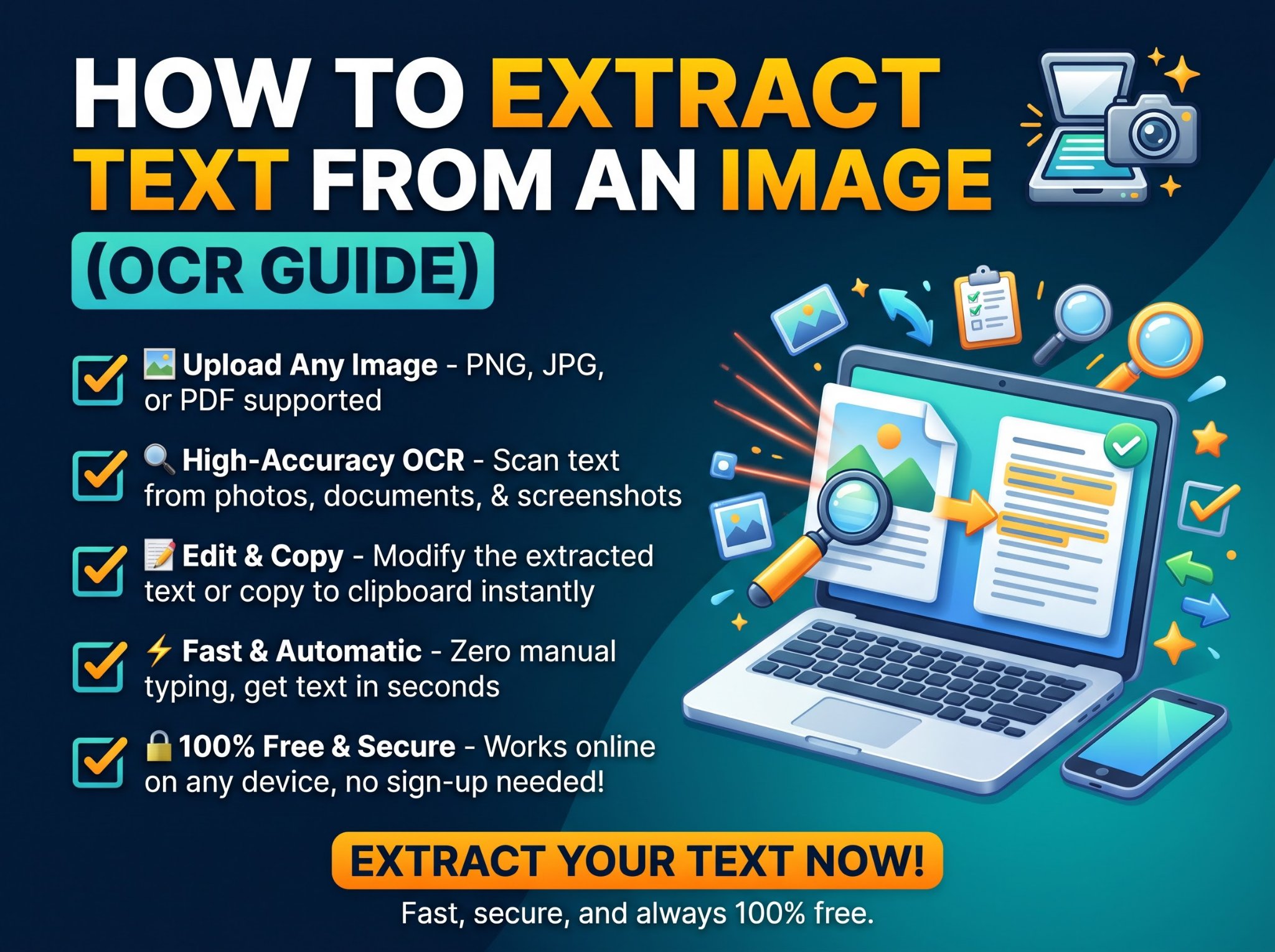
Scanned pages are images, not text. No editor can change text that is not there. Extract the text first with the OCR tool, then work from the extracted text.
Which tool do I need?
- Change wording in the document: Edit PDF.
- Comment or highlight without changing text: Annotate PDF.
- Complete a form or add a signature: Fill and Sign PDF.
- Fix the title or author: Edit PDF Metadata.
- Remove sensitive content for good: Redact PDF.
- Brand or mark every page: Add Watermark.
- The PDF is a scan: OCR first, then edit.
Frequently asked questions
Do I need an account for any of these?
No. All of them are free with no signup.
Are my files uploaded anywhere?
The editing tools run in your browser. Your file is processed locally and never sent to a server.
Can I edit a PDF on my phone?
Yes. All of these tools work in a mobile browser.