Trencada: Your All-in-One Free Online PDF & Files Converter
In today’s fast-paced digital world, agility is everything. Whether you are a student submitting a thesis, a freelancer sending an invoice, or a manager distributing weekly reports, the formats in which you save and share your data matter. Despite the incredible advancements in software, we still frequently encounter the dreaded “unsupported file format” error. This is where a reliable, free online PDF converter and a suite of digital utility tools become indispensable.
Gone are the days when you needed to download bulky, expensive desktop software just to change a document from one format to another. Today, fast file conversion tools live directly in your web browser, offering instantaneous results without taxing your computer’s storage or your wallet.
In this comprehensive guide, we will explore the vast ecosystem of online file utilities. We will dive deep into PDF manipulation, image conversion, Optical Character Recognition (OCR), and everyday calculators, explaining why these tools are essential, how they work, and how you can leverage them to maximize your daily productivity.
Why Fast File Conversion Tools Are Essential Today
The shift to remote and hybrid work models has fundamentally changed how we handle documents. We no longer hand physical papers to a colleague at the next desk; instead, we rely on digital transmission. This reliance demands standardization.
The Portable Document Format (PDF) remains the gold standard for document sharing because it preserves formatting across all devices and operating systems. However, creating, editing, and managing these files requires specific tools.
Using a comprehensive free file converter platform provides several key advantages:
- Cost Efficiency: Enterprise-grade software suites can cost hundreds of dollars a year. Online platforms provide the same core functionalities—merging, compressing, and converting—completely free of charge.
- Universal Accessibility: Because these tools are cloud-based, you can access them from a Windows PC, a Mac, a Linux machine, or even your smartphone, provided you have an internet connection.
- Speed and Convenience: There is no installation process, no software updates to wait for, and no registration hurdles. You simply drag and drop your file, click convert, and download the result.
Deep Dive: Essential Free Online PDF Converter Tools
A robust online platform offers much more than just basic conversion. To truly master your digital document workflow, you should be familiar with the following PDF tools.
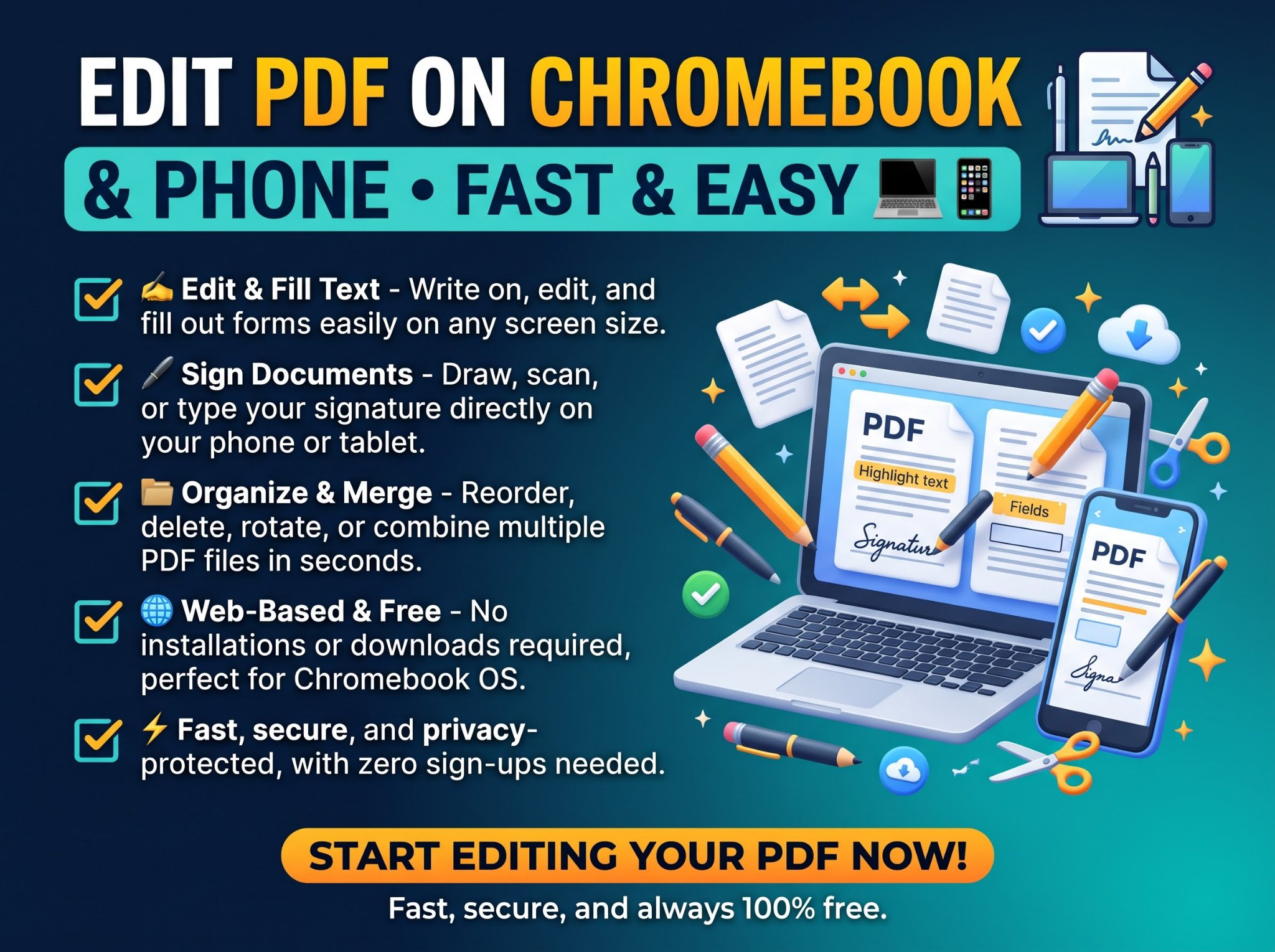
- PDF to Word & Word to PDF
The most common conversion requested on the web is transitioning between Microsoft Word (.docx) and PDF.
Word to PDF: When you finalize a document, converting it to PDF essentially “locks” the formatting. It prevents accidental edits and ensures the document looks identical whether it is opened on a desktop monitor or a mobile screen.
PDF to Word: Have you ever received a PDF contract or a template that you needed to modify, but you didn’t have the source file? A high-quality PDF to Word converter uses advanced algorithms to reconstruct the text, paragraphs, and tables, allowing you to edit the document natively in Word. - Excel and PowerPoint Converters
Spreadsheets and slide decks are crucial for business communication. If you’ve spent hours building a complex Email Response Time KPI Dashboard in Excel for your helpdesk team, you need to share it with stakeholders securely. Converting that interactive tracker into a static PDF ensures that your charts, conditional formatting, and carefully calculated response targets remain visually intact and unaltered by whoever views it. Similarly, converting a PowerPoint presentation to a PDF makes it easily distributable as a handout or follow-up email attachment after a meeting. And when you receive data trapped in a PDF table, the PDF to Excel Converter brings it back into editable spreadsheet form. - Merge and Split PDFs
Document compilation can be a nightmare without the right tools.
Merge PDF: Whether you are compiling a statistical analysis report on weekend football fixtures across European leagues, combining multiple scanned receipts for an expense report, or putting together a comprehensive project portfolio, the Merge tool allows you to combine multiple individual PDFs into one single, organized file.
Split PDF: Conversely, if you receive a massive 500-page manual but only need the three pages relevant to your specific department, the Split tool lets you extract those specific pages and save them as a new, lightweight document. - Compress PDF Free
High-resolution images and embedded fonts can cause PDF file sizes to balloon, making them impossible to send via email (which typically limits attachments to 20MB or 25MB). A PDF compressor reduces the file size by optimizing the internal structure and slightly compressing images while maintaining readability. This is crucial for web uploads, email sharing, and saving digital storage space. - Protect and Unlock PDFs
Security is paramount when dealing with sensitive information.
Protect PDF: You can encrypt your PDF with a password, ensuring that only authorized recipients can open it. This is essential for financial records, legal documents, and personal identification files.
Unlock PDF: If you have the password to a document but want to remove the encryption for easier everyday access, an unlock tool will strip the password requirement (provided you enter the correct password first).
Beyond Documents: The Power of an Image Converter
While PDFs rule the document world, images dominate the visual web. An online image converter is a critical tool for web developers, graphic designers, social media managers, and everyday users. Different image formats serve entirely different purposes.
The Big Three: JPG, PNG, and WebP
JPG (or JPEG): Best for photographs and images with complex color variations. It uses “lossy” compression, meaning it sacrifices a small amount of image data to achieve much smaller file sizes.
PNG: Best for graphics, logos, and images requiring transparency. It uses “lossless” compression, preserving every detail, but resulting in larger file sizes than JPG.
WebP: The modern standard developed by Google. WebP provides superior lossless and lossy compression for images on the web. Using a free file converter to change your heavy PNGs and JPGs into WebP formats can drastically improve your website’s loading speed, which is a critical factor for SEO and user retention.
Vector Graphics and Formatting
Tools that convert raster images (like JPG/PNG) to vector formats (like SVG) or vice versa are incredibly useful for logo design and web development. Furthermore, image utility tools often include options to resize, crop, or rotate images quickly without needing to open heavy photo-editing applications.
Unlocking Data: What is an OCR Tool?
One of the most powerful features of a modern file conversion suite is the OCR tool (Optical Character Recognition). Imagine you take a photograph of a printed page, or you receive a scanned document saved as a flat PDF image. You cannot highlight, copy, or search the text within that file because the computer simply sees it as a picture of words, not the words themselves.
OCR technology bridges this gap. By scanning the visual shapes in the image, an OCR tool recognizes the letters and numbers, translating them into machine-readable text.
Common use cases for an OCR tool include:
- Digitizing Physical Archives: Converting boxes of old printed contracts into searchable digital text files.
- Extracting Data from Screenshots: Pulling numbers or text out of an image without having to type it all out manually.
- Translating Printed Text: Scanning a menu or sign in a foreign language, extracting the text via OCR, and running it through a translation application.
The best free online OCR tools support multiple languages and can export the extracted text directly into Word, Excel, or plain text formats, saving hours of manual data entry.
Everyday Utilities: Online Calculators
A truly comprehensive digital utility platform goes beyond file conversion and offers tools for everyday problem-solving, such as online calculators.
While every computer and smartphone has a basic calculator app, specialized online calculators are programmed to handle complex, multi-step formulas instantly. Having these alongside your PDF and image tools creates a centralized hub for productivity.
Some highly searched online calculators include:
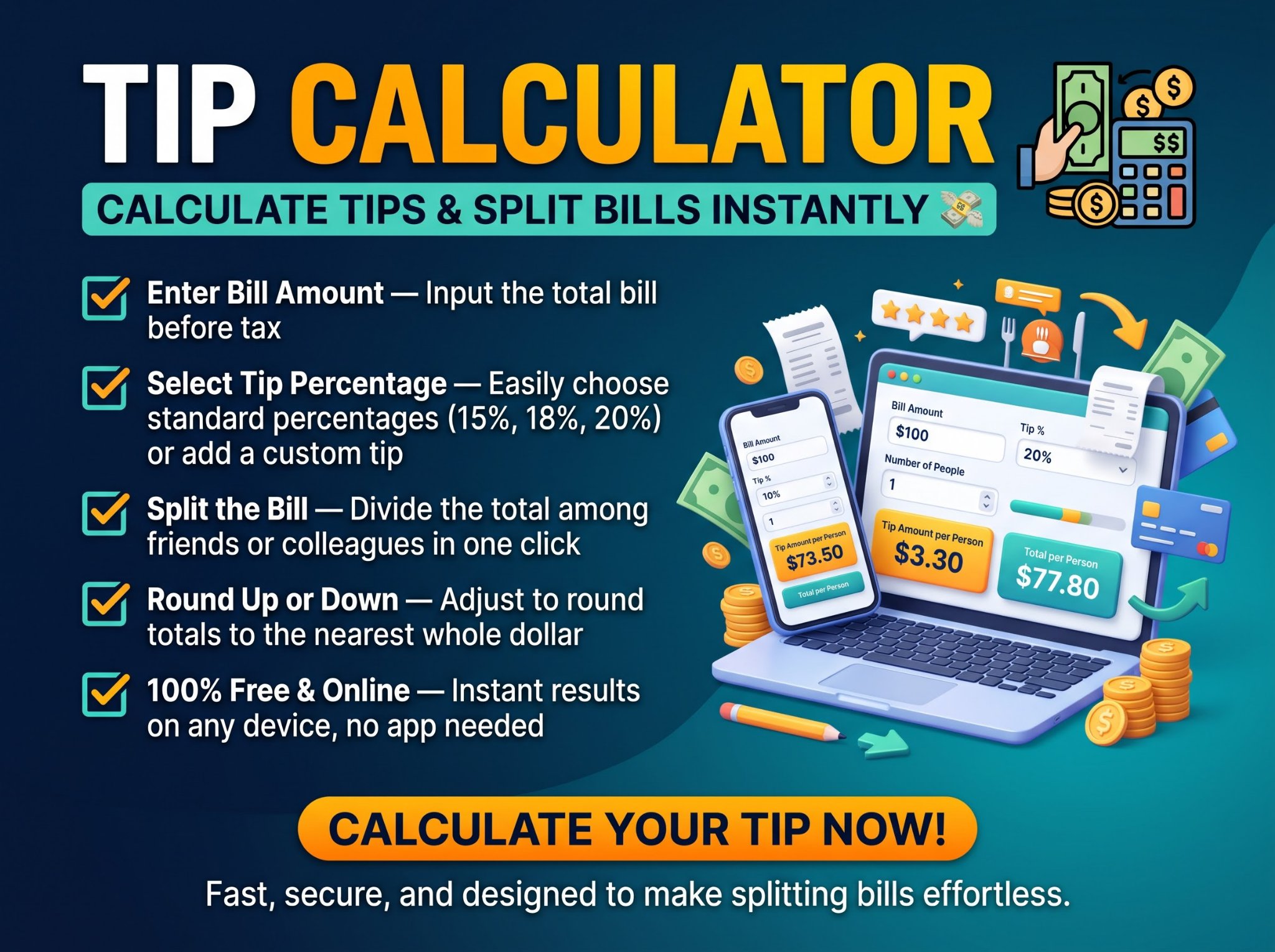
- Financial Calculators: Tools to calculate mortgage payments, loan amortization schedules, compound interest, or ROI (Return on Investment).
- Mathematical Calculators: Percentage calculators, fraction calculators, and scientific calculators for students and engineers.
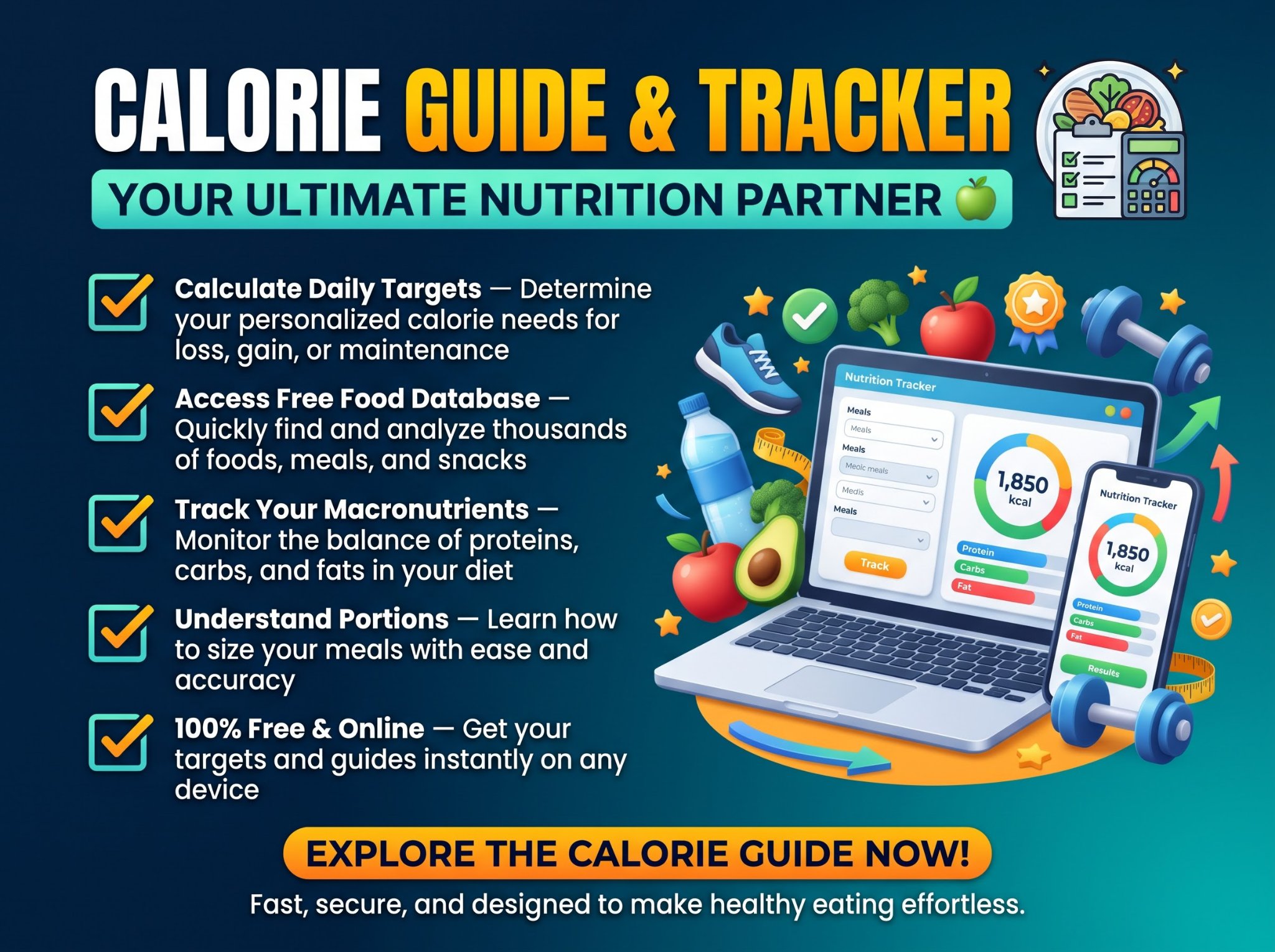
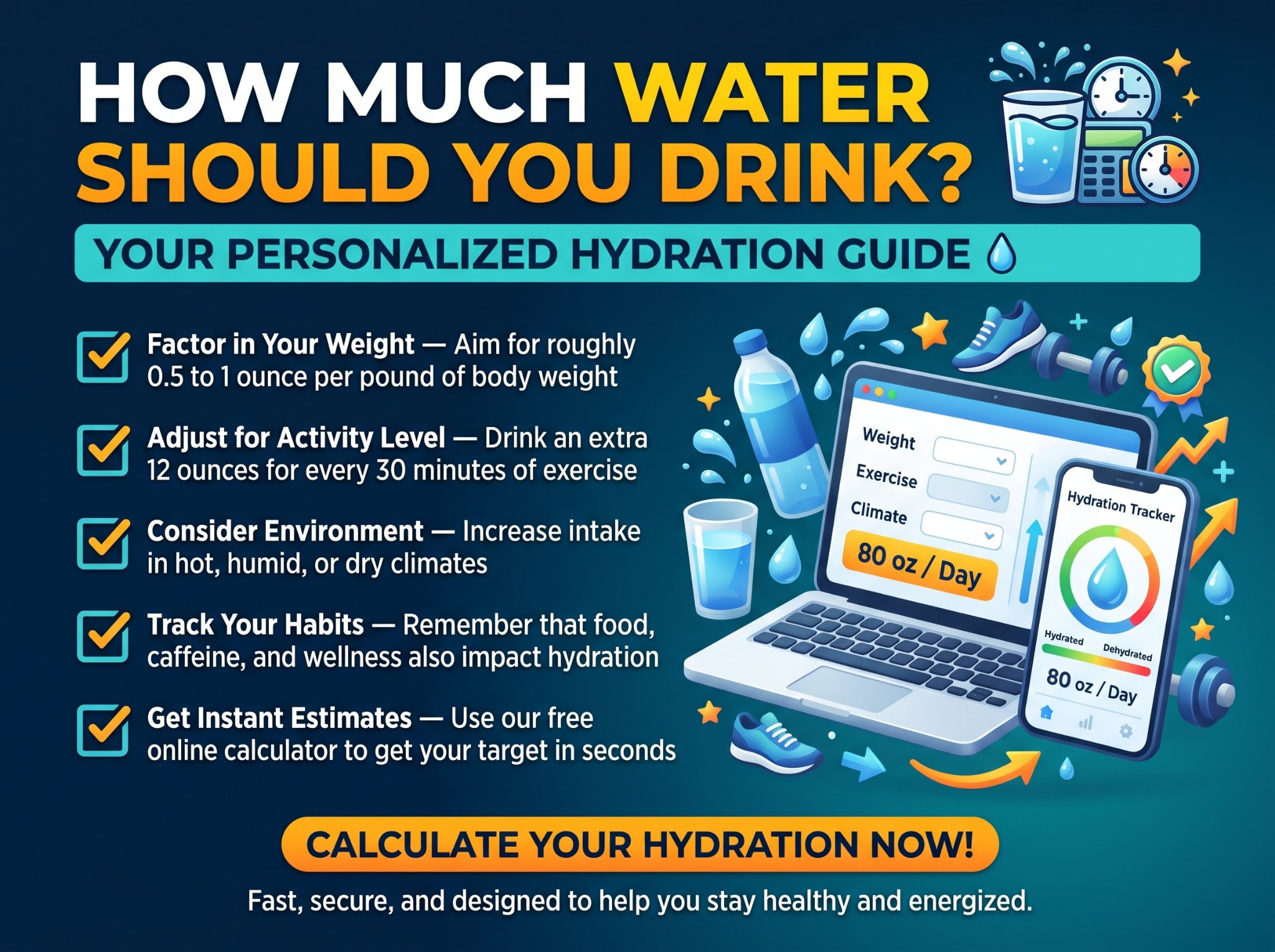
- Health Calculators: BMI (Body Mass Index) calculators, calorie counters, and macro calculators.
- Time and Date Calculators: Tools to calculate the exact number of days between two dates, or time zone converters for scheduling international meetings.
Having these tools bookmarked on a single platform means you never have to waste time searching Google for specific formulas or dealing with ad-heavy, unreliable standalone calculator sites.
Security and Privacy in Online File Conversion
One of the primary concerns users have when using a free online PDF converter is data privacy. When you upload a document to the cloud to be converted, merged,
When choosing a platform, security must be the top priority. Reputable online file tools implement strict security protocols to ensure your data remains completely private.
Look for the following security features:
- SSL Encryption: Ensure the website URL begins with HTTPS. This means that the data transferred between your computer and the conversion server is encrypted. Even if intercepted, it cannot be read.
- Automated File Deletion: The gold standard for online file tools is an automated purging system. Your uploaded files and the converted output files should be permanently deleted from the platform’s servers within a short timeframe (typically 1 to 2 hours after conversion). This ensures that no remnants of your sensitive data are stored long-term.
- No Data Mining: Premium services guarantee that they do not scan, analyze, or mine the contents of your documents for data-gathering purposes.
By understanding these security measures, you can confidently use online tools for everything from personal taxes to corporate reports without fear of data breaches.
How to Choose the Best Free File Converter
With hundreds of options available on the web, selecting the right platform can be overwhelming. All-in-one platforms like Trencada solve this by centralizing every essential utility into a single, high-speed workspace.
Use this quick checklist to identify a top-tier service:
- Comprehensive Toolset: Why bookmark ten different websites when one can do it all? Look for an all-in-one platform like Trencada that offers PDF tools, image conversion, OCR, and calculators in one place, boasting 280+ free tools for any workflow.
- Clean User Interface: The site should be intuitive. You shouldn’t have to click through three pages of ads just to find the upload button.
- Fast Processing Speeds: Conversions and calculations should process in seconds, not minutes.
- High-Quality Output: The converted file should strictly retain the original formatting, layout, and image resolution.
- Generous File Limits: Look for platforms offering generous file size allowances (e.g., 50MB+) to handle large PDFs, presentations, and high-resolution assets effortlessly.
Step-by-Step Guide: How to Use an Online PDF Converter
If you are new to using browser-based utility tools, you will be pleasantly surprised by how simple the process is. The best platforms require zero technical expertise.
Step 1: Select Your Tool
Navigate to the homepage and select the specific tool you need (e.g., “PDF to Word” or “Compress Image”).
Step 2: Upload Your File
You can usually upload a file in three ways:
- Drag and drop the file directly from your desktop into the designated area on the web page.
- Click the “Select File” button to browse your computer’s local storage.
- Import directly from cloud storage services like Google Drive or Dropbox.
Step 3: Adjust Settings (Optional)
Some tools offer advanced settings. For example, if you are compressing a PDF, you might be able to choose between “High Compression (Lower Quality)” or “Low Compression (High Quality).” If using an OCR tool, you will need to select the language of the text in the image.
Step 4: Convert and Download
Click the “Convert” button. The servers will process your file—usually in just a few seconds. Once complete, a “Download” button will appear. Click it to save your newly formatted file to your device.
Conclusion: Streamline Your Digital Life
Navigating the complexities of digital file formats shouldn’t require an IT degree or an expensive software subscription. By leveraging a comprehensive free online PDF converter, alongside fast file conversion tools, image converters, and OCR tools, you can dramatically increase your daily efficiency.
Whether you are optimizing images for a new web project, compiling monthly financial reports, or simply trying to extract text from a scanned document, having a secure, reliable, all-in-one platform bookmarked in your browser is a game-changer.
Embrace the convenience of modern cloud utilities. Stop wrestling with format errors and start focusing on the work that actually matters. Explore our suite of 280+ powerful, secure, and completely free online tools today, and experience seamless digital productivity.