

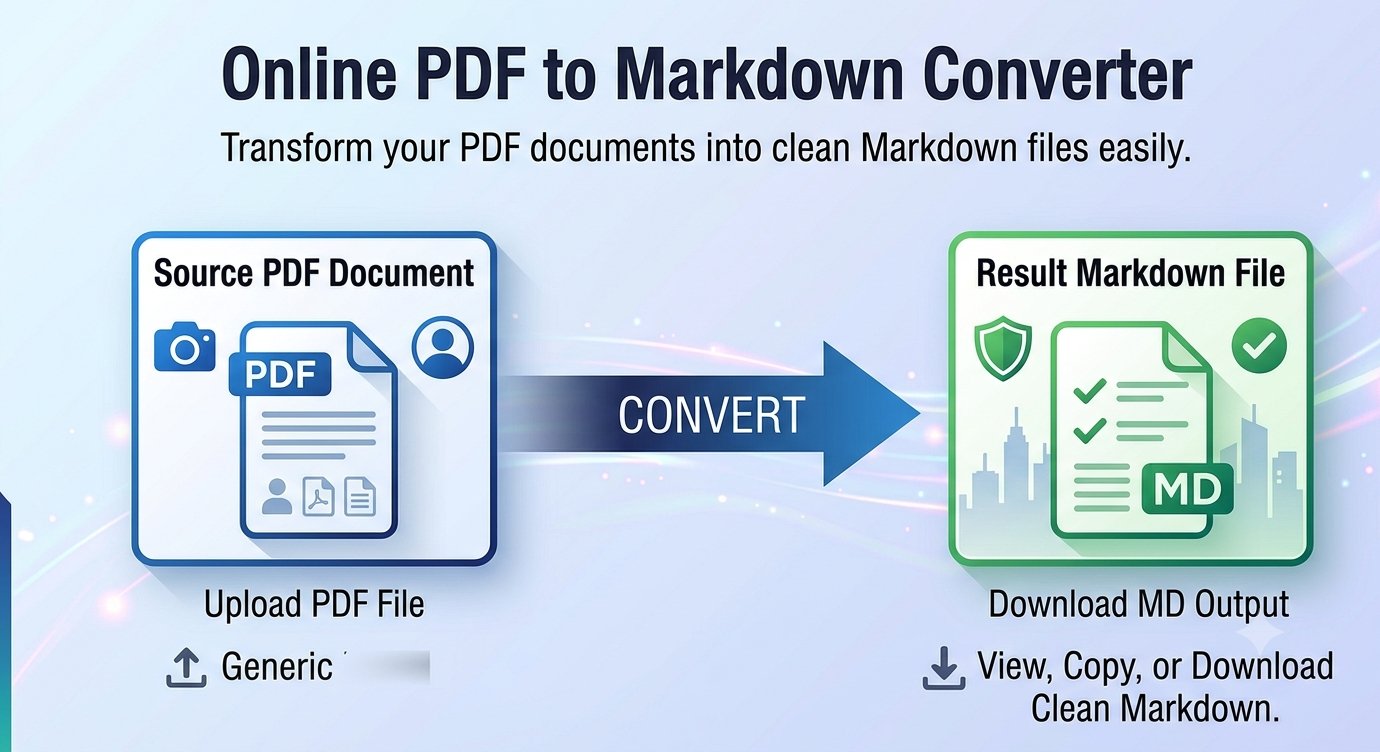
Ever tried copying a PDF into ChatGPT, only to watch your headings, lists, and tables collapse into one unreadable wall of text? There’s a much better way to feed documents to AI: convert the PDF to Markdown first. Trencada’s free PDF to Markdown converter turns your PDF into clean, structured Markdown for ChatGPT and other AI tools — right in your browser, with no signup.
Why Markdown beats copy-paste for AI tools
AI assistants like ChatGPT and Claude are trained on enormous amounts of Markdown — it’s the native language of documentation, READMEs, and wikis. When you paste Markdown instead of a jumbled copy-paste, the AI sees your document the way it was meant to be read: clear headings, preserved lists, and logical structure. That means better summaries, more accurate answers about specific sections, and far less confusion in long documents.
Copy-pasting from a PDF reader, on the other hand, usually strips the formatting. Text flows together, list bullets vanish, and tables become an unreadable soup of words. Markdown keeps the structure without any of the PDF baggage — it’s plain text, so it’s lightweight, searchable, and accepted by virtually every AI tool out there.
How to convert a PDF to Markdown
Here’s how it works with Trencada’s converter — the whole thing takes under a minute:
- Upload your PDF — click the upload zone or drag & drop your file into it.
- Click “Convert to Markdown” — the button activates once your file is selected, and a progress bar shows the conversion as it happens.
- Review the preview — check the generated Markdown alongside live stats for page count, word count, and character count.
- Copy or download — hit Copy to grab the Markdown for your clipboard, or Download to save it as a .md file.
- Convert another — one click clears everything so you can convert your next file. The tool handles one file at a time.
What converts well — and what doesn’t
The converter shines with text-based PDFs — documents with real, selectable text like reports, ebooks, manuals, and research papers. Headings are detected from the document’s own font-size hierarchy and turned into proper Markdown headings (#, ##, ###), bullet and numbered lists are preserved, and pages are separated with dividers so long documents stay easy to navigate.
A few honest limitations worth knowing before you start:
- Scanned PDFs won’t convert. Scans and photos of pages contain no selectable text, so there’s nothing to extract — and the tool doesn’t do OCR. Scanned pages are marked with a note in the output, so you’ll know exactly which ones need an OCR pass first.
- Complex tables aren’t rebuilt as Markdown tables. The text inside them is preserved, but the grid layout isn’t reconstructed.
- Images aren’t embedded. This is a text-to-Markdown conversion, so pictures stay behind.
- Password-protected PDFs are skipped. Unlock the file first, then convert it.
Need just the raw text without any Markdown formatting? Trencada’s PDF to Text tool extracts plain text from your PDF instead.
What you can do with the Markdown
Once you have clean Markdown, plenty of doors open:
- Paste it into ChatGPT, Claude, or any AI assistant for summaries, Q&A, and analysis — with the document’s structure intact.
- Drop it into documentation, wikis, and static-site generators without reformatting.
- Save it in note-taking apps like Obsidian or Notion, which speak Markdown natively.
- Use it as a README or project doc — Markdown renders beautifully on GitHub and GitLab.
Frequently asked questions
Is it free?
Yes — the converter is completely free to use, with no signup required.
Is my PDF uploaded anywhere?
No. The extraction and conversion happen entirely in your browser, so your file never leaves your device. There’s no queue and no waiting room — it just runs locally in your tab.
Does it work on scanned PDFs?
No. Scanned or image-only PDFs contain no text to extract, and the tool doesn’t perform OCR. Those pages are marked with a note in the output, so you can run them through OCR software first and then convert the result.
How are tables handled?
Honestly: complex tables are not rebuilt as Markdown tables. The text inside them is preserved, but the grid structure isn’t reconstructed. Headings, paragraphs, and lists are what convert best.
Can I download the file?
Yes — one click downloads your converted Markdown as a .md file, ready to save, share, or open in any text editor.
Which AI tools accept Markdown?
Pretty much all of them. ChatGPT, Claude, Gemini, and other AI assistants handle Markdown natively — and since it’s plain text, you can paste it anywhere that accepts text.
Ready to turn your PDFs into AI-friendly documents? Convert your PDF to Markdown now — free, private, and done in under a minute.








