

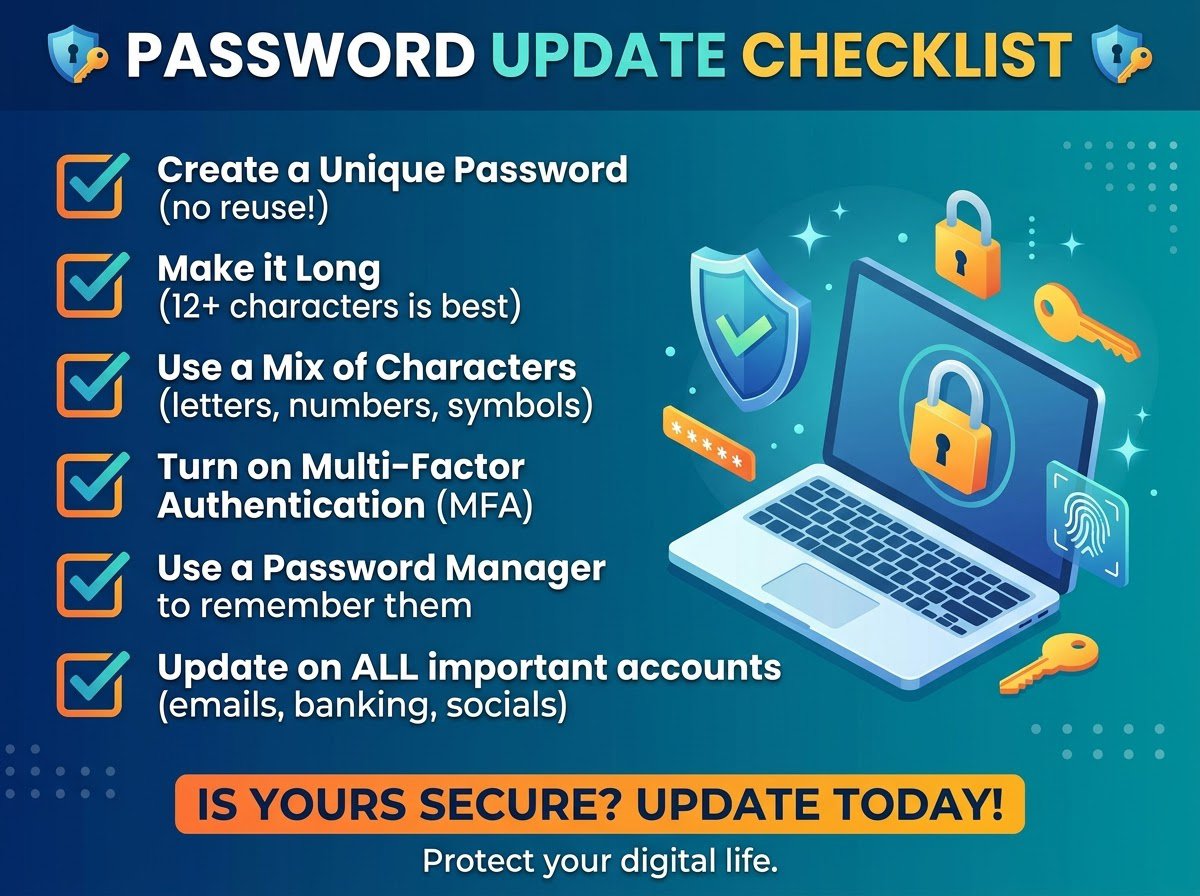
October is Cybersecurity Awareness Month, which makes it the perfect excuse to do the security tidy-up you keep postponing. You do not need a weekend or a paid app. Set aside one afternoon, work through the seven habits below in order, and you will end the day measurably harder to hack than you started it.
1. Replace every reused password with a unique one
This is the single highest value habit on the list. When one site leaks its user database, attackers try those same email and password combinations on banks, email providers and shopping sites. A password that exists in only one place cannot be replayed anywhere else.
You do not need to invent these yourself. Open Trencada Password Generator, set the length to 16 or more characters, include symbols and numbers, and generate one fresh password per account. The passwords are created locally in your browser, so nothing sensitive is transmitted or stored anywhere. Work through your most important accounts first: email, bank, password manager, then everything else.
2. Turn on two factor authentication for the important accounts
A unique password stops replay attacks. Two factor authentication stops almost everything else, because a stolen password alone is no longer enough. Start with your email account, since email access can reset nearly every other password you own. Then add your bank, your password manager, and your main social accounts.
Most sites offer it under Settings, then Security or Privacy. Authenticator apps beat SMS codes, but SMS beats nothing.
3. Check whether your email has appeared in a breach
Visit haveibeenpwned.com and enter your email addresses. If any show up in known breaches, treat every password associated with those accounts as compromised and replace it using step 1. Do this before anything else feels urgent, because a breached password you still reuse is an open door.
4. Retire the weak ones: names, birthdays and keyboard walks
If any password contains a pet name, a birthday, a sports team or a sequence like qwerty or 123456, it is guessable regardless of where it is used. Attackers automate exactly these guesses. Replace them with generated passwords from step 1 rather than trying to invent a clever pattern yourself. Human invented patterns are far more predictable than people think.
5. Put everything in a password manager
You cannot remember forty unique sixteen character passwords, and you should not try. A password manager remembers them so you do not have to, and it will warn you when you accidentally reuse one. Pick any reputable manager, install the browser extension and the phone app, and move your accounts in as you reset them. From now on, the only password you memorize is the one that unlocks the manager itself, plus your email.
6. Change your WiFi password and your router admin login
Home networks get neglected for years. Log into your router, change the WiFi password to something long and random, and while you are there change the router admin password away from the factory default. A generated password works perfectly here too. If guests visit often, consider writing the WiFi password into a QR code so visitors can join without you reading it aloud. Trencada QR Generator can turn that password into a scannable guest card in seconds: trencada.com/tools/qr-generator.
7. Delete accounts you no longer use
Every dormant account is a breach waiting to happen, and you cannot secure what you forgot exists. Search your email for old welcome messages, make a list, and close the accounts you have not touched in a year. Fewer accounts means a smaller attack surface and fewer breach notifications in your future.
The one afternoon plan
Do it in this order: check breaches (step 3), then reset the important passwords with the generator (step 1), enable two factor authentication (step 2), install the password manager (step 5), fix the WiFi (step 6), retire weak leftovers (step 4), and delete the dead accounts (step 7). Most people finish in two to three hours, and the calm that follows is worth every minute.
Start with the practical step: generate your first strong password and replace the weakest one you own today.








