

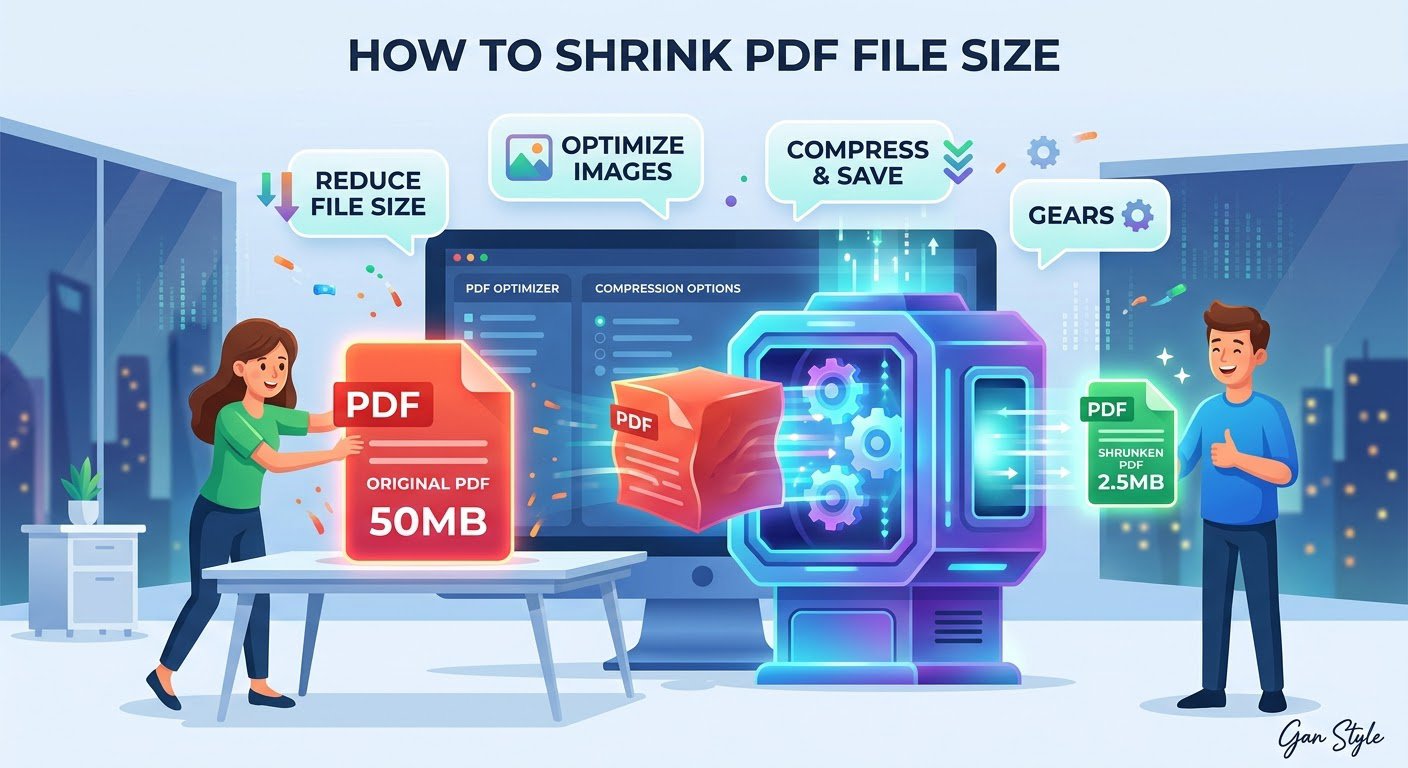
Why are PDF files so large?
A PDF balloons in size for a few predictable reasons: high-resolution images, scanned pages saved as pictures instead of text, embedded fonts, and pages exported at print quality when screen quality would do. A 20-page slide deck with full-page screenshots can easily pass 50 MB — too big for email attachments (most cap at 20–25 MB) and slow to upload to forms and portals.
The good news: most of that bulk is compressible. Shrinking a PDF mostly means recompressing its images and stripping waste — the text stays exactly the same.
How to shrink a PDF file online in 30 seconds
The fastest way is a free online compressor — no software to install, no account to create:
- Open Trencada’s free Compress PDF tool.
- Drop your PDF file onto the page — it never leaves your browser; compression happens on your device.
- Wait a few seconds while the tool recompresses the file.
- Download the smaller PDF and check the new size.
That’s it. Most image-heavy PDFs shrink by 50–80% with no visible difference on screen.
4 more ways to reduce PDF file size
- Downsample images before exporting. If you’re creating the PDF, export images at 150 DPI instead of 300+ — plenty for screens.
- Remove pages you don’t need. Draft pages, duplicates, and blank pages add weight for nothing. Delete them first, then compress.
- Avoid scanned-image PDFs when possible. A scanned page is a photo of text and compresses poorly. If you have the original document, export it as a real PDF instead of scanning a printout.
- Zip it as a last resort. A ZIP archive shaves a little off any file, but recompressing the PDF itself works far better.
FAQ
How much smaller will my PDF get?
It depends on what’s inside. Image-heavy PDFs typically shrink 50–80%. Text-only PDFs are already small and won’t shrink much — there’s simply less waste to remove.
Will compressing reduce the quality?
Slightly, for images. Text stays pixel-perfect. For on-screen reading, emailing, and uploading to portals, the difference is invisible. Keep your original if you ever need print quality.
Is there a file size limit?
The tool runs entirely in your browser, so the practical limit is your device’s memory — everyday files up to a few hundred megabytes work fine.
Do I need Adobe Acrobat to shrink a PDF?
No. Acrobat’s compressor works, but it’s behind a paywall for most users. A free online tool does the same job for everyday files without installing anything.
Want the full deep dive with methods and quality settings? Read our complete guide to compressing PDFs free.
Shrink your PDF now
If your PDF is too big to email or upload, compress it free in your browser — no signup, no watermarks: Compress PDF.








