

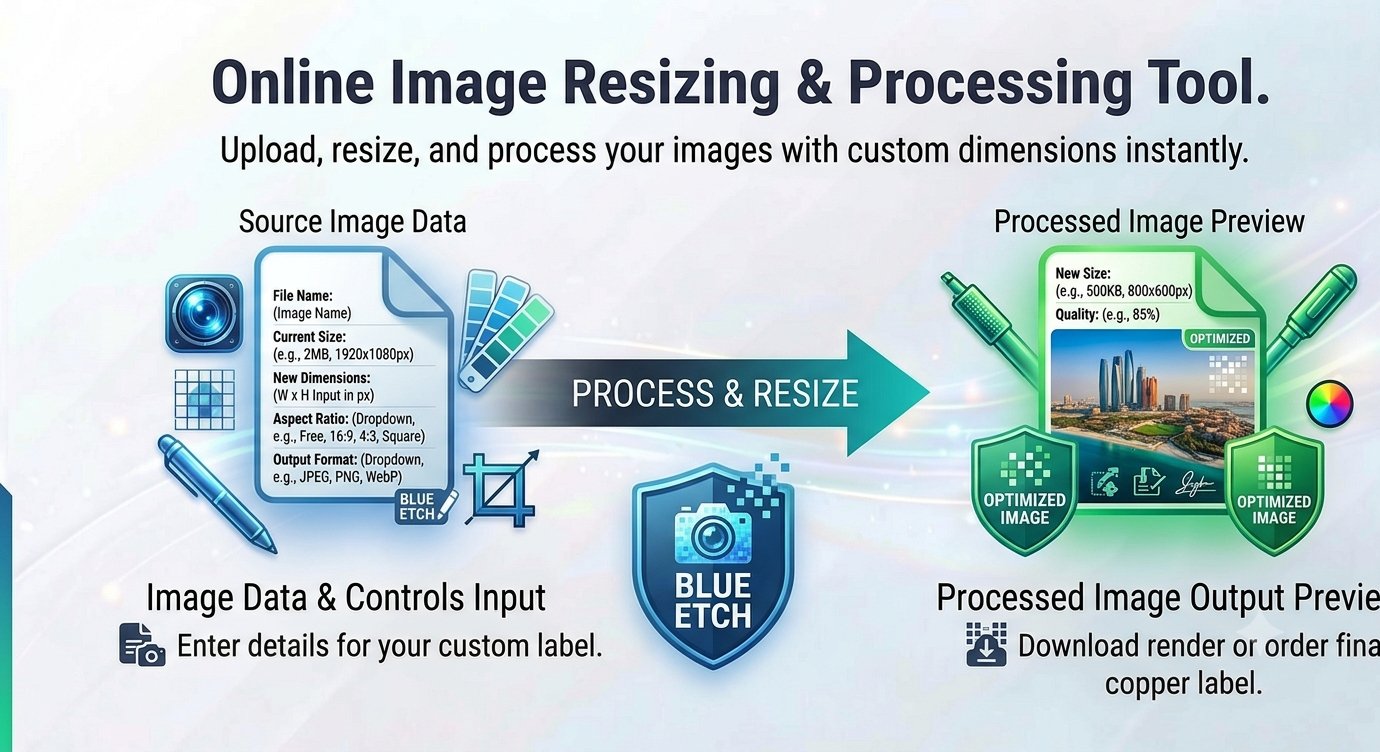
You’re uploading a profile photo and the site rejects it: “must be exactly 400 × 400 pixels.” Your banner image is the right subject but the wrong shape. You could open Photoshop — if you had it, knew how, and felt like waiting for it to load. Or you could resize the image online free, type the exact pixels you need, and be done in thirty seconds.
This guide shows you how to resize images to exact dimensions without installing anything, keep them sharp, and avoid the stretching that ruins so many quick resizes.
When “close enough” isn’t good enough
Lots of platforms are picky about image dimensions:
- Profile photos — many sites want exact squares like 400 × 400 or 500 × 500.
- Social banners — a YouTube banner at the wrong size gets cropped in the worst possible place.
- Web uploads — hero images, thumbnails, and product photos often have recommended pixel sizes.
- Printing — specific dimensions at specific DPI decide whether your print looks crisp or blurry.
Eyeballing it in a basic editor usually means uploading, getting rejected, guessing again. Exact pixel input skips the whole loop.
How to resize an image online free in under a minute
A free image resizer runs right in your browser — no signup, no software, no watermark.
Step by step
- Open the resizer in your browser.
- Upload your image — drag and drop it in. JPG, PNG, WebP, and GIF all work.
- Type your exact width and height in pixels, or pick a preset size if the tool offers one for your platform.
- Keep “maintain aspect ratio” locked unless you specifically want to change the shape — this is what prevents stretching.
- Click Resize and download your perfectly sized image.
The one setting that matters: aspect ratio
Stretching happens when width and height change independently of the image’s original proportions. The aspect ratio lock fixes one dimension relative to the other: change the width, and the height follows automatically. The image gets bigger or smaller, never warped.
Only unlock it when you deliberately want a different shape — and even then, consider cropping first. Cropping to the target shape then resizing gives you control over what gets cut, instead of letting the tool squash everything.
Will resizing make my image blurry?
An honest answer:
- Scaling down (big photo → small thumbnail) stays crisp. You’re throwing away pixels, not inventing them.
- Scaling up a little (say, 800px → 1000px) is usually fine.
- Scaling up a lot (a 200px icon → 2000px banner) will look soft or pixelated. No resizer can invent detail that was never there — that takes dedicated AI upscaling, not a simple resize.
Rule of thumb: always start from the largest original you have. A photo straight from your camera gives you far more room than a copy you already shrank once.
Resize by pixels or by percentage?
- Exact pixels — use this when a platform demands specific dimensions. Type them in and you’re done.
- Percentage — use this when you just need “half the size” or “about 25% smaller,” e.g. shrinking a batch of photos for faster page loads without caring about exact numbers.
Resize image FAQ
Is it free to resize images online?
Yes — the resizer is completely free, with no signup, no watermark, and no hidden costs.
Why does my resized image look stretched?
The aspect ratio lock was off. Keep it enabled so width and height scale together, or crop to your target shape first.
Which formats can I resize?
JPG, PNG, WebP, and GIF.
Will resizing reduce my image’s file size?
Usually yes — fewer pixels means a smaller file. If you need the file dramatically smaller for web use, pair resizing with an image compressor afterward.
Can I make a small image bigger without losing quality?
A little bigger is fine; a lot bigger will soften. Start from the highest-resolution original available.
Are my photos kept private?
Your photos never leave your device — the image is processed entirely in your browser, so nothing is uploaded, stored, or deleted from any server.
Wrong dimensions break layouts and get rejected by upload forms. Resize to exact pixels in seconds. Resize your image free — no signup








