

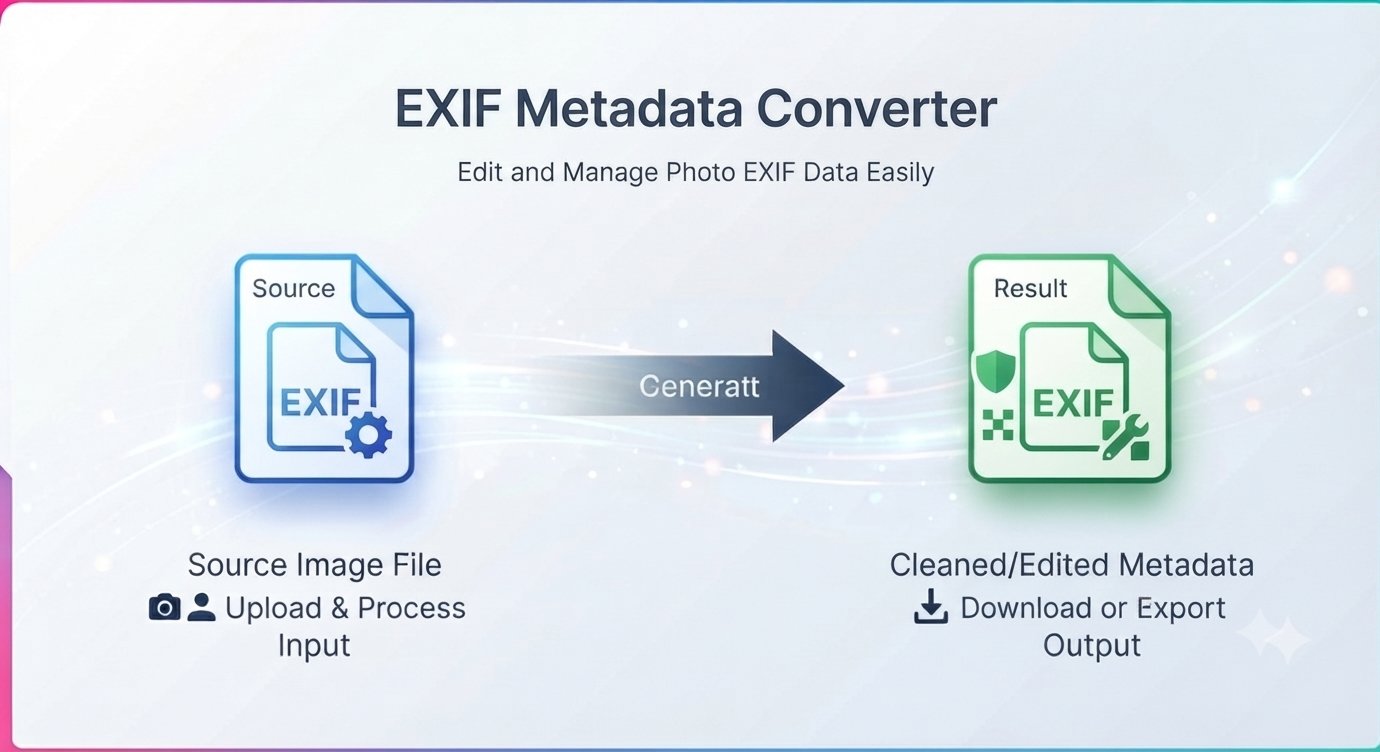
You snap a photo of the vintage chair you’re selling and post it online. What you don’t realize: embedded in that image file are the exact GPS coordinates of your living room, the make and model of your phone, and the precise time you took the shot. Anyone who downloads the photo can read it all.
That hidden layer is called EXIF data. Here’s what it is, why you should strip it before sharing photos publicly, and how to remove EXIF data online in under a minute.
What is EXIF data?
EXIF (Exchangeable Image File Format) is metadata your camera or phone quietly attaches to every photo. It can include:
- GPS location — latitude and longitude of exactly where the photo was taken.
- Device info — camera or phone make and model, sometimes a serial number.
- Camera settings — aperture, shutter speed, ISO, focal length, flash use.
- Timestamps — the exact date and time the photo was captured.
- Software history — which app last edited the image.
- A thumbnail — a small preview copy of the photo itself.
You never see any of this in your gallery. But it’s all sitting inside the file, readable by anyone with a metadata viewer.
Why you should remove EXIF data before sharing
Most of the time EXIF is harmless — until a photo goes public:
- Your location leaks. Selling something online, posting a home renovation, sharing kid photos — the GPS tag can pinpoint your address.
- Your routine leaks. Timestamps plus locations across many photos can reveal where you are and when.
- Your gear leaks. Device and software info is useful to scammers crafting targeted phishing.
Some platforms (like Facebook and Instagram) strip EXIF when you upload — but many don’t. Photos shared by email, messaging apps, forums, marketplaces, and file links usually keep every byte of metadata. The safe habit: strip it yourself before the photo leaves your hands.
How to remove EXIF data from a photo in under a minute
You don’t need to install anything. A free EXIF viewer and remover runs right in your browser — and because it processes files locally, your photos never get uploaded to a server.
Step by step
- Open the tool in your browser — no signup, no download.
- Upload your photo.
- View the EXIF data first — see exactly what’s hidden in the file (you might be surprised).
- Remove it with one click — GPS, device info, timestamps, all stripped.
- Download the clean photo — same picture, zero metadata.
Does removing EXIF data affect image quality?
Not at all. EXIF is metadata about the photo, stored alongside the image — removing it doesn’t touch a single pixel. Your photo looks pixel-for-pixel identical; it just no longer carries your location and device history with it.
When should you keep EXIF data?
Stripping metadata isn’t always the right call:
- Photographers often keep EXIF as proof of authorship and a record of camera settings.
- Photo organizers rely on capture dates to sort libraries chronologically.
- Personal archives benefit from keeping the “when and where” attached to memories.
Rule of thumb: keep EXIF for your private archive, strip it for anything public. When in doubt, strip — you can always keep an untouched copy for yourself.
EXIF removal FAQ
Is removing EXIF data free?
Yes. Viewing and removing EXIF data is completely free — no signup, no watermark.
What exactly gets removed?
GPS coordinates, camera/phone make and model, capture timestamps, camera settings, software history, and embedded thumbnails — the full metadata layer.
Will my photo look different after removing EXIF?
No. Only the metadata is removed; the image itself is untouched.
Do my photos get uploaded to a server?
No. The tool processes your files locally in your browser — your photos never leave your device.
Don’t social media sites remove EXIF automatically?
Some do (Facebook, Instagram strip most metadata), but many platforms, messaging apps, email, and marketplaces don’t. Strip it yourself and you’re covered everywhere.
Can I check what EXIF data a photo has before removing it?
Yes — the tool shows you the full metadata first, so you can see exactly what’s in the file before you decide to strip it.
Photos carry more data than the picture — location, device, timestamps. Strip the metadata before you share. Remove EXIF data free — no signup








