

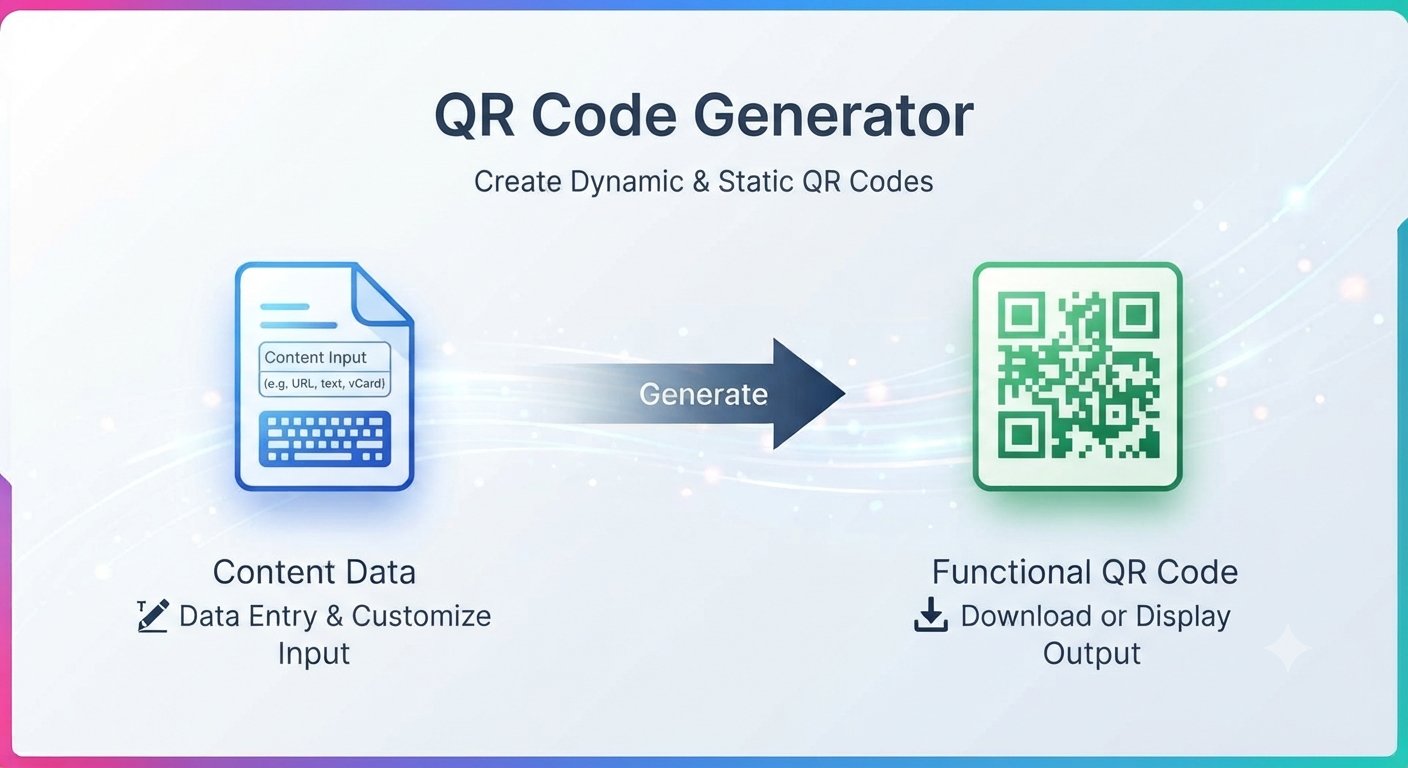
A free QR code generator is the fastest way to turn a link, a message, or contact details into a scannable code — no app to install, no account to create, no subscription to pay.
QR codes are everywhere now: restaurant menus, business cards, event tickets, Wi-Fi sharing, product packaging, payment links. Most QR tools are buried inside paid software or cluttered with upsells. A simple browser-based generator does the job in seconds.
What you can put in a QR code
The most common uses are:
- A website URL — link customers to your site, menu, portfolio, or store
- Plain text — a message, instructions, or a short note
- Contact information — share your name, phone, and email in one scan with a vCard
- Wi-Fi access — let guests join your network with one scan instead of typing a long password
- A phone call, SMS, or email draft — pre-fill a call, text message, or email for the person scanning
Anyone with a phone camera can scan the result. No special app needed.
Create a QR code in under a minute
Trencada’s free QR Generator works entirely in your browser:
- Choose a content type — URL, plain text, WiFi access, email draft, call phone, send SMS, or vCard profile — and enter your content.
- Optionally adjust the QR size, upload a branding logo, or set the error correction level.
- Click Generate QR Code and your QR code appears instantly.
- Download it as a PNG or vector SVG and use it anywhere — print, web, packaging.
There is no signup and no subscription required.
Where to use your QR code
A few ideas that actually work:
- Business cards — link to your portfolio or booking page instead of cramming text
- Flyers and posters — one scan takes people to the event page or sign-up form
- Product packaging — link to instructions, reviews, or your store
- Restaurant tables — digital menus without printing new ones every week
- Wi-Fi sharing — guests scan instead of typing a long password
Why this free QR code generator stays private
Your entered content is processed only to generate your QR code and is not permanently stored or shared, so you can generate codes for internal links or private pages without worry.
Tips for QR codes that actually get scanned
This free QR code generator creates your code in seconds — but a code nobody scans is wasted effort. A few small details make a big difference:
- Keep the contrast high. A dark code on a light background scans far more reliably than the reverse.
- Print it big enough. For something scanned at arm’s length, 2 × 2 cm is the practical minimum — signage needs much more.
- Test-scan before you print. Check the code with a couple of different phones at the real viewing distance.
- Keep it away from folds, edges, and curved surfaces so the camera can see the whole code at once.
- Adding a logo? Set a higher error correction level — the code stays readable even with part of it covered.
- Leave a clear margin (quiet zone) around the code so scanners can lock on faster.
Follow these basics and every code you make with this free QR code generator will scan on the first try.
Frequently asked questions
Is the QR code generator really free?
Yes. No account, no trial, no paywall.
Do I need to create an account?
No. Open the tool, enter your content, and download the code.
Do QR codes expire?
The QR code image itself never expires. What matters is the content it points to — a URL will stop working only if that page is taken down. Static codes like these stay scannable indefinitely.
Can I use the QR code on my business materials?
Yes. Download the code and use it on business cards, packaging, flyers, menus, or anywhere else.
Does the QR code work with any phone?
Yes. Every modern smartphone camera scans QR codes natively, on both iPhone and Android, with no extra app.
Who is it for?
Small business owners, freelancers, event organizers, restaurants, and anyone who needs a quick scannable link without paying for design software. Free static QR codes cover menus, Wi-Fi logins, event links, and business cards perfectly — you only need a paid platform if you want scan analytics or codes you can edit after printing.








