

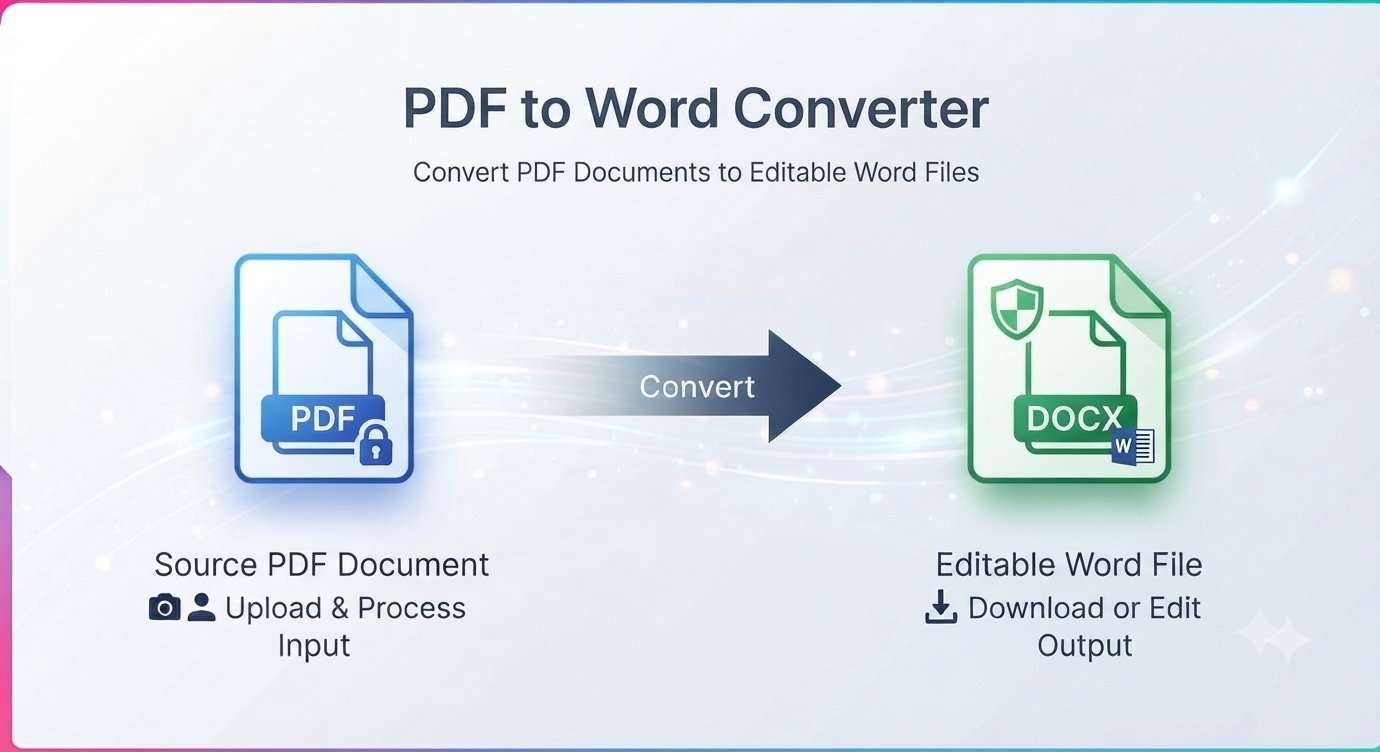
Someone emails you a contract as a PDF and asks for “a few small edits.” You open it, click the text — nothing is selectable, or the formatting explodes the moment you touch it. Retyping the whole thing is out of the question. What you need is an editable Word version, and getting one takes less than a minute: convert the PDF to Word free.
This guide explains how PDF to Word conversion works, what “editable” really means, and how to get a clean Word file online without signing up for anything.
Why editing a PDF directly is such a pain
A PDF is designed to look identical everywhere — it’s a fixed-layout snapshot, not a working document. Text can be locked in place, fonts can be embedded oddly, and paragraphs are often stored as disconnected fragments rather than flowing text. That’s great for sharing, terrible for editing.
Word, on the other hand, is built for editing: flowing paragraphs, styles, tables you can actually click into. Converting PDF to Word bridges the two — you get the content back in a format designed to be changed.
What “editable Word file” really means
An honest note before you convert: results depend on what kind of PDF you have.
- Text-based PDFs (exported from Word, Google Docs, InDesign, etc.) convert beautifully — paragraphs, headings, and tables come through editable.
- Scanned PDFs (photos of paper pages) are images, not text. A standard converter can extract what’s there, but truly editable text from scans requires OCR (optical character recognition) software.
Most everyday PDFs — contracts, resumes, reports, forms — are text-based and convert cleanly. If your PDF lets you select and copy text, you’re in good shape.
How to convert PDF to Word free in under a minute
No software to install, no account to create. A free PDF to Word converter runs right in your browser.
Step by step
- Open the converter in your browser — no signup, no download.
- Upload your PDF file.
- Start the conversion to an editable Word (.docx) file.
- Download the Word file and open it in Microsoft Word, Google Docs, or LibreOffice.
- Make your edits — the text is now yours to change.
Tips for a clean conversion
- Skim the result before editing. Complex layouts — multi-column pages, floating text boxes, intricate tables — sometimes need minor touch-ups after conversion.
- Check tables and lists. They’re the most likely elements to need a quick reformat.
- Re-apply your styles. If the document uses custom fonts you don’t have installed, Word will substitute the closest match — usually fine, worth a glance.
- Keep the original PDF. Always keep the source file in case you need to reconvert or reference the original layout.
What about scanned PDFs?
If your PDF is a scan — each page is just a photo of text — a regular converter can’t magically produce editable paragraphs, because there’s no text data to extract. For those, you need an OCR tool first (many free options exist), which reads the image and produces real text. Once OCR has done its job, you can convert or save the result as an editable Word file.
Quick test: open the PDF and try to select a sentence with your mouse. If you can select it, it’s a text-based PDF and will convert well. If you can’t, it’s a scan.
PDF to Word FAQ
Is converting PDF to Word free?
Yes. The converter is completely free — no signup, no watermark, no page limits.
Will the Word file be fully editable?
For text-based PDFs, yes — paragraphs, headings, and tables come through editable. Scanned/image PDFs need OCR first for truly editable text.
Do I need Microsoft Word installed?
No. The downloaded .docx file opens in Google Docs, LibreOffice, Apple Pages, and other word processors too.
Will my formatting survive the conversion?
Most formatting carries over well. Very complex layouts may need small touch-ups afterward — always skim the result.
Is my document uploaded to a server?
The conversion runs in your browser, so your file stays on your device — worth knowing when you’re handling contracts or other sensitive documents.
Can I convert a scanned PDF to editable Word?
Not directly — scans contain images, not text. Run the scan through an OCR tool first, then convert the result.
A PDF you can’t edit is a dead end. Convert it to Word and keep working. Convert PDF to Word free — no signup








