

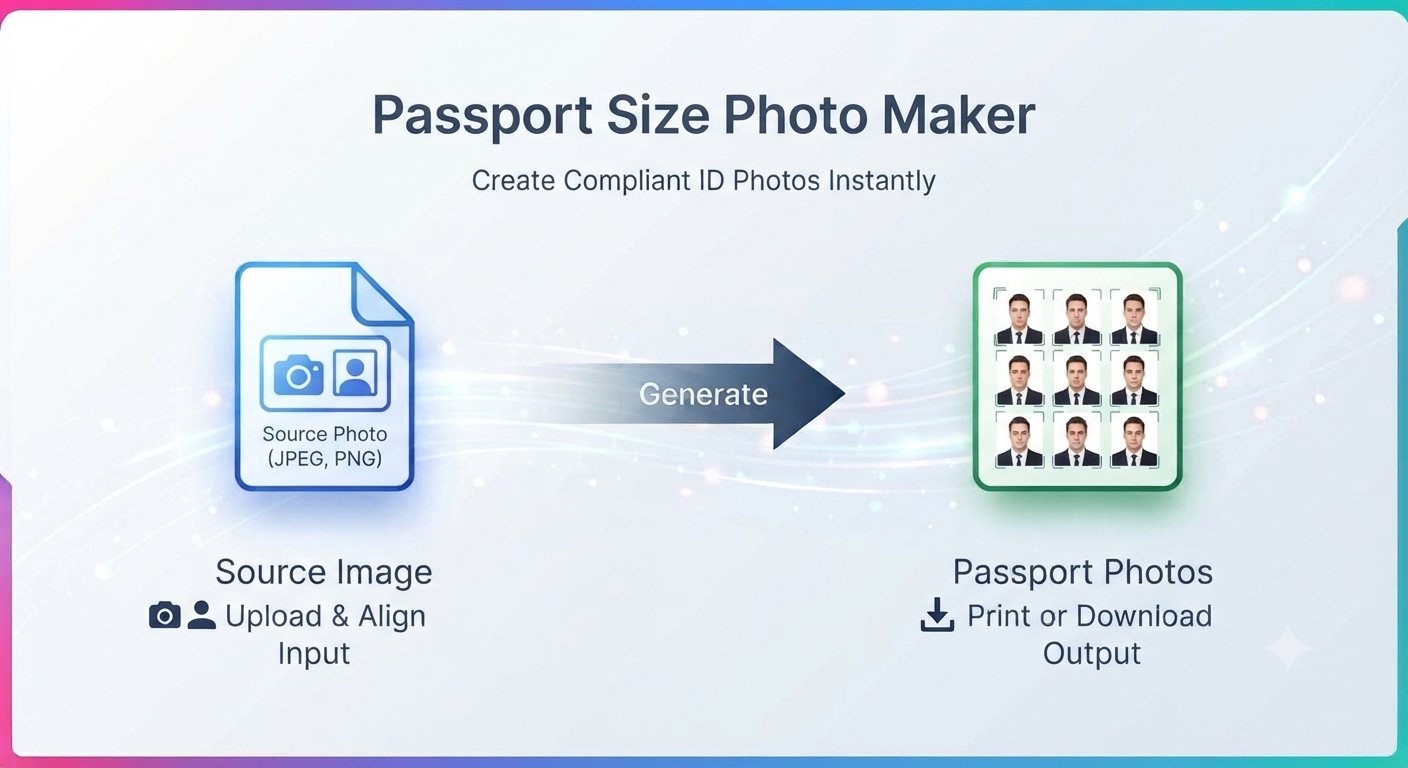
A free passport photo maker sounds like one of those tools that hides the catch behind a paywall: you upload your photo, crop it, and only then discover you need an account or a payment to download the result. Trencada’s Passport Size Photo Maker does the opposite — it’s completely free, needs no signup, and gives you a ready-to-print passport photo in minutes.
Here’s the short version: upload a photo from your phone or computer, align your face in the frame, choose the size preset you need — passport, visa, 35×45 mm, 2×2 inch, or custom — generate, and download instantly. It runs right in your browser and is fully responsive, so it works on a phone too.
What you can make with it
Passport photos aren’t one-size-fits-all. A visa application might ask for 2×2 inch while an ID card wants 35×45 mm. A good free passport photo maker covers the formats you’ll actually run into:
- Passport (2×2″) — the classic square format used by many passport applications.
- Visa (2×2″) — handy when a consulate lists its own photo size.
- 35×45 mm — the metric standard for ID cards, work permits, and job applications.
- 2×2 inch — the imperial equivalent found on many US-style forms.
- Custom Size — your own dimensions for unusual requirements.
- Print sheet layouts — A4, Letter, and 4×6 inch sheets that tile multiple copies onto one page.
Beyond automatic resizing to standard dimensions, you can adjust the background and fine-tune the crop and alignment — the details that decide whether an ID photo looks professional.
Make your passport photo in 6 steps
Step 1: Upload your photo
Open the Passport Size Photo Maker and upload a clear, recent photo from your device — phone, tablet, or computer.
Step 2: Choose your size preset
Pick the format your application asks for: Passport, Visa, 35×45 mm, 2×2 inch, or Custom Size. This free passport photo maker covers the formats most authorities accept.
Step 3: Crop and align your face
Adjust the crop so your face sits centered in the frame.
Step 4: Adjust the background
If your background is distracting, adjust it to a clean, plain light tone.
Step 5: Generate
Hit generate and the tool resizes your photo to the exact dimensions of your preset.
Step 6: Download instantly
Download your finished photo right away — no waiting, no email delivery, no watermark.
Photo tips that get accepted
The wrong size gets a photo rejected — but so does a sloppy photo. A few general tips:
- Take the photo against a plain light background — or adjust the background in the tool.
- Face the camera directly with a neutral expression and both eyes open.
- Avoid shadows across your face: stand facing a window or use soft, even lighting.
- Use a recent, clear, high-resolution photo — blurry selfies don’t survive cropping.
- Make sure nothing covers your face — push hair back and skip sunglasses.
How to print your sheet
Online applications accept a digital file, but paper forms usually need printed copies. Generate your photo as an A4, Letter, or 4×6 inch sheet with this free passport photo maker and the tool tiles multiple copies onto one page. Print at home or take the file to any print shop — one sheet gives you a stack of identical photos for a fraction of what a photo booth charges.
Who it’s for
This free passport photo maker is for anyone who needs an ID photo without the studio trip:
- Travelers renewing a passport or applying for a visa.
- Job seekers who need a photo for an application or employee ID.
- Students and parents preparing school or university ID photos.
- Freelancers updating professional ID cards.
- Families who want correctly sized photos for everyone in one sitting.
Free passport photo maker FAQs
Is the Passport Size Photo Maker really free?
Yes — this free passport photo maker is completely free to use, needs no signup, and your download has no watermark.
What sizes can I make?
Passport (2×2″), Visa (2×2″), 35×45 mm, 2×2 inch, and Custom Size — plus A4, Letter, and 4×6 inch print sheets for physical copies.
Does it work on my phone?
Yes. The tool is fully responsive and runs in your mobile browser, so you can make a passport photo anywhere.
Can I use it for visa and ID card photos?
Absolutely. It supports passport, visa, ID card, and job application photos.
Will my photo definitely be accepted?
The tool produces correctly sized photos with clean backgrounds and proper alignment, but acceptance depends on the rules of the authority you’re applying to. Always check their latest photo requirements before submitting.
Skip the photo studio queue. This free passport photo maker turns a photo you already have into a correctly sized passport photo in minutes — free, no signup, no watermark. Try the Passport Size Photo Maker now and download your photo instantly. It’s one of Trencada’s free online tools.








