

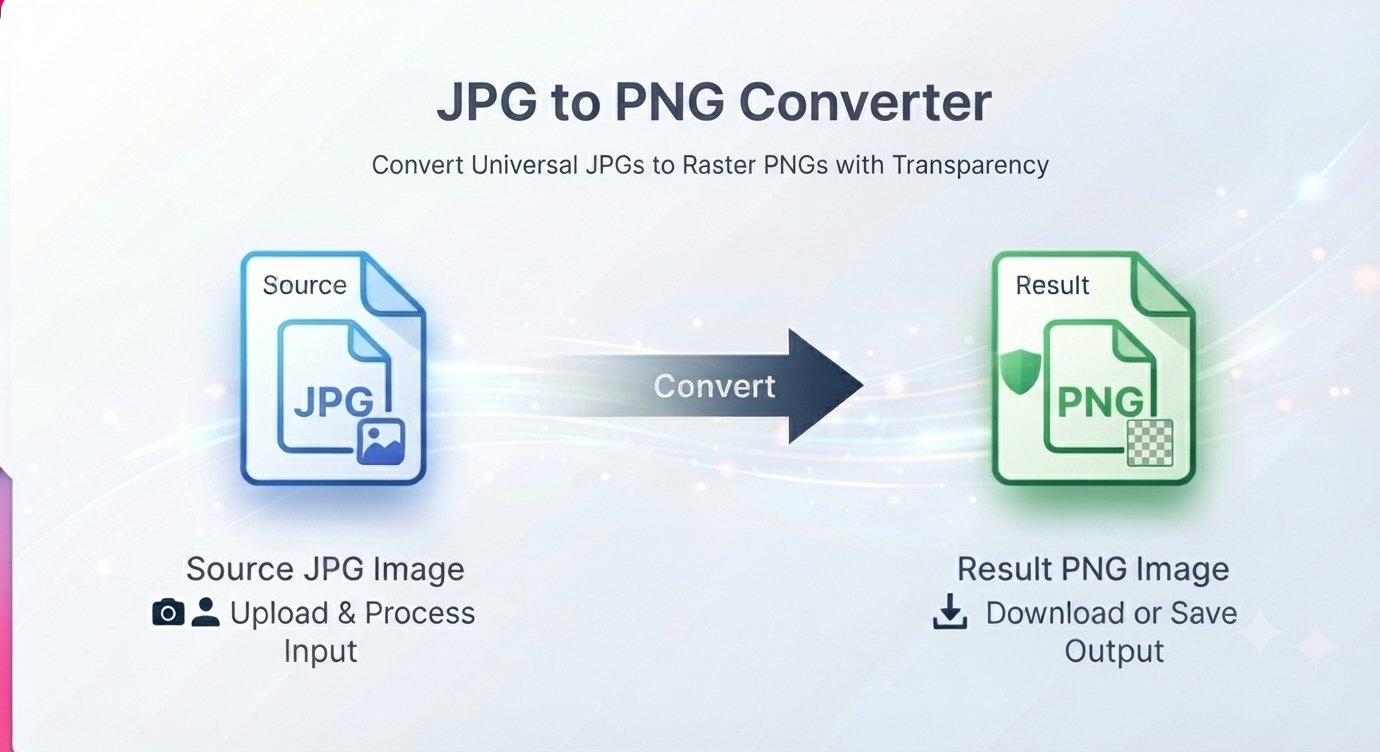
You downloaded a JPG, opened it, edited it, and saved it again — and now the text in the graphic looks fuzzy and the colors bleed. Or a platform insists your upload must be a PNG, and the file you have is a JPG. Converting JPG to PNG is quick — but there’s one thing almost nobody tells you: converting a JPG to a PNG will not bring back the quality the JPG already lost.
This guide explains what actually happens when you convert JPG to PNG, when the conversion is genuinely useful, when it’s a waste of time, and how to do it online for free — with no signup.
What converting JPG to PNG actually does
Here’s the honest version. A JPG uses lossy compression: when the file was saved, some image data was thrown away permanently to keep the file small. A PNG is lossless: it keeps every pixel exactly, no matter how many times you save it.
When you convert a JPG into a PNG, the tool wraps your existing image in a lossless container. It does not recover the data the JPG compression already discarded. A fuzzy artifact from heavy JPG compression will still be fuzzy in the PNG — just frozen exactly as-is, with no further damage.
That’s also exactly why the conversion matters: once your image is a PNG, you can open, edit, and re-save it as many times as you want without the slow quality rot that comes from repeatedly saving JPGs. The PNG conversion stops further degradation — it just can’t undo past damage.
When converting JPG to PNG is worth it (and when it’s not)
Convert to PNG when:
- You plan to edit the image again — text overlays, cropping, graphic design. The PNG freezes current quality so repeated saves don’t degrade it further.
- A form, job portal, or design platform requires PNG and won’t accept JPGs.
- You need the file in a lossless archive — one final, stable version for storage.
- You’re combining the JPG with graphics or text — PNG composites save cleanly with sharp edges.
Don’t bother when:
- You just want a smaller file — the PNG will be bigger than the JPG, often much bigger. If size is the problem, keep the JPG.
- You think it will improve sharpness or fix artifacts — it won’t. Lost detail is lost.
- You’re uploading to a website where load speed matters — JPG is the better choice there.
Rule of thumb: convert JPG to PNG to protect what you have before editing, never to magically improve what was lost.
How to convert JPG to PNG online free
A free JPG to PNG converter runs right in your browser — no signup, no software, no watermarks.
Step by step
- Open the converter in your browser.
- Drag and drop your JPG or JPEG files into the upload area, or click the Choose File button to pick them from your device. You can queue multiple files at once — it converts in batch.
- Click Convert to PNG to start the transformation.
- Download your PNGs individually, or grab them all at once as a zipped archive.
The whole process takes seconds per image, and there’s nothing to install.
The transparency question: do I get a transparent background?
No — and this trips people up. A JPG doesn’t store any transparency information, so there’s nothing for the converter to recover. If your JPG has a white background, the PNG will have that same white background — just stored losslessly.
PNG supports transparency, but the converter can’t invent a transparent area from a JPG. If you need transparency, you’ll have to remove the background with an editor first, then save as PNG.
Why the PNG is bigger than the JPG
Expect the converted PNG to be several times larger than the original JPG. That’s normal and unavoidable: the JPG was throwing away data to stay small, and the PNG faithfully preserves every pixel that remains. If a platform complains about file size, the PNG format — not the converter — is the wrong choice for that job.
JPG to PNG FAQ
Does converting JPG to PNG improve image quality?
No. A JPG has already lost some image data through lossy compression, and that data cannot be recovered. The PNG conversion preserves the current quality exactly and prevents any further loss when you edit and re-save — but it does not sharpen, upscale, or repair the image.
Will the PNG file be larger than the JPG?
Yes, almost always — often several times larger. PNG stores every pixel without compression shortcuts, so the file size grows. Keep the JPG if file size matters; convert to PNG only when lossless editing matters more.
Can I get a transparent background by converting JPG to PNG?
No. JPGs contain no transparency information, so the converted PNG keeps the same solid background (usually white) as the original. PNG supports transparency, but you must remove the background in an editor first.
When should I keep the JPG instead of converting?
Keep the JPG for web publishing, emailing photos, and anywhere file size or loading speed matters. Convert to PNG when you need to edit graphics repeatedly, when a platform requires PNG, or when you want a stable lossless copy.
Is the JPG to PNG converter free? Do I need to sign up?
Yes, it’s free — no signup, no hidden costs, and no watermarks. The tool’s page states that uploaded files are processed on its servers and deleted after the conversion is complete.
When you need transparency or pixel-perfect graphics, JPG won’t cut it. Convert once and keep every sharp edge. Convert JPG to PNG free — no signup








