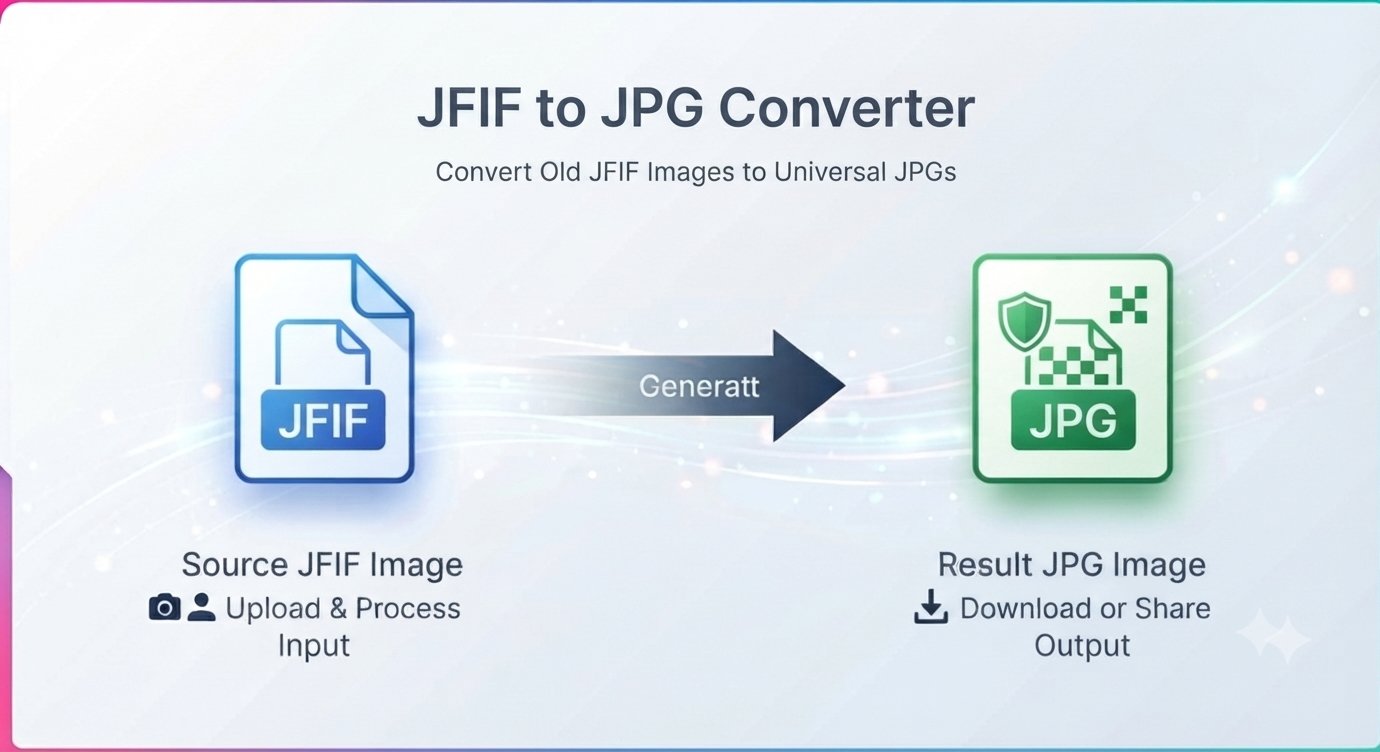
An old digital camera, a scanner, or a Windows app just handed you a photo ending in .jfif. Your phone won’t open it, the upload form rejects it, and your editor pretends it doesn’t exist. The file looks like a photo and should behave like one — and making it do so takes less than a minute: convert the JFIF to JPG.
This guide explains what JFIF actually is, why it causes so much trouble, and how to turn JFIF images into JPGs that open anywhere.
What is a JFIF file?
JFIF stands for JPEG File Interchange Format. Here’s the twist most guides bury: a JFIF file is essentially a JPEG wearing a different name. It stores the exact same kind of image data as a JPG — it just uses the .jfif extension instead of .jpg.
So why does this format still exist? Older cameras, scanners, and some Windows software save photos as JFIF by default. Windows itself has a habit of saving downloaded or converted images with the .jfif extension. The image data inside is perfectly fine — it’s the unfamiliar extension that trips up apps and websites.
Why your JFIF files won’t open
The image data is standard JPEG. The problem is recognition:
- Upload forms that accept
.jpgoften reject.jfifoutright — job portals, print services, government sites. - Phones and some apps don’t associate the
.jfifextension with an image viewer. - Photo editors may refuse to import it even though they could read the data inside.
- Email attachments arrive looking broken to recipients whose devices don’t recognize the format.
Converting JFIF to JPG keeps the exact same picture and gives it the universally recognized extension — problem solved everywhere at once.
Can I just rename .jfif to .jpg?
Sometimes, yes — renaming can work because the underlying data is already JPEG. But it’s unreliable: some programs check more than the extension, and a renamed file can still fail on strict upload forms or confuse less technical recipients.
Converting properly takes the same ten seconds and produces a genuine, standards-compliant JPG that works everywhere without caveats. It’s the safer move, especially for files you’re sending to someone else.
How to convert JFIF to JPG in under a minute
You don’t need to install anything. A free JFIF to JPG converter runs right in your browser.
Step by step
- Open the converter in your browser — no signup, no download.
- Upload your JFIF file from your computer or phone.
- Choose JPG as the output format (PNG is available too if you need it).
- Start the conversion and preview the result to make sure it looks right.
- Download your JPG — done. It opens everywhere now.
Will converting JFIF to JPG lose quality?
Practically no. Since JFIF already contains JPEG data, the conversion is mostly a re-wrap rather than a re-compression — your photo comes out looking exactly as it did. JPG does use lossy compression in general, but going from JFIF to JPG doesn’t visibly degrade the image.
JFIF to JPG or JFIF to PNG?
The converter offers both. Quick rule of thumb:
- Choose JPG for photos and everyday use — smaller files, universal support, and it’s what the image data already is.
- Choose PNG only if you specifically need PNG for a workflow (some design tools or archival purposes) — the file will be larger with no visible benefit for a photo.
For the classic “I can’t open this .jfif file” problem, JPG is the answer.
JFIF to JPG FAQ
Is converting JFIF to JPG free?
Yes. The converter is completely free — no signup, no watermark, no limits.
What is a JFIF file, exactly?
JFIF (JPEG File Interchange Format) is an image format based on JPEG technology — essentially a JPEG with a .jfif extension. It’s commonly produced by older cameras, scanners, and some Windows software.
Why does Windows save images as JFIF?
Certain Windows apps and save dialogs default to the JFIF extension when writing JPEG data. The image itself is a normal photo — only the extension is unusual.
Will I lose image quality converting JFIF to JPG?
No visible loss. The picture data is already JPEG, so conversion preserves it faithfully.
Can I convert JFIF to PNG instead?
Yes — select PNG as the output format. Useful if your workflow specifically needs PNG, though the file will be bigger.
Do I need to install software?
No. The converter works directly in your web browser on Windows, Mac, or your phone.
Windows loves saving images as JFIF that nothing else opens properly. Convert to plain JPG and move on. Convert JFIF to JPG free — no signup