

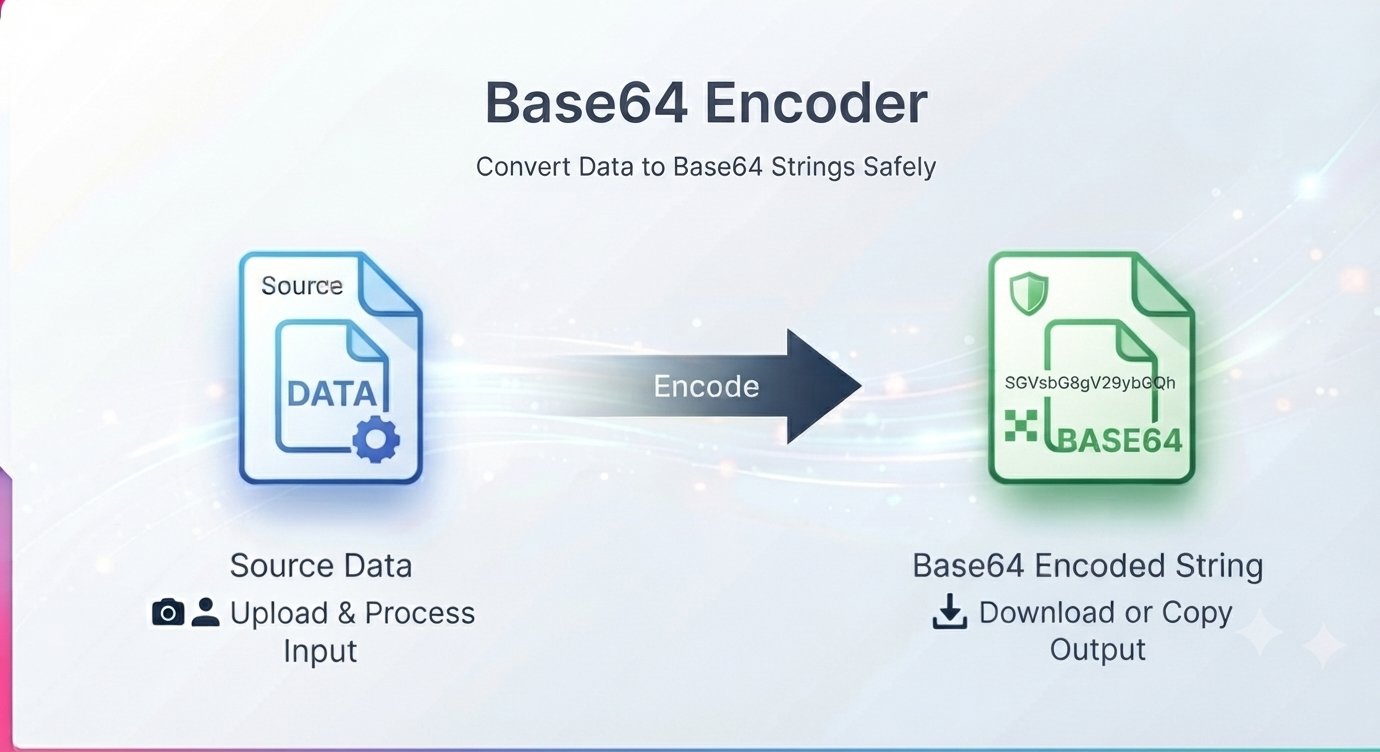
You’re debugging an API response and all you see is a wall of gibberish like SGVsbG8gV29ybGQ=. Or you need to paste an API key into a config file and the docs say “base64-encode it first.” What is Base64, and why does the internet keep asking you to encode things?
This guide explains Base64 in plain English, shows you when you actually need it, and gives you a free way to encode Base64 online in seconds.
What is Base64, in plain English?
Base64 is a way of representing any data — text, images, files — using only 64 safe characters: A–Z, a–z, 0–9, +, /, and = for padding.
Why? Because lots of systems only handle plain text reliably. Email bodies, JSON, URLs, HTML, config files — shoving raw binary data into them breaks things. Base64 translates anything into clean, boring text that survives the trip, and the other end decodes it back perfectly.
Example: the text “Hello” becomes SGVsbG8=. Same data, text-safe packaging.
When do you actually need Base64?
- Embedding images in code. Small icons and images can be inlined in HTML/CSS as
data:URLs — no separate file requests. - API credentials. HTTP Basic Auth and many API keys are sent as Base64-encoded strings.
- Debugging tokens. JWTs (those long login tokens) have Base64-encoded sections you can decode to inspect.
- Email attachments. Email is text-based; attachments ride along as Base64.
- Config files and secrets. Kubernetes secrets, .env values, and CI pipelines commonly store values Base64-encoded.
- Quick data transfer. Paste encoded data into chat, docs, or JSON without worrying about special characters breaking.
How to encode Base64 online free
A free Base64 encoder runs right in your browser — no signup, no software.
Step by step
- Open the encoder in your browser.
- Paste or type your text into the input box.
- Click Encode Base64 — the encoded output appears instantly.
- Copy the result and paste it wherever you need it.
Got an encoded string you need to read? The same page includes a Base64 decoder — paste the gibberish in, click decode, and get your readable text back.
The #1 Base64 misconception: it is NOT encryption
This matters: Base64 provides zero security. Anyone can decode a Base64 string in one click — it’s encoding, like writing a message in Morse code, not locking it in a safe.
Never treat Base64 as a way to “hide” passwords, tokens, or secrets. It only protects data from systems that mangle special characters, not from people who might read it. If something needs to be secret, encrypt it properly first — then you can Base64-encode the encrypted result for transport.
Base64 FAQ
Is Base64 encoding free?
Yes — the encoder and decoder are completely free with no signup.
Can Base64 be decoded back?
Yes, always — that’s the point. Encoding is fully reversible, which is exactly why it isn’t encryption.
Why does Base64 output end with = signs?
The = characters are padding that keep the output length a multiple of 4. They’re normal and required for correct decoding.
Does Base64 make files bigger?
Yes — about 33% bigger. It’s a transport format, not a compression format. Don’t Base64-encode things to save space.
What happens if I decode invalid Base64?
The tool will return an error or fail to produce output — the input must be valid Base64 with the correct character set.
Do I need to install anything?
No — encoding and decoding happen directly in your browser.
APIs, data URIs, and auth headers all speak Base64 eventually. Encode or decode your string in one paste. Encode to Base64 free — no signup








