

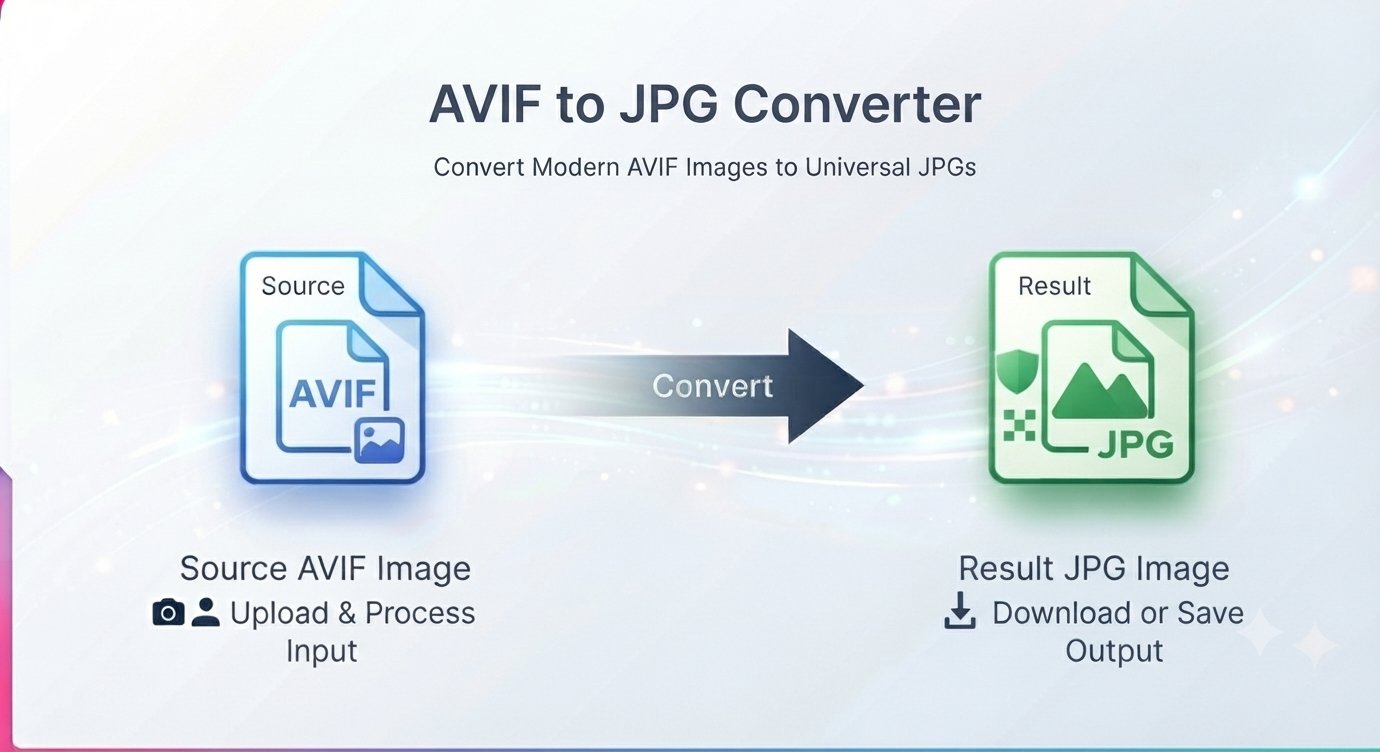
You download an image from a website and your computer has no idea what to do with it. The file ends in .avif, your editor won’t open it, and the upload form rejects it. Welcome to the AVIF compatibility gap — and the fix is simple: convert AVIF to JPG online free and get a file that works everywhere.
This guide explains what AVIF is, why you’re suddenly seeing it everywhere, and how to turn AVIF images into universally compatible JPGs in seconds.
What is AVIF, and why am I seeing it now?
AVIF (AV1 Image File Format) is a modern image format built on the AV1 video codec. It compresses dramatically better than JPG — the same photo at the same quality can be half the file size. That’s why websites love it: faster pages, less bandwidth.
The catch: while browsers mostly display AVIF fine, the rest of the world hasn’t caught up. Image editors, upload forms, older phones, document workflows, and printing pipelines often reject .avif files outright. The format is great; the ecosystem is still catching up.
Why convert AVIF to JPG?
- Upload forms reject AVIF. Marketplaces, job portals, and CMS platforms that only accept JPG/PNG.
- Your editor can’t open it. Many desktop image editors still lack AVIF support.
- Sharing with others. The recipient’s older phone or software may not recognize the format.
- Documents and presentations. Word, PowerPoint, and PDF workflows expect JPG.
- Printing. Print shops and publishing pipelines standardize on JPG.
When compatibility matters more than cutting-edge compression, JPG is still the universal language of images.
How to convert AVIF to JPG online free
A free AVIF to JPG converter runs right in your browser — no signup, no software to install.
Step by step
- Open the converter in your browser (works on Windows, Mac, and mobile browsers).
- Upload your AVIF file.
- Choose a quality setting — High, Medium, or Low.
- Start the conversion and review the result.
- Download the JPG — now openable and uploadable anywhere.
AVIF vs JPG: the honest comparison
| AVIF | JPG | |
|---|---|---|
| Compression efficiency | High | Moderate |
| Compatibility | Growing, still patchy | Universal |
| Transparency | Supported | Not supported |
| Best for | Modern web images | Everything else |
Neither is “better” — they solve different problems. Keep AVIF when you control the whole pipeline (your own website); convert to JPG when the file has to survive the real world.
Three things to know before converting
- The JPG may be bigger than the AVIF. AVIF compresses so efficiently that the “universal” JPG version can actually be a larger file. That’s normal — you’re trading size for compatibility.
- JPG is lossy. Some image data is discarded in conversion. At High quality the difference is invisible; compare the result with the original before deleting the source.
- Transparency doesn’t survive. If your AVIF has transparent areas, they can’t carry over to JPG. Need transparency? Convert to PNG instead.
AVIF to JPG FAQ
Is AVIF to JPG conversion free?
Yes — the converter is free with no signup.
Why won’t my computer open an AVIF file?
Your operating system or image viewer predates AVIF support. Converting to JPG gives you a file everything opens.
Will converting reduce image quality?
It can, slightly — JPG uses lossy compression. At High quality settings the visible difference is negligible for most images.
Can I convert AVIF to JPG on my phone?
Yes — the browser-based converter works from a mobile browser; no app needed.
Should I keep the original AVIF?
Yes, for important images. Keep the AVIF as your master copy and treat the JPG as the compatibility version.
AVIF to JPG or AVIF to PNG — which should I choose?
JPG for photos and maximum compatibility; PNG when you need transparency or lossless quality.
That AVIF file won’t open on half your devices. Convert it to a JPG that works everywhere. Convert AVIF to JPG free — no signup








