

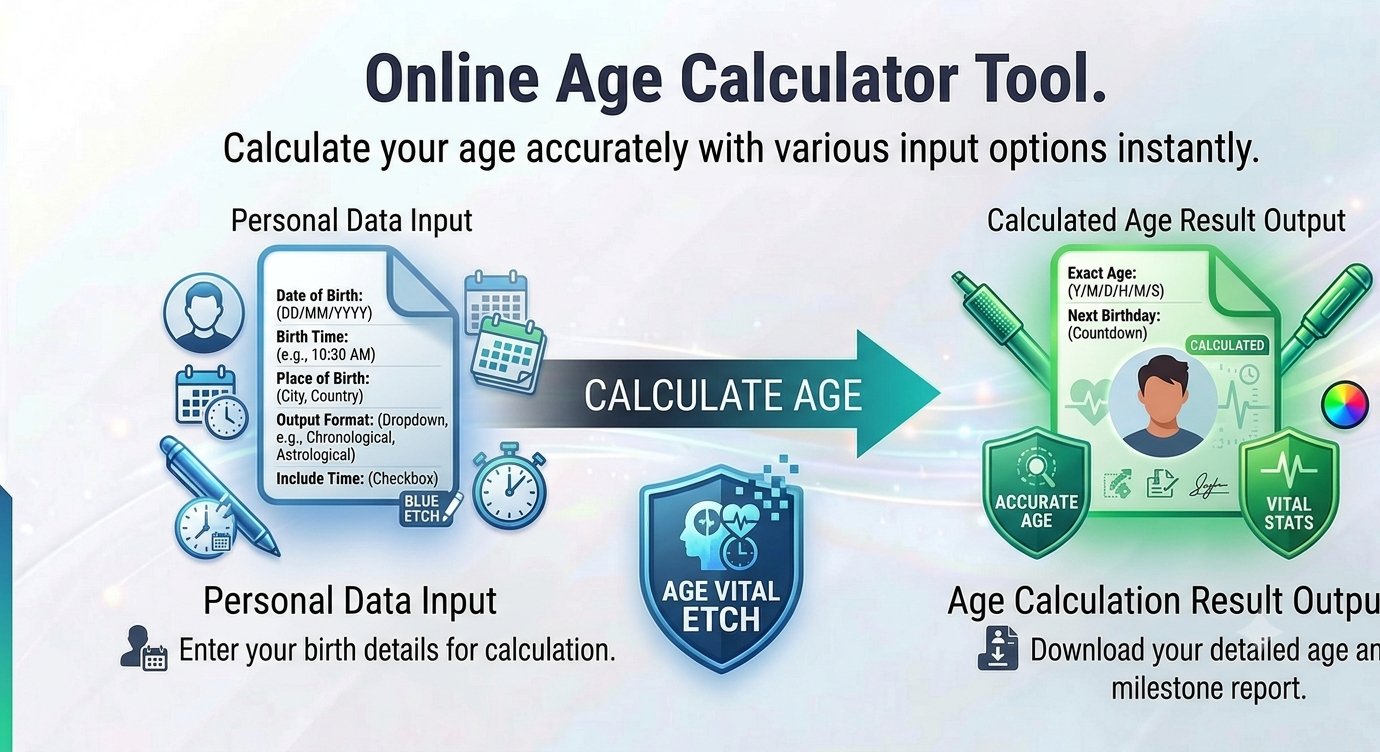
If you want more than just a year count — your age broken down into years, months and days — an exact age calculator gives you the full picture in seconds. Enter your date of birth, choose the date to calculate for, and Trencada’s free tool returns a precise breakdown plus handy totals and a birthday countdown.
Most of us answer “how old am I” with a single number, but forms, milestones and plain curiosity often call for more precision. This guide explains how exact-age math works, walks you through the tool step by step, and answers the questions people ask most.
How age in years, months and days is actually computed
Subtracting one year from another only gives you whole years. A proper exact age calculator does calendar math in three stages:
- Years — the full years elapsed since the date of birth.
- Months — the whole calendar months completed since the most recent birthday.
- Days — the leftover days after those full months are subtracted.
The totals work differently: total months, total weeks and total days lived are counted day by day across the real calendar, including every February 29 in between. Trencada’s tool notes that all calculations include leap years — which is what keeps long spans accurate.
One honest caveat: a “month” isn’t a fixed length, so there is no single universal definition of age in months — different tools can legitimately disagree by a day here or there. The result is precise calendar math and a great reference, but it isn’t a legal or medical determination of age. For official purposes, always follow the rules of the organization asking.
How to calculate your exact age
If you’ve ever typed “how old am I calculator” into a search box, here’s some good news: to calculate age from date of birth with Trencada’s age calculator online takes under a minute. This is the real workflow:
- Enter your date of birth. Type it in or pick it from the calendar date picker. A sample date is pre-filled so you can see the tool working immediately.
- Choose the “Calculate Age At” date. It defaults to today. To find out how old you were — or will be — on another day, pick any past or future date, or press the Today button to jump back to the current date.
- Click “Calculate Age”. You can also skip the button entirely: results update live the moment you change either date.
- Read your results. Your exact age appears in years, months and days, alongside your total months, total weeks and total days lived.
- Copy or reset. “Copy Result” copies the full summary to your clipboard for forms or messages; “Reset” restores the default dates so you can start over.
Fun things the number tells you
Beyond the headline figure, the tool shows a few extras that are genuinely fun to look at:
- Total days lived — a big, satisfying number that includes every leap day you’ve experienced.
- Total weeks and total months — the same age expressed in different units.
- Next birthday countdown — the date of your next birthday and exactly how many days are left until it.
Paste the copied summary into a message, bio or party invitation and you have an instant, exact answer to the classic “how old am I” question — no date math required.
When exact age matters
Most days, a single number is enough. But exact ages come up more often than you’d expect:
- ID, visa and government forms that ask for age in years and months.
- School enrollment cutoffs, where a few weeks can decide eligibility for the year.
- Insurance quotes and retirement planning, where precise age bands change the numbers.
A quick calculation beats manual date math — and sidesteps the off-by-one errors that creep in around birthdays and leap years. Just remember it’s a handy reference, not an official or legal document.
Frequently asked questions
Is the exact age calculator free?
Yes — completely free, with no signup and no limits, like every Trencada tool.
How is the calculation done?
With calendar math: full years first, then whole months, then remaining days. Totals for months, weeks and days are counted day by day, including leap years.
Why do different calculators give different results?
Usually it comes down to conventions: how each tool defines a “month”, whether it counts leap days precisely, and which target date it calculates for. Check that two calculators are using the same end date before comparing.
Can I calculate my age on a future or past date?
Yes. Change the “Calculate Age At” field to any past or future date — useful for “how old will I be on…” questions as well as looking back.
Is my birthdate uploaded anywhere?
No. The entire calculation runs in your browser. Your date of birth never leaves your device, and nothing is stored — that’s stated right on the tool page.
How accurate is it?
The date arithmetic is exact — it’s proper leap-year-aware calendar math. The only fuzziness is definitional (months vary in length), so treat the result as a precise reference rather than legal or medical proof of age.
Curious about your own number? Try the free exact age calculator now — enter your birth date and get your full years–months–days breakdown, totals and birthday countdown in seconds.








