Need to fill a PDF form without Adobe? Good news: you don’t need Acrobat — or any installed software at all. You can fill PDF forms online free with Trencada’s Fill & Sign PDF tool: open it in your browser, drop in your PDF, type wherever you need, add your signature, and download the finished file. No installs, no accounts, no watermarks — an easy way to fill PDF form without Adobe.
Why people still need to fill PDF forms
PDF forms are everywhere, and they usually arrive exactly when you’re in a hurry. Rental applications and lease agreements, job applications, invoices and purchase orders, school enrollment packets, medical intake forms — the list goes on. Many of these are flat PDFs or scans with no clickable fields, which is exactly why so many people search for a way to fill a PDF form without Adobe.
How to fill a PDF form online
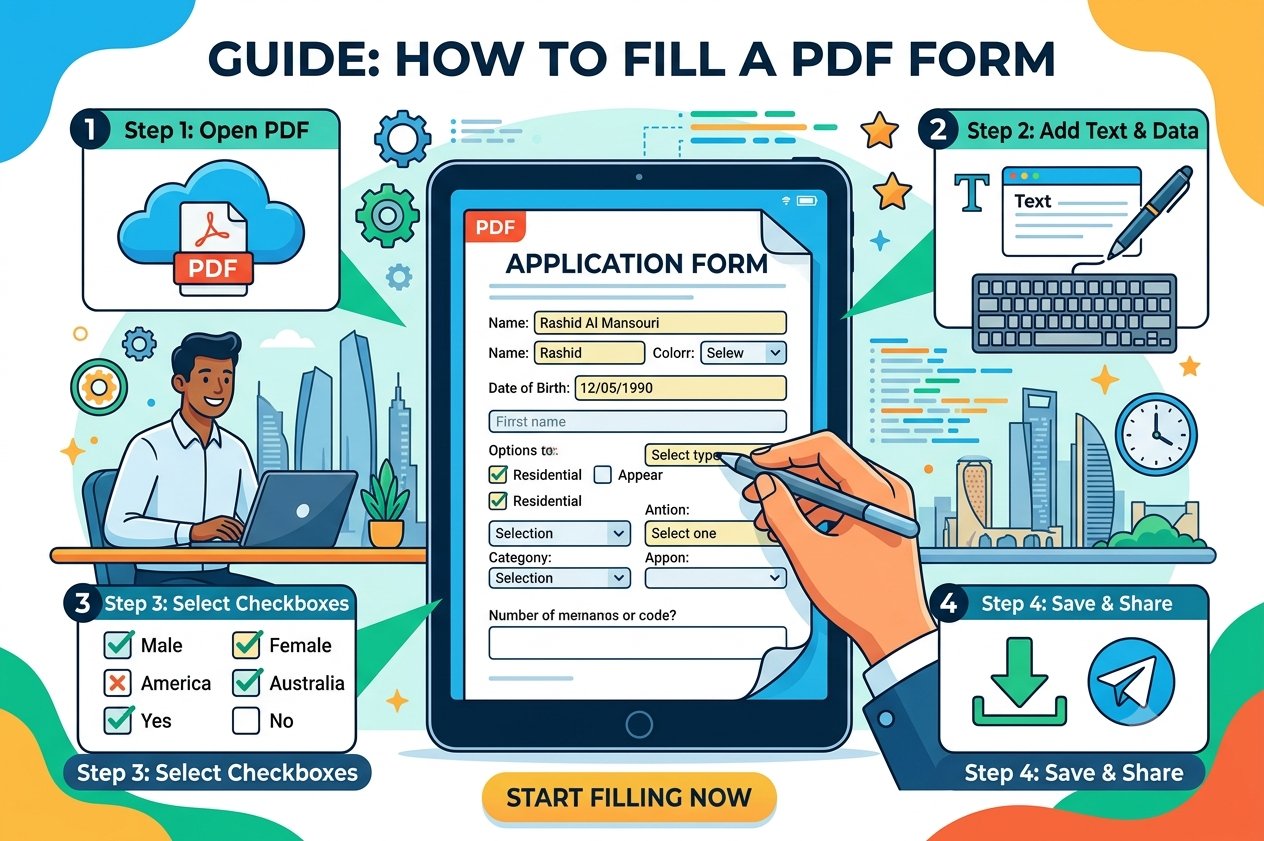
Here’s how to fill PDF form without Adobe using Trencada’s free Fill & Sign PDF tool — it works in any modern browser, on desktop or mobile:
- Upload your PDF. Drag and drop your file into the upload area, or click the Upload PDF button to select it. A full-page preview opens so you can see exactly where everything goes.
- Add text. Click the Text button, type into the box, then drag it to the right spot on the page. Move or resize it until it fits the field.
- Add your signature. Click Sign, then draw your signature with your mouse or touchscreen — or type your name to render it as a script signature. Drag it into place like any other element.
- Add the date. Click the Date button to stamp today’s date onto the form in one click, then drag it where it belongs.
- Download your finished PDF. Click Download Signed PDF. Your entries are burned into a flattened PDF (saved as Trencada-Signed.pdf) that looks the same for anyone who opens it.
What you can add to a form
The tool keeps it simple and honest. Here’s exactly what you can place on a form:
- Text boxes you can type into, drag anywhere on the page, and resize to fit.
- A signature — draw it freehand with a mouse or touchscreen, or type your name and have it rendered in a script style.
- A one-click date stamp with today’s date.
One honest limitation: the tool adds text overlays — it doesn’t include native checkbox or radio-button widgets. For simple tick boxes, most people just type an “X” or a check mark character into a small text box. If all you need is typed text, a signature, and a date, it covers the job completely.
Fillable vs flat PDFs
A quick explainer, since these terms come up a lot. A fillable PDF has built-in interactive fields you can click and type into — if your PDF reader supports them. A flat PDF has no fields at all: just text and lines on a page, common with scanned documents or files exported from Word. The good news: Trencada’s tool works on any PDF, fillable or flat, because it overlays your text and signature on top of the page instead of requiring built-in form fields.
Frequently asked questions
Is it free?
Yes. Filling and signing PDFs with Trencada is completely free, with no watermark on your downloaded file.
Is my PDF uploaded anywhere?
No. The tool runs entirely in your browser — your PDF is processed locally on your own device and is never sent to Trencada or any third party. That’s also why no account or signup is needed.
Can I sign the form?
Yes. Click the Sign button, then either draw your signature with your mouse or touchscreen, or type your name to render it as a script signature. Drag it into place and resize it like any other element.
Can I save the filled form?
Yes. Click Download Signed PDF to save a flattened copy of your filled form. Flattened means your text and signature are burned into the page, so the document looks identical for anyone who opens it.
Does it work on my phone?
Yes. The tool is responsive and touch-friendly, so you can fill and sign forms on a phone or tablet — drawing your signature with a finger works well.
Do I need Adobe?
No. Everything happens in your web browser, so there’s no need for Adobe Acrobat or any other installed software.
Ready to try it? Fill & Sign PDF is free, private, and takes less than a minute — open the tool, drop in your form, and you’re done.