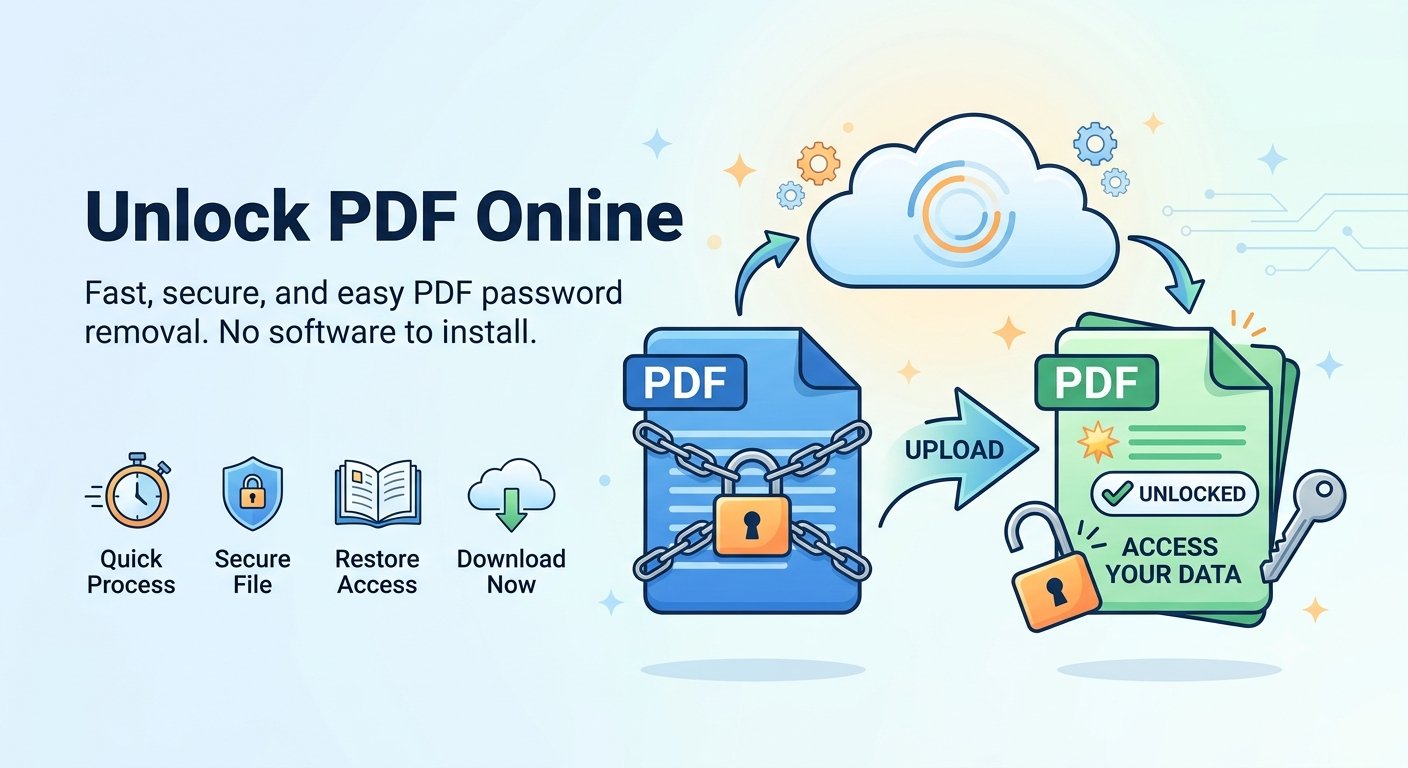
Need to unlock PDF online? It happens more often than you’d think: you set a password on a file a while back, and now every open, copy, or print asks for it. If you know the password and the file is yours, you can unlock your PDF online free — the password is removed right in your browser, so your file never leaves your device.
When it’s OK to unlock a PDF
Unlocking a PDF is perfectly reasonable when the file is yours or you have the owner’s permission. Typical cases: removing a password you set yourself so the file opens directly, or clearing copy and print restrictions the owner already allowed you to lift. What isn’t OK is trying to open someone else’s locked file without permission — and Trencada’s tool draws that line for you, too: before it runs, you tick a box confirming you own the file and have permission to unlock it.
How to remove a password from a PDF
Here’s how to unlock PDF online free with Trencada’s Unlock PDF tool — no signup, no watermark, on any modern browser:
- Open the Unlock PDF tool and choose your file with the upload button.
- Type the file’s password into the “Enter Password” box. This step is mandatory — the tool removes the password you provide; it can’t guess or recover one you don’t know.
- Tick the “I own this file and have permission to unlock it.” checkbox.
- Click “Unlock PDF”. The tool decrypts the file locally, right in your browser.
- Download the unlocked copy — a password-free version of your PDF saved straight to your device.
What “unlocking” actually removes
The tool removes the PDF’s open (user) password — the one that pops up every time you open the file. What you get is a copy that opens directly, with the text, images, and layout completely untouched. Because the processing happens locally in your browser, nothing is uploaded to a server along the way. One honest caveat: the tool needs the actual password from you. It decrypts the file using the password you enter rather than breaking the encryption itself.
What it can’t do
- Recover a password you’ve completely forgotten — you must know the password to enter it.
- Crack or bypass the security of a file that isn’t yours.
- Fix a corrupted PDF or change anything inside the document — it only strips the password.
That’s by design: no legitimate tool can — or should — open an encrypted file without its password. If a site promises to crack a PDF password you don’t know, treat it as a red flag.
Frequently asked questions about unlocking PDFs online
Is it free?
Yes. Unlocking a PDF is completely free — no signup, no watermark, no limits hiding behind a paywall.
Is my PDF uploaded anywhere?
No. When you unlock PDF online with Trencada, the tool runs 100% in your browser — your file never leaves your device. That’s also why it works fine for sensitive documents you’d never want to email to an online service.
Do I need to know the password?
Yes. You type the PDF’s open password into the tool, and that is what gets removed. The tool can’t crack, guess, or recover a password for you.
What if I forgot the password entirely?
Then this tool can’t help — no honest unlock tool can open an encrypted file without its password. Your best bet is to try the passwords you commonly use, or ask whoever shared the file with you.
Is it legal to unlock a PDF?
Unlocking your own file — or one the owner gave you permission to unlock — is perfectly fine. Unlocking someone else’s protected file without permission is not. Stick to files you own or have clear permission for.
Will the content change?
No. The tool only removes the password protection. Your text, images, formatting, and page order come through exactly as they were.
Ready to unlock PDF online and remove the password from your PDF? It takes seconds, it’s free, and your file stays on your device the whole time. And if you ever want to do the reverse — add a password you won’t forget — you can protect a PDF with a password using another free Trencada tool.