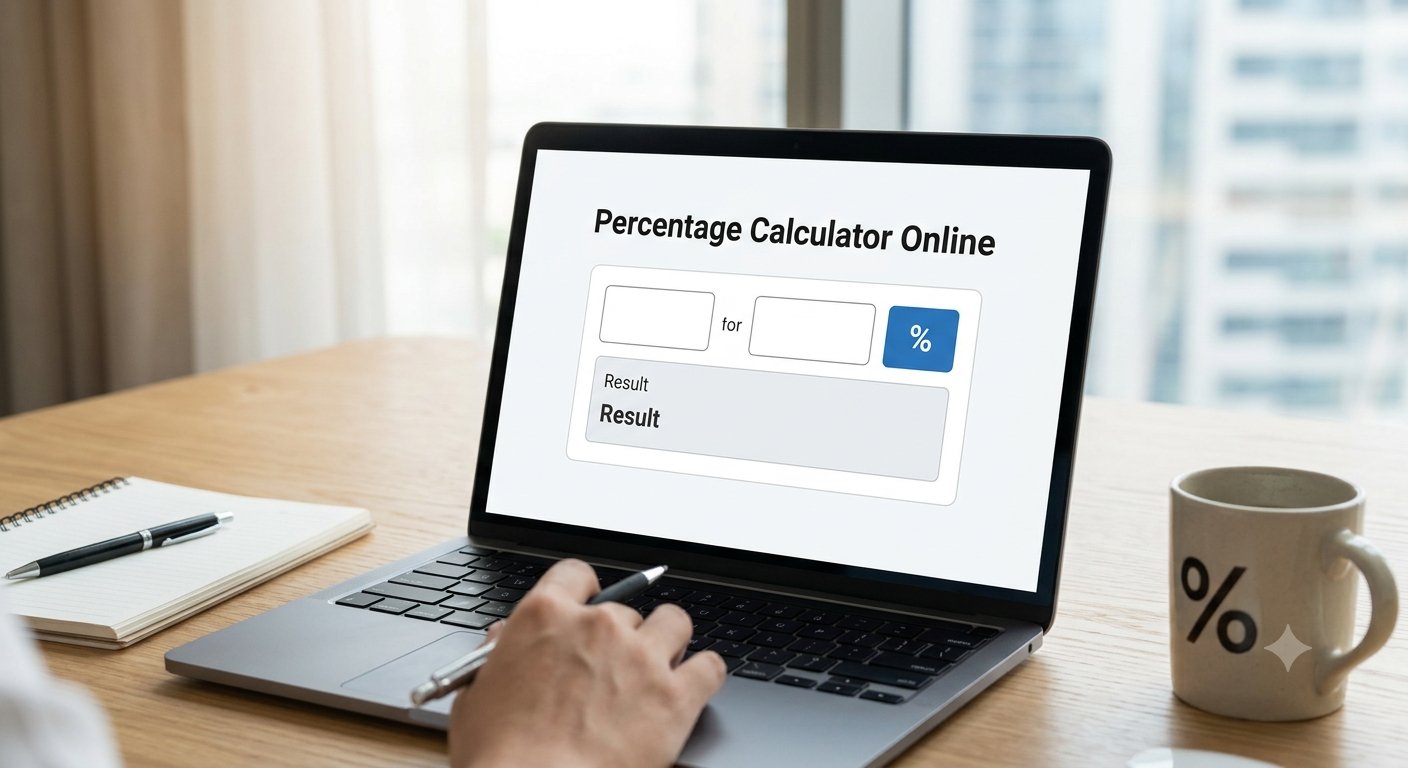
Need to figure out a discount, work out a tip, or check an exam score? Percentages come up constantly in everyday life, and doing them by hand is slow and easy to mess up. That’s why a reliable percentage calculator online is so handy — and Trencada’s free Percentage Calculator handles the five percentage questions people ask most, right in your browser with no signup.
This guide walks through what the calculator can do, how to use each mode, and the simple formulas behind it — so you always know exactly what’s happening with your numbers.
The Three Percentage Questions Everyone Asks
Almost every percentage problem boils down to one of three questions. Trencada’s calculator has a dedicated mode for each — plus two extra shortcuts for increases and decreases.
1. “What is X% of Y?”
The classic “find a percentage of a number” problem. What’s 20% of 150? Select this mode, enter 20 and 150, and the calculator shows the answer: 30. Handy for tips, taxes, and commissions.
2. “X is what percent of Y?”
This one works backwards: if you scored 30 out of 150, what percentage is that? Enter 30 and 150 and you’ll get 20%. Useful for exam scores, completion rates, and battery levels.
3. “What is the percentage increase or decrease?”
From 150 to 180 is a 20% increase; from 150 to 120 is a 20% decrease. The percentage-change mode compares two numbers directly — perfect for price changes, salary raises, and weight tracking.
Two extra modes make common jobs even quicker: “Increase A by B%” adds a percentage straight onto a number (great for markups and tax-inclusive prices), and “Decrease A by B%” subtracts one (ideal for discounts and sale prices).
How to Use the Calculator
- Choose your calculation mode. Pick the question that matches your problem — the labels on the two input boxes update automatically to guide you.
- Enter your two numbers into Value A and Value B. You can type them directly or use the little up/down steppers.
- Set your display options. Rounding to 2 decimal places and showing the calculation formula are on by default; you can also ask the calculator to show all calculation types at once.
- Press Calculate. Your result appears instantly, with the formula shown so you can see exactly how it was worked out.
- Copy your result or start over. Use the copy button to grab the answer for a spreadsheet or message, or hit Start Over to clear everything and begin again.
Everyday Examples
Here are a few places a percent calculator earns its keep:
- Discounts: an $80 jacket at 25% off? Decrease 80 by 25% and the sale price is $60 — you save $20.
- Tips: a 15% tip on a $64 bill is $9.60. (Use the “What is X% of Y?” mode.)
- Exam scores: 42 correct out of 50 questions is 84%. (Use “X is what % of Y?”)
- Price changes: rent went from $1,200 to $1,350 — that’s a 12.5% increase. (Use the percentage-change mode.)
The Formulas Behind It
There’s no mystery here — just three bits of arithmetic. The calculator applies them for you, but it helps to know what’s going on:
- X% of Y = (X ÷ 100) × Y — for example, 20% of 150 = 0.20 × 150 = 30.
- X is what % of Y = (X ÷ Y) × 100 — for example, (30 ÷ 150) × 100 = 20%.
- Percentage change = ((New − Old) ÷ Old) × 100 — for example, ((180 − 150) ÷ 150) × 100 = 20%.
Results are rounded to two decimal places by default, so you get clean, readable numbers without a wall of digits.
Frequently Asked Questions
Is the percentage calculator free?
Yes — it’s completely free to use, with no limits on how many calculations you run.
Is my data uploaded anywhere?
No. All the math happens locally in your browser, so your numbers are never sent to a server or stored anywhere.
Can I calculate percentage increase and decrease?
Yes. Use the “Percentage change from A to B” mode to compare two numbers, or the dedicated “Increase A by B%” and “Decrease A by B%” modes to add or subtract a percentage directly.
Can it work out discounts and sale prices?
Absolutely — it doubles as a simple discount calculator. Choose “Decrease A by B%”, enter the original price and the discount percentage, and you’ll get the sale price — handy for shopping and budgeting.
Do I need an account or signup?
No. There’s no account, no signup, and nothing to install — just open the page and calculate.
Is it accurate?
The calculator performs standard arithmetic and rounds results to two decimal places by default, so it’s as accurate as the numbers you enter. You can also switch on the formula display to verify each result yourself.
Next time a percentage question pops up — a discount tag, a tip line, a grade to check — skip the mental math and try the free Percentage Calculator. It’s the simplest percentage calculator online for everyday math: pick your mode, enter two numbers, and get a clear, verified answer in seconds.