

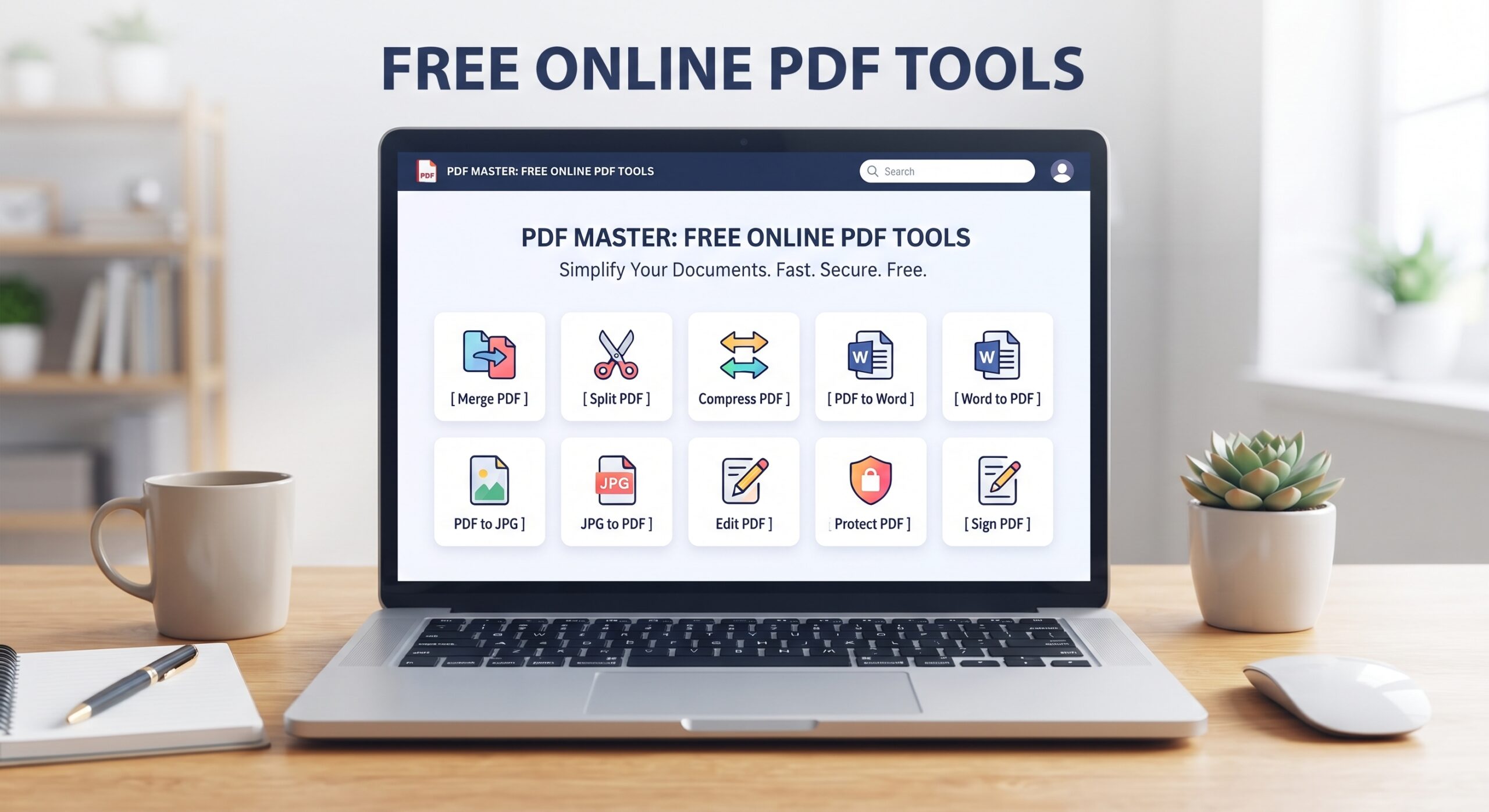
Most “free” PDF tools have a catch: they stamp a watermark across your document and ask you to pay to remove it. Every tool below is free on Trencada, works without signup, and gives you back a clean file with no watermark added.
1. Compress PDF
Oversized PDFs get rejected by email and upload forms. Compress PDF shrinks your file with adjustable compression levels, so you control the balance between size and quality. No watermark, no page limits.
2. Merge PDF
Combine several PDFs into one document in seconds. Merge PDF runs entirely in your browser, so your files are never uploaded to a server — and nothing is stamped onto the result.
3. Split PDF
Need just a few pages out of a long document? Split PDF extracts the pages you pick into a new, clean PDF file.
4. PDF to Word
Turn a PDF back into an editable Word document. PDF to Word converts your file without adding any watermark or branding to the output.
5. PDF to JPG
Convert PDF pages to high-resolution JPG images. PDF to JPG is handy for slides, scanned pages, and sharing single pages as images.
6. Image to PDF
Build a PDF from JPG, PNG, or other images. Image to PDF arranges your images into a clean multi-page document.
7. Protect PDF
Add a password to a sensitive PDF before you share it. Protect PDF encrypts your file in the browser — no upload, no watermark.
8. PDF to Excel
Pull tables out of a PDF — including bank statements — into an editable spreadsheet. PDF to Excel works locally in your browser.
9. Organize PDF Pages
Reorder, rotate, or delete pages to fix a messy document. Organize PDF Pages gives you full control over page order with a clean download at the end.
10. Word to PDF
Convert Word documents to PDF without touching Microsoft Office. Word to PDF produces a clean, print-ready file.
Why no watermarks?
Watermarks are a paywall tactic: the tool is free, but your output is held hostage until you subscribe. Trencada tools are free with no premium tier to upsell, so there is nothing to gate behind a watermark. What you make is yours.
Frequently asked questions
Do I need to create an account to remove watermarks?
No. There are no watermarks to remove and no account to create. Every tool above works the moment the page loads.
Is there a limit on how many PDFs I can process?
No. There are no accounts, trials, or credits — the tools are free to use, and because most of the work happens in your browser, there is nothing to meter.
Are my files uploaded to a server?
Most Trencada tools process files entirely in your browser, so nothing leaves your device. A small number of converters use a conversion service for the heavy lifting; those never store your files, and no signup is ever required.








