Merge PDF Online: The Complete Guide to Combining PDF Files with Trencada.com
Handling digital documents is a core part of modern professional and academic life. Whether you are preparing monthly financial audits, submitting university assignments, compiling legal dossiers, or assembling sales proposals, you rarely generate everything in a single, continuous document. Instead, files arrive in scattered pieces: a main report written in one program, statistical appendices exported from a database, scanned receipt pages from a mobile device, and signed agreement sheets.
Sending someone multiple separate attachments creates friction, clutters inboxes, and looks unorganized. The solution is straightforward: combine these individual files into a single, cohesive document. Because of this everyday demand, searches to merge PDF online consistently rank among the most frequent document utility queries worldwide.
In this comprehensive guide, we explore why document consolidation is vital for modern productivity, discuss common challenges with document organization, and demonstrate how Trencada.com provides an effortless, private, and 100% free solution to merge PDF online without restrictions.
The Chaos of Fragmented Documents
Digital fragmentation is a silent productivity killer. When information is split across half a dozen separate PDF documents, every stage of document management becomes more difficult:
- Communication Inefficiency: Emailing five or six separate PDF attachments to clients, colleagues, or professors forces the recipient to open multiple tabs, increasing the chance that crucial supplementary pages are overlooked.
- Version Control Confusion: When revisions occur, updating multiple loose files often leads to version mismatches, where team members end up referencing outdated appendices or old contract terms.
- Cluttered Archives: Storing loose, related documents across different folders creates chaotic file directories, making future audits, retrieval, and compliance checks needlessly time-consuming.
- Unprofessional Presentation: Delivering a disorganized collection of files undermines the polish of an otherwise exceptional business proposal, case study, or resume package.
Merging multiple files into a single, unified document eliminates these pain points instantly. With a structured document, readers can scroll through a clear, linear flow of information from cover page to final appendix.
Why Online PDF Merging is the Modern Standard
In the past, combining multiple PDF documents required expensive, complex desktop software installations. These legacy applications carried significant drawbacks:
- High Cost: Traditional desktop PDF suites typically charge steep upfront licensing fees or expensive recurring monthly subscriptions.
- Hardware Demands: Heavy software suites consume substantial storage and system memory, slowing down older laptops and everyday workstations.
- Platform Incompatibility: Desktop software configured for Windows often does not work on macOS, Linux, Chromebooks, or smartphones without separate licenses or workarounds.
- Slow Workflow: Downloading, installing, and configuring software just to perform a thirty-second task wastes valuable time.
Browser-based cloud utilities have completely replaced desktop software for document merging. By utilizing a high-performance web platform, you can upload, reorder, merge, and download your files in seconds from any internet-connected device.
However, many online tools introduce new frustrations: daily conversion caps, forced account registrations, intrusive watermarks, or aggressive paywalls hidden right before the download screen.
Trencada.com was built to eliminate these barriers entirely.
Introducing Trencada.com: The Premier Tool to Merge PDF Online
Trencada.com is an all-in-one digital document platform engineered for speed, simplicity, and complete accessibility. The platform’s Merge PDF tool gives individuals and organizations an enterprise-grade document consolidation utility directly in their web browsers without any hidden fees or limitations.
Here is what makes Trencada.com the ultimate destination to merge PDF online:
1. Truly 100% Free with Unlimited Usage
Many websites advertise free PDF merging only to stop you after two tasks, demanding a credit card or subscription. Trencada.com offers an unrestricted platform. You can merge two files or dozens of documents as many times as you need throughout the day without encountering a paywall.
2. No Account Registration or Personal Data Required
Your time and privacy matter. Trencada.com does not require you to create an account, verify an email address, or provide personal details. You simply visit the site, select the Merge PDF tool, complete your task, and leave.
3. Pristine, Watermark-Free Output
Branded watermarks look unprofessional on formal contracts, academic work, and client-facing presentations. Trencada.com never modifies, stamps, or alters your content. The merged file you download remains completely clean and faithful to your original files.
4. Zero Loss in Visual Fidelity
A common problem with poorly built converters is image compression and vector distortion during merging. Trencada.com retains full font vectorization, hyperlinked metadata, image resolution, and table formatting throughout the consolidation process.
Key Features of Trencada.com’s Merge PDF Tool
| Feature | Trencada.com | Standard Online Tools |
| Pricing | 100% Free | Freemium / Paywalled |
| Daily File Limits | Unlimited | 1–3 tasks per day |
| Account Required | No | Frequently required |
| Watermark Added | None | Often added to free tiers |
| Cross-Platform | Any browser / OS / Mobile | Device-dependent |
| Security Standard | SSL Encryption + Auto-Wipe | Variable data policies |
Step-by-Step Guide: How to Merge PDF Online on Trencada.com
Trencada.com features a clean, intuitive user experience. Combining your files takes only a few quick steps:
Step 1: Open the Merge Tool
Open your browser on any computer, tablet, or smartphone and navigate to Trencada.com. From the main dashboard, click on the Merge PDF tool.
Step 2: Upload Your Files
Add the PDF documents you want to combine. You can:
- Click the central upload button to select files from your local storage.
- Drag and drop multiple files directly from your desktop into the browser window.
Step 3: Organize Your Page Order
Once your files are uploaded, visual thumbnails representing each document appear on screen. Drag and drop the thumbnails to arrange the exact reading order of your final document. Ensure your cover pages, executive summaries, main bodies, and appendices are in the correct sequence.
Step 4: Merge and Download
Click the Merge PDF button. Trencada.com’s cloud engine processes and combines your files in seconds. Once finished, click the download button to save the unified PDF directly to your device.
Practical Applications Across Different Industries
The ability to merge PDF online efficiently serves a wide array of everyday workflows across various sectors:
1. Business & Corporate Management
- Consolidated Reporting: Assemble monthly financial reviews by merging executive commentary, profit-and-loss spreadsheets, and departmental performance summaries into one clean report.
- Contract Execution: Combine standard service agreements with custom statements of work, non-disclosure agreements, and digital signature sign-off pages.
- Client Proposals: Merge an introductory presentation, portfolio case studies, and customized pricing sheets into a sleek, professional pitch deck.
2. Education & Academic Research
- Assignment Submissions: Combine cover sheets, main essays, bibliography lists, and raw lab data sheets into a single, organized file for grading.
- Study Materials: Merge lecture slides, personal class notes, and syllabus reading materials from a semester into a comprehensive revision guide.
- Research Papers: Unify core research manuscripts with large supplementary data tables, methodology appendices, and peer review commentary.
3. Legal & Regulatory Compliance
- Case Dossiers: Organize multiple discovery records, police reports, correspondence evidence, and witness statements in strict chronological order.
- Audit Packets: Combine business licenses, tax returns, payroll records, and bank statements into a single, orderly package for government or internal auditors.
- Real Estate Closings: Group property disclosures, title deeds, home inspection reports, and mortgage agreements into an easily navigable bundle for home buyers.
4. Job Applications & Personal Portfolios
- Complete Career Packages: Combine a customized cover letter, a multi-page resume, professional letters of recommendation, and academic transcripts into a single PDF. This guarantees hiring managers review your application materials together without missing attachments.
- Creative Portfolios: Merge visual case studies, client reviews, and rate sheets into an integrated portfolio presentation.
Privacy, Security, and File Safety on Trencada.com
When dealing with confidential business metrics, legal agreements, academic transcripts, or personal identification records, document security is paramount. Trencada.com is built on strict data privacy principles:
- End-to-End SSL Encryption: All file uploads and downloads are transmitted through secure 256-bit SSL encryption tunnels, ensuring your data cannot be intercepted or viewed by unauthorized third parties during transit.
- Automated Server Deletion: Trencada.com follows a strict non-retention policy. Uploaded files are processed strictly for the requested operation and are permanently wiped from server memory shortly after processing.
- No File Snooping or Indexing: Your files are never opened, read, analyzed, or indexed for advertising, and they are never shared with external parties.
- Zero Local Footprint: Because Trencada.com operates entirely inside your web browser, no background applications, tracking software, or registry changes are placed on your machine.
Best Practices for Getting Flawless Merged PDFs
To ensure your combined PDF looks clean, structured, and easy to read, keep these actionable tips in mind:
1. Check Page Orientation Before Merging
Documents frequently mix portrait (standard text pages) and landscape layouts (wide spreadsheets and charts). Before finalizing your merge on Trencada.com, preview your file thumbnails to ensure horizontal pages are rotated correctly for easy on-screen reading.
2. Standardize Page Sizing
While PDF readers handle mixed page sizes automatically, documents look most professional when standard page dimensions (such as Letter or A4) match across pages. Ensure your primary source documents use compatible margin and page setups.
3. Optimize the File Size After Merging
When you combine five or six documents that contain high-resolution images, logos, or scanned pages, the final merged PDF can become quite large. If the combined document exceeds standard email attachment limits, pass the file through the Compress PDF tool on Trencada.com immediately after merging to reduce file size while preserving text and image clarity.
4. Double-Check Pagination and Table of Contents
If your primary document includes page numbers (e.g., “Page 3 of 15”) or a Table of Contents, verify that adding supplementary front matter or appendices does not disrupt your numbered references.
The Broader Trencada.com Ecosystem
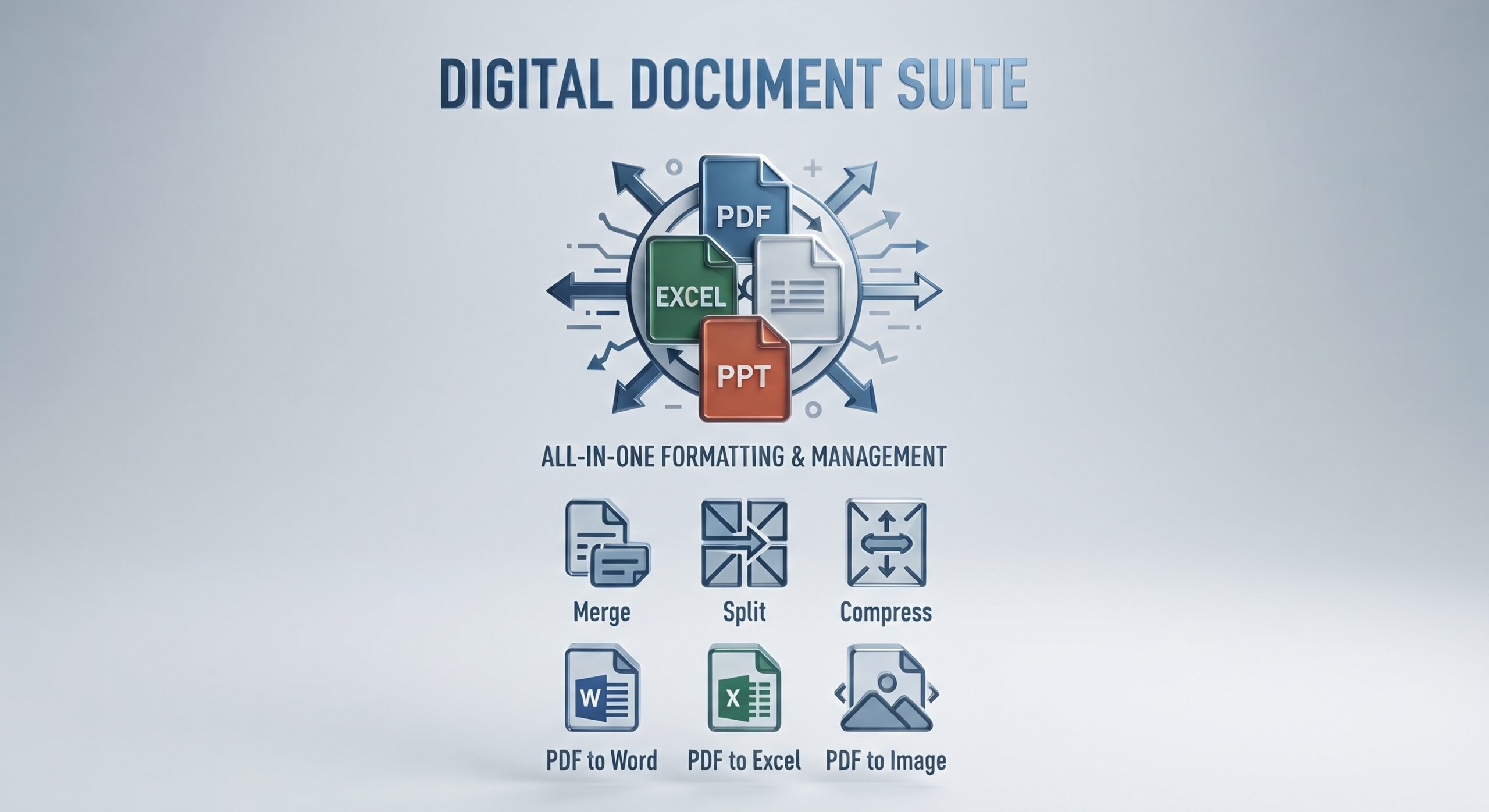
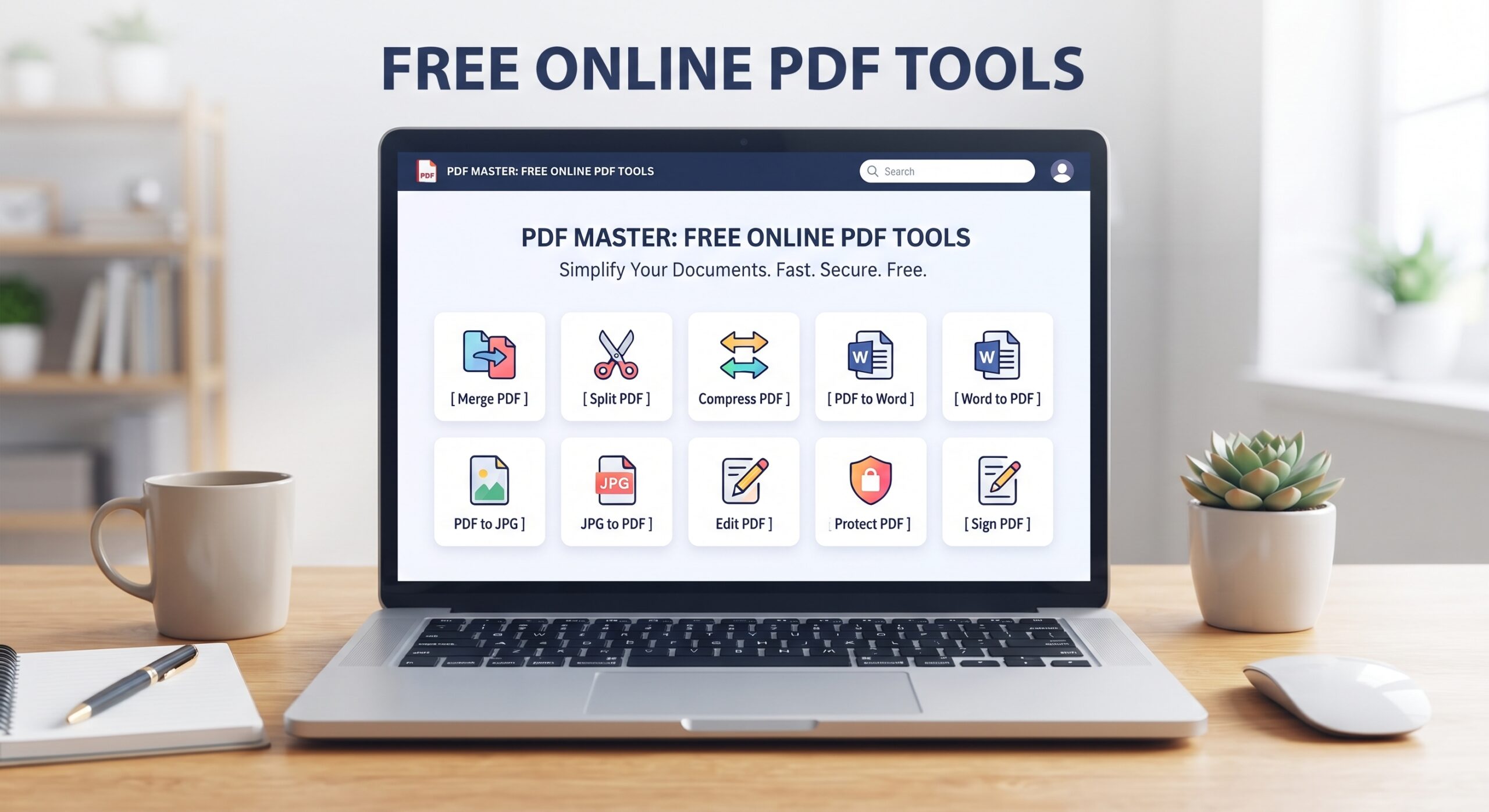
While merging PDFs is an essential daily task, document workflows often require additional adjustments. Trencada.com offers an entire suite of over 50 free web tools to manage your documents from start to finish:
- Convert from PDF: Turn static PDF documents into editable Word (
.docx) files, dynamic Excel (.xlsx) spreadsheets, or PowerPoint (.pptx) presentations. - Convert to PDF: Convert Word documents, Excel sheets, PowerPoint decks, and image formats (JPG, PNG, WEBP) into standardized PDF files.
- Split PDF: Extract specific page ranges, remove unneeded pages, or split a 200-page document into individual chapters.
- Edit & Annotate PDF: Add notes, highlight key text, and insert annotations directly on your pages through your web browser.
- Sign PDF: Add secure digital signatures to legal agreements, purchase orders, and employment forms in seconds.
- Compress PDF: Shrink bulky files to lightweight attachments ready for email and web uploads.
Because all these utilities live on Trencada.com, you never need to switch between different platforms to complete your work.
Frequently Asked Questions (FAQ)
How many PDF files can I merge at once on Trencada.com?
Trencada.com allows you to upload and combine multiple documents simultaneously in a single session. There are no artificial limits placed on how many files you can merge.
Will merging my PDFs lower the text or image quality?
No. Trencada.com combines your files at native resolution. Vector typography, charts, high-definition figures, and embedded links maintain their original quality.
Can I merge password-protected PDF files?
To merge an encrypted document, you must unlock or remove the password protection before uploading it to ensure the merge engine can read and integrate the pages properly.
Does Trencada.com work on mobile devices?
Yes. Trencada.com is fully responsive and functions smoothly on iOS, iPadOS, Android, Windows, and macOS browsers without requiring app downloads.
How long are my files kept on Trencada.com servers?
Files are only stored temporarily to complete the processing task and are automatically and permanently purged shortly after you finish your download.
Is there a charge to download the merged document?
No. Trencada.com is 100% free with no subscriptions, trials, or hidden fees.
Final Thoughts
Document management does not have to be complicated, expensive, or frustrating. When you need to assemble scattered reports, compile academic submissions, or bundle corporate agreements, a dependable merging tool is an invaluable asset.
Trencada.com provides a fast, secure, and unrestricted way to merge PDF online. With no software to install, no accounts to set up, zero watermarks, and bank-grade privacy protections, Trencada.com ensures your document workflow remains efficient and completely friction-free.
Visit Trencada.com today to combine your PDF files with ease.