Free Online PDF Tools: Merge, Convert, Compress & Edit PDFs in Seconds
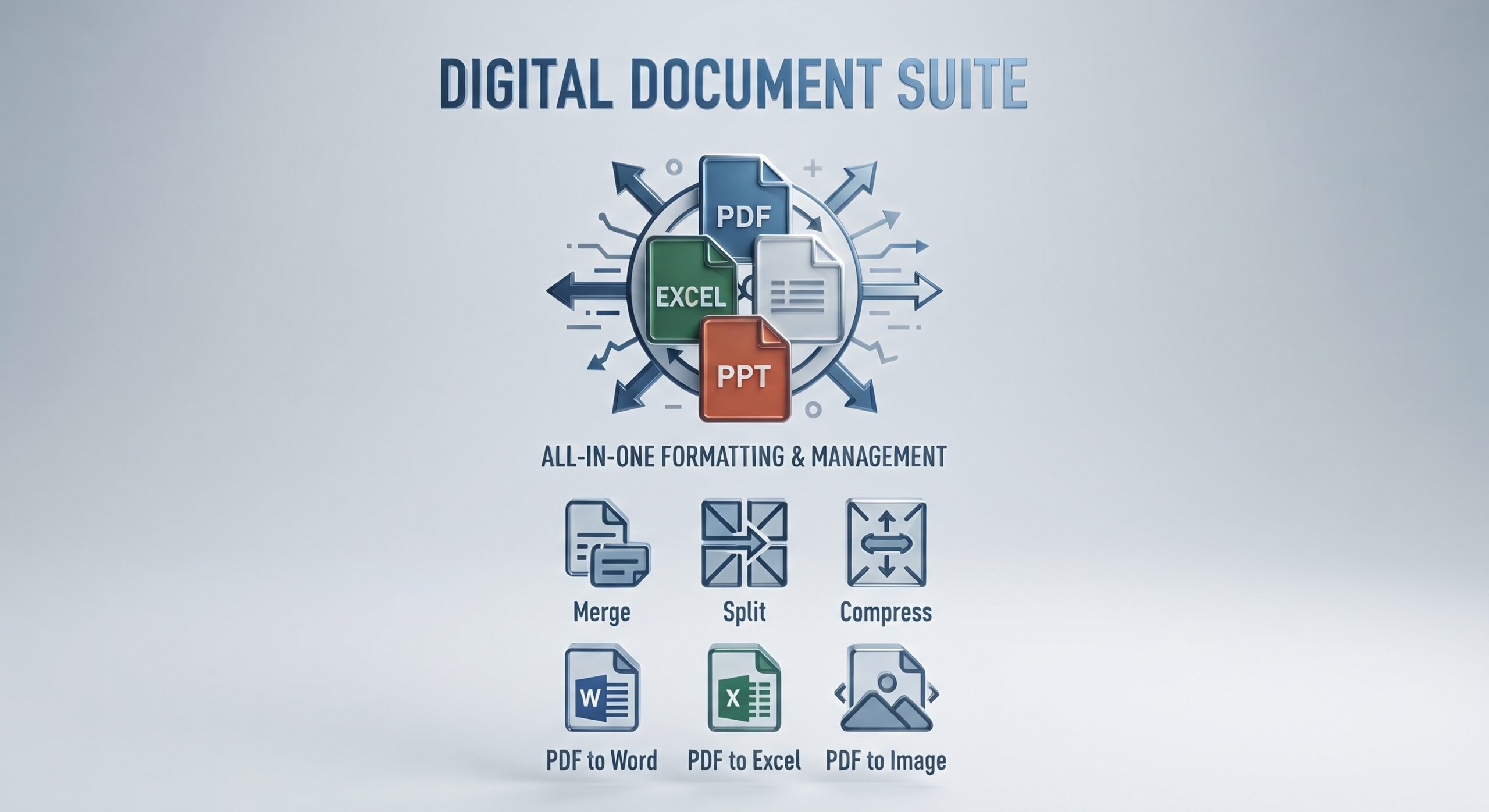
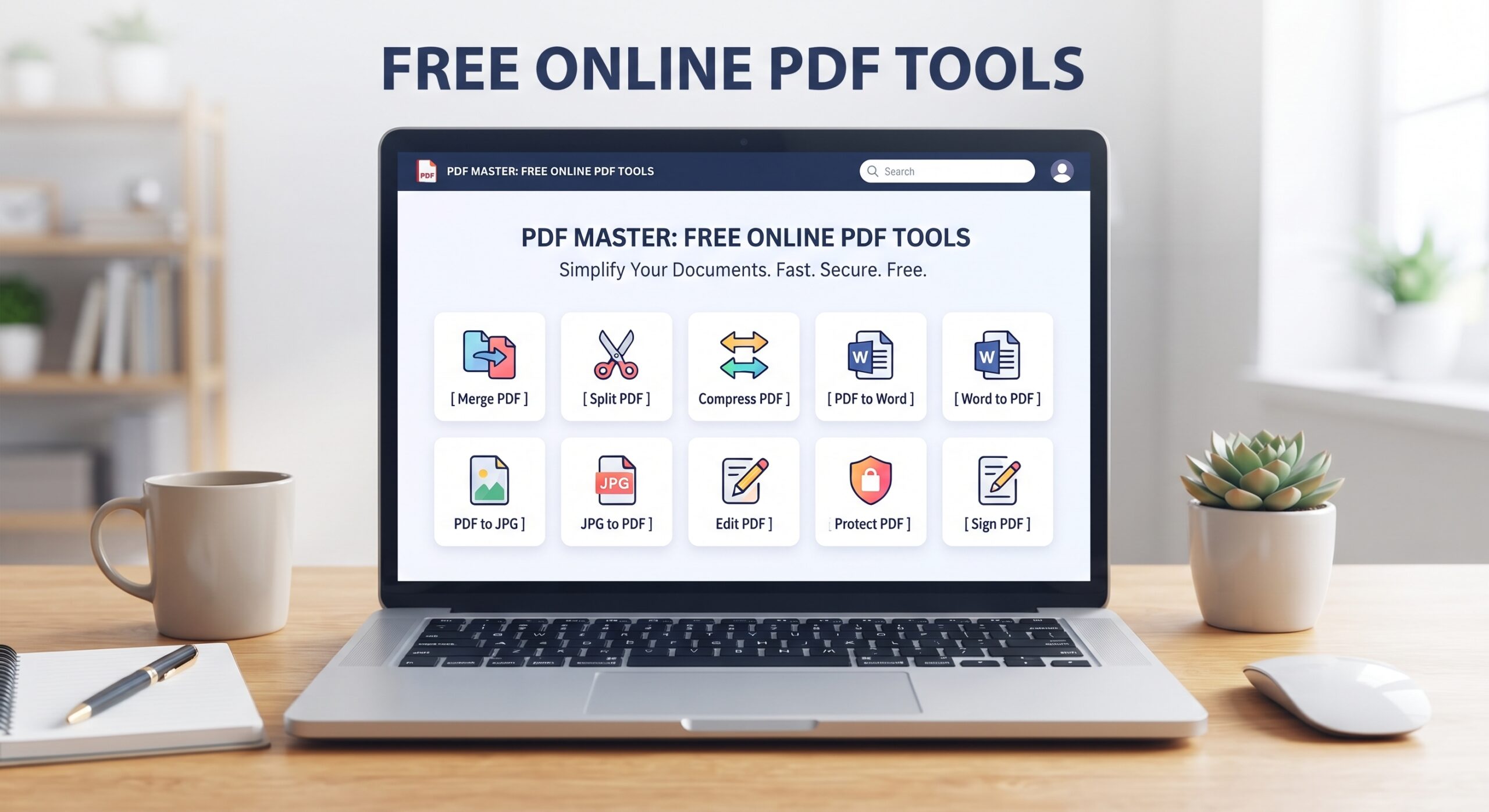
Free online PDF tools have quietly replaced most of what people used to need desktop software for. Merging a contract, converting a scanned form to Word, shrinking a file for an email attachment, or turning a stack of photos into one PDF — none of it requires installing anything anymore. This guide walks through every category of free online PDF tools available on Trencada.com, with direct links so you can jump straight to the one you need.
Why Use Free Online PDF Tools Instead of Desktop Software
Desktop PDF software is expensive, slow to install, and usually overkill for a one-off task. Free online PDF tools solve the same problems from any browser, on any device, without a subscription:
- No installation: everything runs in the browser tab you already have open.
- No account required: upload, process, and download without creating a login.
- Works on any device: phone, tablet, or desktop, since nothing needs to be installed.
- Free, with no watermark: the output file is yours, unmarked and ready to send.
Below is the full toolkit of free online PDF tools on Trencada.com, organized by what you’re actually trying to do.
Convert Files to and from PDF
Converting is the most common reason people search for free online PDF tools in the first place — turning a PDF into an editable file, or turning an image or document into a PDF.
- PDF to Word Converter — turn a PDF into an editable Word document.
- PDF to Excel Converter — extract tables from a PDF into a spreadsheet.
- PDF to PowerPoint — convert PDF pages into editable slides.
- PDF to Image — export PDF pages as standalone images.
- PDF to JPG Converter — save PDF pages as JPG files.
- PDF to PNG Converter — save PDF pages as transparent PNGs.
- PDF to WEBP Converter — smaller, faster-loading image output.
- Image to PDF Converter — combine JPG or PNG photos into one PDF.
The full converter lineup is grouped under Convert PDF to Other Formats and Convert Files to PDF if you’d rather browse than search.
Merge, Split, and Organize PDF Files
Whether you’re combining five documents into one submission or breaking a large report into individual pages, this is where free online PDF tools save the most time:
- Merge PDF Files — combine multiple PDFs into a single document.
- The full Merge & Split PDF category, for splitting large files apart too.
- PDF Organizing Tools — sort, rename, and manage your files.
Edit, Sign, and Secure PDF Files
Beyond converting and merging, free online PDF tools can also handle the finishing touches — adding a signature, editing the page order, or locking a file down before you send it:
- Edit & Sign PDF Files — add text, signatures, and fill forms.
- PDF Page Editing — rotate, delete, and reorder pages.
- PDF Security Tools — add passwords, watermarks, and unlock protected files.
Compress and Optimize PDF Files
Oversized PDFs are one of the most common reasons an email bounces or an upload gets rejected. The Optimize & Compress PDF category shrinks files down without a visible drop in quality — including the dedicated Compress PDF Free tool, which is one of the most-used free online PDF tools on the site.
Convert Between Image Formats
Not every conversion involves a PDF. Trencada.com’s image tools handle common format swaps on their own:
- GIF to JPG Converter — flatten an animated or static GIF into a JPG.
- PNG to JPG Converter — shrink PNG images down to a smaller JPG.
- The full Image Tools category for everything else image-related.
Calculators and Other Free Tools
Trencada.com also includes a growing set of Calculators and E-Commerce Tools alongside the PDF and image toolkit — worth a look if you’re managing more than just documents.
How to Use These Free Online PDF Tools
- Open the full tools page or pick a tool from the categories above.
- Upload your file by dragging it in or selecting it from your device.
- Let the tool process it — most finish in a few seconds.
- Download the result. Nothing is saved or shared afterward.
Used a tool recently? Your last few show up under Recently Used, and anything you’ve bookmarked lives under Saved Tools — handy if you come back to the same free online PDF tools often.
Frequently Asked Questions
Are these free online PDF tools really free?
Yes. Every tool on Trencada.com is free to use, with no signup, no watermark, and no limit on how many files you process.
Do I need to install anything?
No — everything runs in your browser. That’s the entire point of using free online PDF tools instead of desktop software.
Is it safe to upload personal or business documents?
Files are processed over an encrypted connection and removed from the server after processing, so nothing lingers after you download your result.
Can I use these tools on my phone?
Yes, every tool is fully responsive and works the same way on mobile, tablet, and desktop.
Final Thoughts
Whatever the task — merging, converting, compressing, editing, or signing — there’s a good chance one of Trencada.com’s free online PDF tools already does it. Browse the full toolkit or start with whichever category above matches what you’re working on right now.