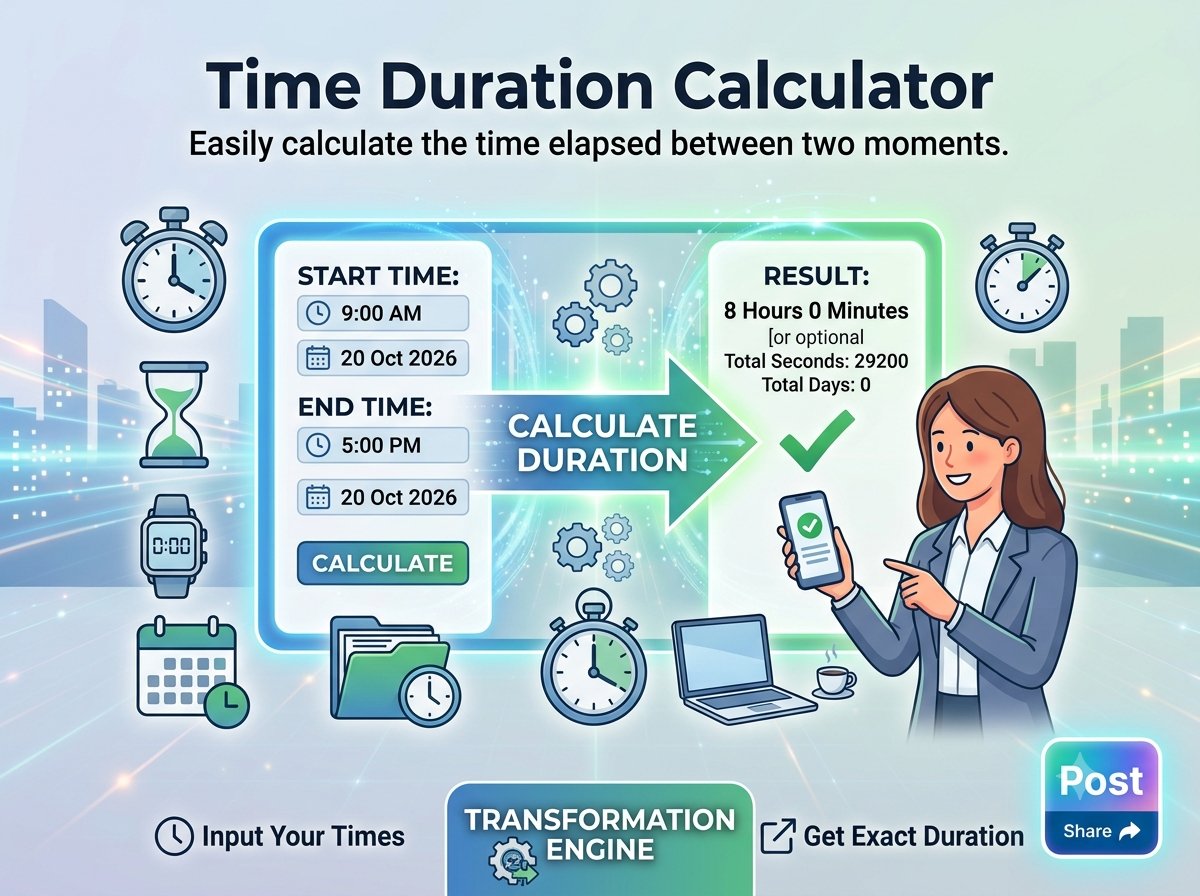
Need to calculate a time difference – for example, how many hours passed between 9:00 AM and 5:30 PM – without doing the math in your head? Trencada’s free time duration calculator gives you the answer in seconds. Just enter a start time and an end time, and the tool shows the duration as hours and minutes, plus total minutes and decimal hours. Everything runs in your browser, so nothing is uploaded and there is nothing to install.
When you need a time duration calculator
Any time you need to know how l
Duration across midnight: overnight shifts
What if your shift starts at 10:00 PM and ends at 6:00 AM? When the end time is earlier than the start time, tick the Handles overnight rollover checkbox before calculating. The tool then treats the end time as the next day, so 22:00 to 06:00 correctly returns 8 hours. No date inputs are needed – it is built specifically fo
Frequently asked questions
Is it free?
Yes. The time duration calculator is completely free to use, with no sign-up required.
Is anything uploaded?
No. The tool is 100% client-side – it runs entirely in your browser and never uploads your data anywhere.
Can it handle overnight shifts?
Yes. On the Time between tab, tick the Handles overnight rollover checkbox when the end time is earlier than the start time (for example, 10:00 PM to 6:00 AM), and the tool will add a day to the end time.
What does decimal hours mean?
Decimal hours express minutes as a fraction of an hour: 30 minutes is 0.5 hours, so 1 hour 30 minutes is 1.5 decimal hours. Use the Hours ⇄ decimal tab to convert either way automatically.
What are the add/subtract limits?
On the Add / subtract tab you can shift a time by up to 999 hours and 59 minutes in either direction.
Does it work on my phone?
Yes. It is a web tool, so it works in any modern mobile or desktop browser – nothing to install.
Next time you need to calculate the time difference between two times, skip the mental math – let Trencada’s free tool do it for you.
r time-only durations.Hours ⇄ decimal mode
Timesheets and invoices usually want hours as a decimal, not hours and minutes. Switch to the Hours ⇄ decimal tab and type a value like 1:30 or 1.5 – the tool auto-detects the format and converts it both ways. So 1 hour 30 minutes becomes 1.5 decimal hours, and 1.75 becomes 1:45.
Adding or subtracting hours and minutes
The Add / subtract tab takes a start time and shifts it by the hours and minutes you enter – up to 999h59m. Enter a start time, type the hours and minutes, choose add or subtract, and the tool shows the resulting time.
How to calculate a time duration
Follow these steps on the Time between tab:
- Open the Time between tab.
- Enter the start time (for example, 09:00) in the Start Time field.
- Enter the end time (for example, 17:30) in the End Time field.
- Click the Calculate Duration button.
- Read the result: the duration in hours and minutes format, the total minutes, and the decimal hours equivalent.
- Adding up shift hours, including overnight shifts
- Turning work sessions into billable hours
- Logging project time and totalling it up
- Planning workouts, study sessions, or travel time
The tool has three modes: Time between, Add / subtract, and Hours ⇄ decimal. Here is what each one does and how to use it.