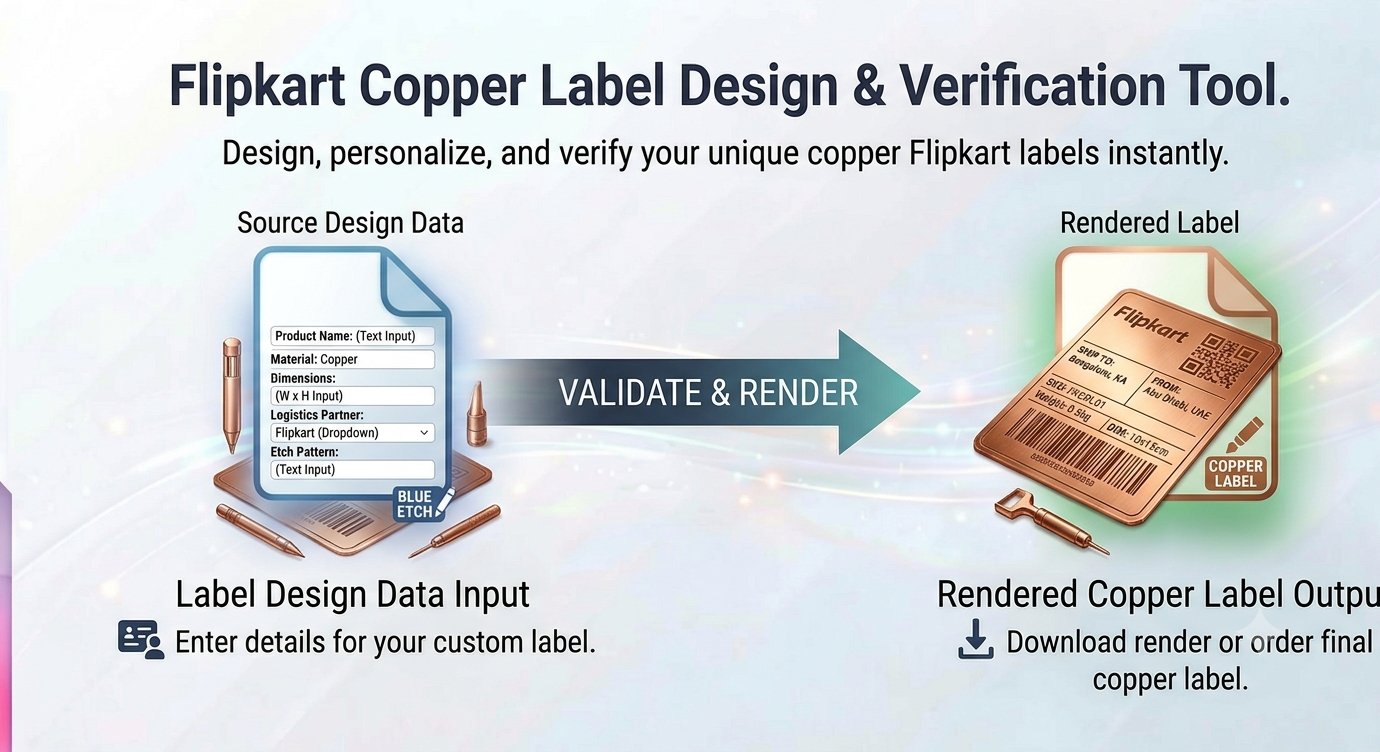
If you sell on Flipkart, you know the pain: the shipping label PDF Flipkart generates is a full A4 page — label on top, invoice below, lots of empty space. Your thermal printer wants a 4×6 label, not an A4 sheet. Cropping the label out by hand, order after order, is slow and error-prone. This cropper does it in seconds.
Why Flipkart labels need cropping
Flipkart’s seller dashboard generates a combined PDF per order: the AWB (airway bill) shipping label plus the tax invoice. The label itself occupies only the top portion of the page.
Thermal printers — the standard for e-commerce shipping — print on 4×6 inch (or 100×150 mm) label rolls. Feeding them a full A4 page wastes paper, prints the invoice on the package, and produces labels that do not fit pouches properly. The fix is simple: crop the label region out of the PDF and print only that.
Doing this in a PDF editor or image software works, but it means download → open → crop → save → print, repeated for every order. A browser cropper built for this exact layout cuts it to seconds.
Cropping with Trencada (no signup)
Trencada’s Flipkart label cropper runs entirely in your browser — your order PDFs are never uploaded to a server, which matters because labels contain customer addresses:
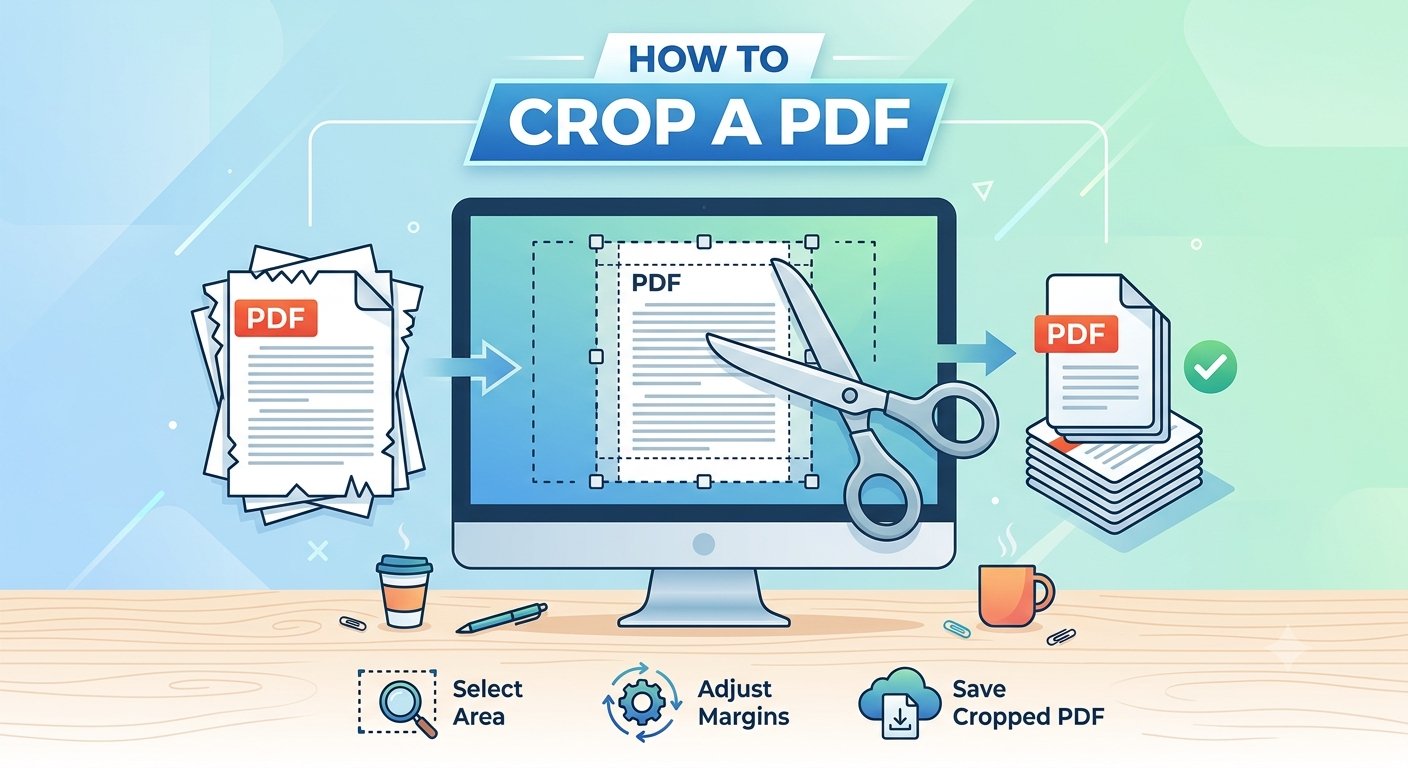
- Drop your Flipkart label PDF into the tool.
- The label area is detected/cropped — adjust the crop box if your label layout differs.
- Preview the cropped label to confirm only the AWB portion is included.
- Download the cropped label, ready for your thermal printer.
No account, no watermarks. The whole thing happens locally on your computer.
Getting print-ready labels every time
A few things that save headaches at packing time:
Check the label size. Most thermal printers expect 4×6 inches. Confirm the cropped output matches your printer’s label stock before printing a batch — one test print beats fifty misprints.
Keep the barcode crisp. The AWB barcode is what the courier scans. Crop tightly but never cut into the barcode area, and print at the printer’s native resolution so the bars stay sharp.
Separate labels from invoices. The invoice goes inside the package (or with your records); the label goes on the outside. Cropping them apart at download time keeps your packing flow clean.
Batch your orders. Download the day’s label PDFs, crop them in one session, and print the stack. Context-switching between orders is where mistakes happen.
Watch for layout changes. Flipkart occasionally tweaks its label format. If the crop box suddenly looks wrong, adjust it manually rather than printing blind.
What the tool does not do
It crops — it does not generate labels, fill in addresses, or connect to your Flipkart seller account. You still download the label PDF from Flipkart’s seller dashboard first. And it cannot fix a label PDF that is itself broken or blank; if the source file is bad, re-download it from the dashboard.
Frequently asked questions
Is the Flipkart label cropper free?
Yes — crop as many labels as you need, free, with no signup and no watermarks.
Are my order PDFs uploaded anywhere?
No — cropping happens entirely in your browser. Customer addresses on the labels never leave your computer.
What size should the cropped label be?
Match your thermal printer’s label stock — 4×6 inches (100×150 mm) is the standard for Flipkart shipping labels.
Does it work for other marketplaces?
It is tuned for Flipkart’s label layout. Labels from other platforms may need manual crop adjustment.
Can I crop multiple labels at once?
Process each order’s PDF in turn — cropping takes seconds per label, so batching a day’s orders is quick.
Clean 4×6 Labels, Straight From the PDF
Full-page label PDFs and thermal printers do not mix. Cropping the AWB label out of Flipkart’s combined PDF takes seconds in the browser and gives you clean, print-ready 4×6 labels without touching desktop software. Crop, print, stick, ship.
Crop your Flipkart labels free — no signup