

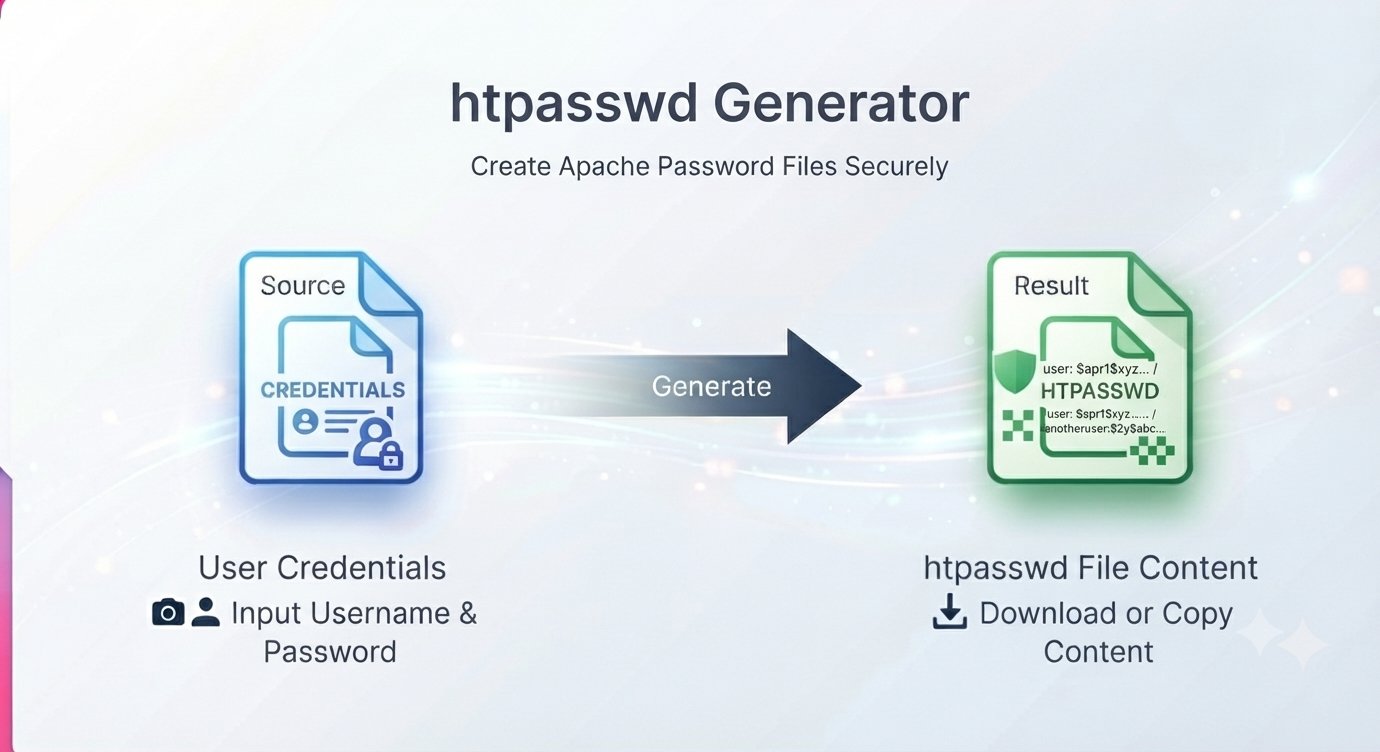
You need to put a staging site behind a password. Or a client demo folder. Or an admin directory on shared hosting that has no login system of its own. The classic answer is an htpasswd generator: a tool that turns your username and password into a hashed line for an .htpasswd file, which Apache then uses to guard the folder.
But here is the problem most people miss: most htpasswd generators run the password hashing on their server. You type your real password into a web form, it gets sent over the internet, processed somewhere you cannot see, and handed back. If that server logs requests — and plenty do — your password now lives on someone else’s machine. This guide shows the safe way: generate the hash entirely in your browser, so your password never leaves your computer.
Quick Jump Navigation (Table of Contents)
What .htaccess and .htpasswd actually are
Two files work together:
- .htaccess — a configuration file that tells Apache “this folder requires a username and password.” You place it in the folder you want to protect.
- .htpasswd — a text file containing one line per user: username:hashed-password. Apache checks the visitor’s login against this file.
When a visitor opens the protected folder, the browser shows a login prompt (this is called HTTP Basic Authentication). The server compares the credentials against the hashed line. If they match, the visitor gets in. The password itself is never stored in readable form — only its hash.
Why you should never paste a password into a server-side tool
A hash is a one-way transformation: admin + MySecret123 becomes something like admin:$2y$10$N9qo8uLOickgx2ZMRZoMyeIjZAgcfl7p92ldGxad68LJZdL17lhWy. You cannot turn the hash back into the password, which is why storing hashes is safe.
But generating the hash is the sensitive moment. If the tool hashes on its server, your raw password travels to that server. A client-side htpasswd generator does the math in your browser’s JavaScript instead — the raw password is never transmitted anywhere. That is the single most important thing to check before using any password tool online: does the hashing happen in the browser, or on someone’s server?
Which hash type should you choose?
A good htpasswd generator offers several hash formats:
- bcrypt — the modern default. Deliberately slow to compute, which makes brute-force attacks expensive. Use this unless you have a specific reason not to.
- APR1-MD5 — Apache’s older portable format (lines start with $apr1$). Still accepted everywhere, but weaker than bcrypt.
- SHA — an old unsalted format. Avoid it; it exists for compatibility only.
If you are not sure, pick bcrypt. Every modern Apache and nginx setup understands it.
Generating your .htpasswd line
Trencada’s htpasswd generator runs entirely client-side: the bcrypt or APR1 hashing happens in your browser, and the raw password never leaves your machine.
A typical session looks like this:
- Enter the username you want visitors to log in with (e.g. admin).
- Type the password you want for this account.
- Choose bcrypt as the hash type.
- Copy the generated line — it looks like admin:$2y$10$N9qo8uLOickgx2ZMRZoMyeIjZAgcfl7p92ldGxad68LJZdL17lhWy.
- Save that line into a file named .htpasswd on your server.
No uploads, no signup, no account — and because the hashing is local, there is nothing sensitive to intercept or store.
Wiring it up with .htaccess
Create a file named .htaccess inside the folder you want to protect, with this content:
AuthType Basic
AuthName "Restricted Area"
AuthUserFile /home/youruser/.htpasswd
Require valid-user
The important line is AuthUserFile: it must be the full server path to your .htpasswd file, not a URL. On shared hosting, your host’s control panel (cPanel’s “Directory Privacy” or similar) can show you the absolute path. Put the .htpasswd file outside your public web folder if you can (for example /home/youruser/.htpasswd instead of inside public_html), so visitors can never download it directly.
Then upload or create both files, and visit the folder — the browser login prompt should appear.
Protecting a folder on nginx
Nginx does not use .htaccess, but it uses the exact same .htpasswd file format. Add this to your server block for the location you want to guard:
location /staging/ {
    auth_basic "Restricted Area";
    auth_basic_user_file /etc/nginx/.htpasswd;
}
Generate the hash line with the same htpasswd generator, save it to the file named in auth_basic_user_file, and reload nginx.
Two things people always get wrong
Basic auth needs HTTPS. The username and password travel to the server merely base64-encoded — anyone on the network can read them if the connection is not encrypted. Always use HTTPS on a password-protected folder. (This is independent of hashing: bcrypt protects the stored password file, HTTPS protects the login in transit.)
There is no logout button. Browsers remember basic-auth credentials until the tab or browser closes. If you need real sessions with logout, you need an application-level login system, not .htaccess.
Frequently asked questions
What is the difference between .htaccess and .htpasswd?
.htaccess tells the server to require a login for a folder; .htpasswd stores the usernames and hashed passwords used to check that login. You need both.
Which htpasswd hash should I choose?
bcrypt. It is the strongest option offered by modern generators and supported by all current Apache and nginx versions. APR1-MD5 is acceptable for old systems; plain SHA should be avoided.
Can I password-protect a folder on shared hosting?
Yes — most shared hosts run Apache with .htaccess support. Create the two files as described, or use your control panel’s “Directory Privacy” / “Password Protect Directories” feature, which does the same thing.
Is an online htpasswd generator safe?
Only if it hashes client-side in your browser. If the site sends your password to its server to generate the hash, your raw password has left your machine — avoid tools like that. Trencada’s htpasswd generator does the hashing locally, which is why nothing sensitive is ever transmitted.
Does .htaccess password protection work on nginx?
The .htaccess file itself is Apache-only, but nginx supports the same password file format via auth_basic and auth_basic_user_file. Generate the line once, use it on either server.
Two Files and You’re Protected
Password-protecting a folder is a two-file job: .htaccess to demand the login, .htpasswd to verify it. The one rule that matters: generate the hash with a client-side htpasswd generator so your real password never travels anywhere. Pick bcrypt, keep the .htpasswd file out of the web root, and serve the folder over HTTPS. Do that and a staging site, demo folder, or admin directory stays private with zero backend code.
Generate your hash line in Trencada’s htpasswd generator.









