

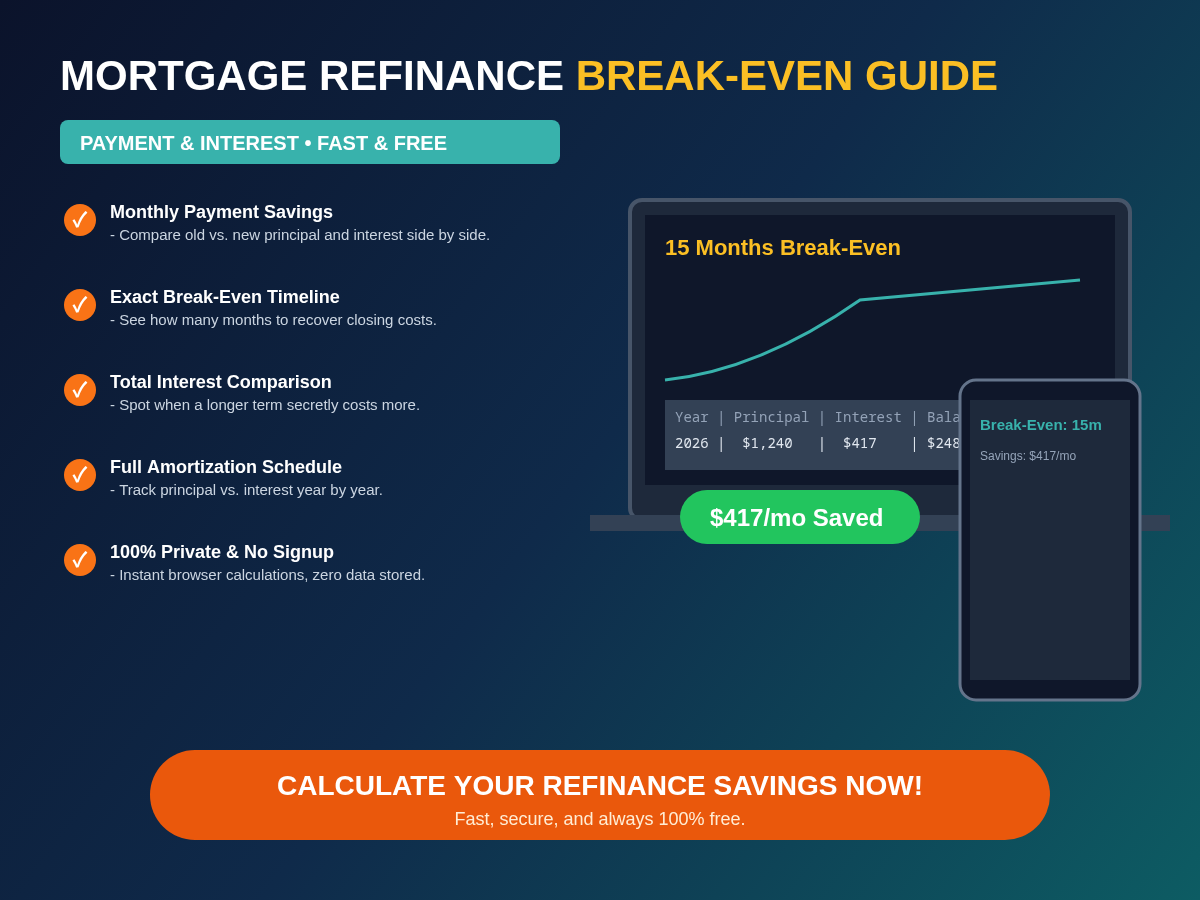
When mortgage interest rates dip, lenders flood homeowners with offers promising to slash monthly payments by $200, $300, or $400 a month. On paper, a lower monthly payment looks like an automatic win. In practice, refinancing a home loan is not free—and if you only look at the monthly payment drop without running two critical numbers first, a refinance can quietly cost you tens of thousands of dollars in extra lifetime interest.
Understanding how to calculate your mortgage refinance break-even point—and how to spot the “term-reset trap”—separates a genuinely profitable refinance from an expensive illusion. With the free Mortgage Refinance Calculator on Trencada, you can compare your current loan against any refinance offer side by side, see your exact break-even timeline in months, and check whether your total lifetime interest goes down or up—100% privately in your browser with no signup.
Quick Jump Navigation (Table of Contents)
What the Mortgage Refinance Break-Even Point Actually Is
As defined in the Consumer Financial Protection Bureau (CFPB) guide to key mortgage terms, a mortgage refinance replaces your existing home loan with a brand-new loan—usually to secure a lower interest rate, change the loan term, or switch from an adjustable-rate mortgage (ARM) to a fixed-rate loan.
Because a refinance is a brand-new mortgage origination, you must pay upfront closing costs (also called settlement costs), which typically range from 2% to 5% of the loan balance for appraisal fees, origination charges, title insurance, and recording taxes, as detailed in the CFPB Loan Estimate Explainer.
Your break-even point is the exact number of months it takes for your monthly principal-and-interest savings to pay back those upfront closing costs:
Break-Even Months = Total Refinance Closing Costs ÷ Monthly Payment Savings (rounded up to the next full month)
Until you pass that break-even month, you are still paying off the cost of getting the new loan. Every month you keep the loan after the break-even month represents net savings in your pocket.
A Real-World Break-Even Calculation Example
Suppose you have $320,000 remaining on your current mortgage at a 6.50% interest rate with 25 years left on the loan, and a lender offers to refinance that $320,000 balance into a new 25-year loan at 5.25% with $6,000 in closing costs:
- Current Monthly Principal & Interest Payment:
$2,160.66 - New Monthly Principal & Interest Payment:
$1,917.59 - Monthly Payment Savings:
$243.07 per month($2,160.66 − $1,917.59) - Upfront Closing Costs:
$6,000 - Break-Even Timeline:
$6,000 ÷ $243.07 = 24.68→ 25 months (about 2.1 years) - Total Lifetime Interest Saved: $72,921.00 (or $66,921.00 net after subtracting the $6,000 closing costs)
If you plan to stay in the home for at least 3 to 5+ years, recovering your closing costs in 25 months makes refinancing a clear financial win. If you plan to sell the house and move in 18 months, you would lose money on the refinance even though your monthly payment dropped by $243.
The Term-Reset Trap: How a Lower Monthly Payment Can Cost You More Overall
The single biggest mistake borrowers make when evaluating a refinance offer is ignoring the remaining loan term.
Imagine you took out a 30-year mortgage 7 years ago. You have already paid 84 monthly bills and have 23 years remaining on your loan. A lender offers to refinance your remaining balance into a new 30-year mortgage at a slightly lower interest rate.
Your monthly payment drops—not primarily because of the lower interest rate, but because you just stretched 23 years of debt back out over 30 years, adding 7 extra years of interest payments onto the end of your loan. As the CFPB warns homeowners evaluating refinance offers, when you refinance into a lower monthly payment, you must check how much of that reduction comes from a lower interest rate versus how much comes from stretching out the loan term.
Side-by-Side Comparison: Same Rate Drop Across Different Refinance Terms
Look at what happens when you owe $280,000 at 6.50% with 22 years left (current monthly payment: $1,997.49; remaining total interest: $247,337) and refinance to 5.50% with $4,500 in closing costs across three different new loan terms in Trencada’s Mortgage Refinance Calculator:
| Refinance Scenario (New Rate: 5.50%) | New Monthly Payment | Monthly Change | Break-Even Months | Payoff Date Change | Total Lifetime Interest Change | Verdict |
|---|---|---|---|---|---|---|
| Option A: Reset to a New 30-Year Term | $1,590.89 |
−$406.60/mo (Lower) | 12 months | Ends 8 years later | +$45,383 MORE interest paid | The Term-Reset Trap: Frees up monthly cash flow, but costs $45k+ more over the life of the loan. |
| Option B: Match Your 22 Years Remaining | $1,829.83 |
−$167.66/mo (Lower) | 27 months | Same payoff year | −$44,262 LESS interest paid | True Apples-to-Apples Win: Lower monthly payment, same debt-free date, and $44k saved. |
| Option C: Shorten to a 15-Year Term | $2,287.83 |
+$290.34/mo (Higher) | N/A (Higher payment) | Paid off 7 years earlier | −$115,528 LESS interest paid | Maximum Wealth Builder: Higher monthly payment, but slashes over $115k in total interest. |
That is why Trencada’s Mortgage Refinance Calculator always displays Total interest saved and the Payoff comparison right next to Monthly savings and Break even—so a longer term never hides extra interest behind a tempting monthly payment.
Step-by-Step: How to Run Your Numbers in Trencada’s Mortgage Refinance Calculator
You can test any lender quote in under 60 seconds using the Mortgage Refinance Calculator on Trencada. All math executes locally in your browser, so your loan balance and financial figures are never uploaded or stored.
Step 1: Enter Your Current Mortgage Details
- Current loan balance ($): Enter the remaining principal balance shown on your most recent monthly mortgage statement (not your original home purchase price).
- Current interest rate (% per year): Enter your existing fixed interest rate (for example,
6.75). - Years remaining on current loan: Enter how many years are left until your current mortgage is paid off (between
1and40years).
Step 2: Enter the Refinance Offer Details
- New interest rate (% per year): Enter the interest rate quoted on your lender’s Loan Estimate (disclosed under CFPB Regulation Z § 1026.37).
- New loan term (years): Start by entering the exact same number of years remaining on your current loan for an apples-to-apples comparison, then test a 30-year or 15-year term to see the difference.
- Closing costs ($) — optional: Enter the total upfront settlement and origination fees from your Loan Estimate. Even if a lender advertises a “no-closing-cost refinance,” check whether they are rolling the fees into your loan balance or charging a higher interest rate via lender credits, as explained in the CFPB Loan Estimate guide.
Step 3: Compare All Six Output Metrics Together
Click Calculate and review the six outputs side by side:
- Current monthly payment vs. New monthly payment: Your principal-and-interest obligation before and after refinancing.
- Monthly savings: How much cash flow you free up every month (or how much more you pay if you shorten your term).
- Total interest saved: The true lifetime interest difference across the full remaining schedule.
- Break even: The exact number of months required for your monthly savings to recover your closing costs.
- Payoff comparison: Alerts you immediately if your new loan ends years later (or earlier) than your current mortgage.
How to Model Extra Principal Payments as a Free Alternative to Refinancing
What if interest rates have only dropped slightly—say by 0.25% or 0.50%—or you do not plan to stay in your home long enough to pass the break-even month?
You can capture many of the same interest-saving benefits without paying a dime in closing costs by making a small recurring extra monthly principal payment on your existing loan.
To test this strategy, open Trencada’s free Mortgage Calculator with Amortization Schedule:
- Enter your loan amount, current interest rate, and remaining loan term (
30,20,15, or10years). - Optionally add your yearly Property tax, yearly Home insurance, and monthly HOA dues to see your full PITI (Principal, Interest, Taxes, and Insurance) payment.
- In the Extra payment ($ / month) field, enter an extra
$100,$200, or$300per month—which goes 100% toward reducing your principal balance. - Scroll through the Amortization schedule (yearly) table to see how that extra monthly payment accelerates your principal reduction year by year and cuts years off your payoff timeline with zero refinance fees.
Balancing Mortgage Payoff With Retirement and Tax Planning
Once your refinance or extra-payment strategy frees up monthly cash flow, the next question is where that extra money works hardest: paying down low-rate mortgage debt faster or investing for retirement.
- Compare Pre-Tax vs. After-Tax Retirement Growth: Use Trencada’s Traditional vs Roth IRA Calculator (and read our companion guide on Traditional vs Roth IRA: Which One Is Right for You?) to see how investing your monthly mortgage savings grows over time after taxes.
- Check Recent Cash-Out Refinance Risks: If you are considering a cash-out refinance rather than a rate-and-term refinance, review the CFPB Office of Research analysis on cash-out refinance delinquency and credit trends and explore more budgeting, debt-to-income, and loan tools in Trencada’s Calculators hub or the full Trencada Free Online Tools directory.
Frequently Asked Questions (FAQ)
How do you calculate the break-even point on a mortgage refinance?
Divide your total upfront closing costs by your monthly principal-and-interest savings, and round up to the nearest full month. For example, if your closing costs are $4,800 and refinancing lowers your payment by $300 per month, your break-even point is 16 months ($4,800 ÷ $300).
What is considered a good break-even period for refinancing?
Financial planners generally look for a break-even timeline of 24 months (2 years) or less—and always well before you expect to sell the home or pay off the mortgage. If your break-even point is 48 months away and you might relocate in 3 years, refinancing will cost you more than you save.
Why does my total interest go up even when my refinance interest rate is lower?
If you have 20 or 22 years left on your current mortgage and refinance into a brand-new 30-year term, spreading the loan over 8 to 10 additional years generates extra interest charges that can outweigh a small rate reduction. Always check the Total interest saved and Payoff comparison lines in Trencada’s Mortgage Refinance Calculator.
Are property taxes and home insurance included in the refinance break-even calculation?
No. Property taxes and homeowners insurance stay the same regardless of which lender holds your mortgage, so refinance break-even math compares principal and interest only. To see your complete monthly housing cost including taxes, insurance, and HOA dues, run your numbers in Trencada’s Mortgage Calculator.
Conclusion: Run All Three Refinance Numbers Before You Lock a Rate
Never judge a mortgage refinance offer by the monthly payment alone. Before signing a loan application, verify three numbers together: your monthly savings, your break-even timeline in months, and your total lifetime interest change at the same payoff date.
Have a refinance quote in front of you? Open the free Mortgage Refinance Calculator on Trencada to see your exact break-even month and total interest savings in seconds, or explore your year-by-year payoff table in the Mortgage Calculator—100% free, private, and right in your browser.









