

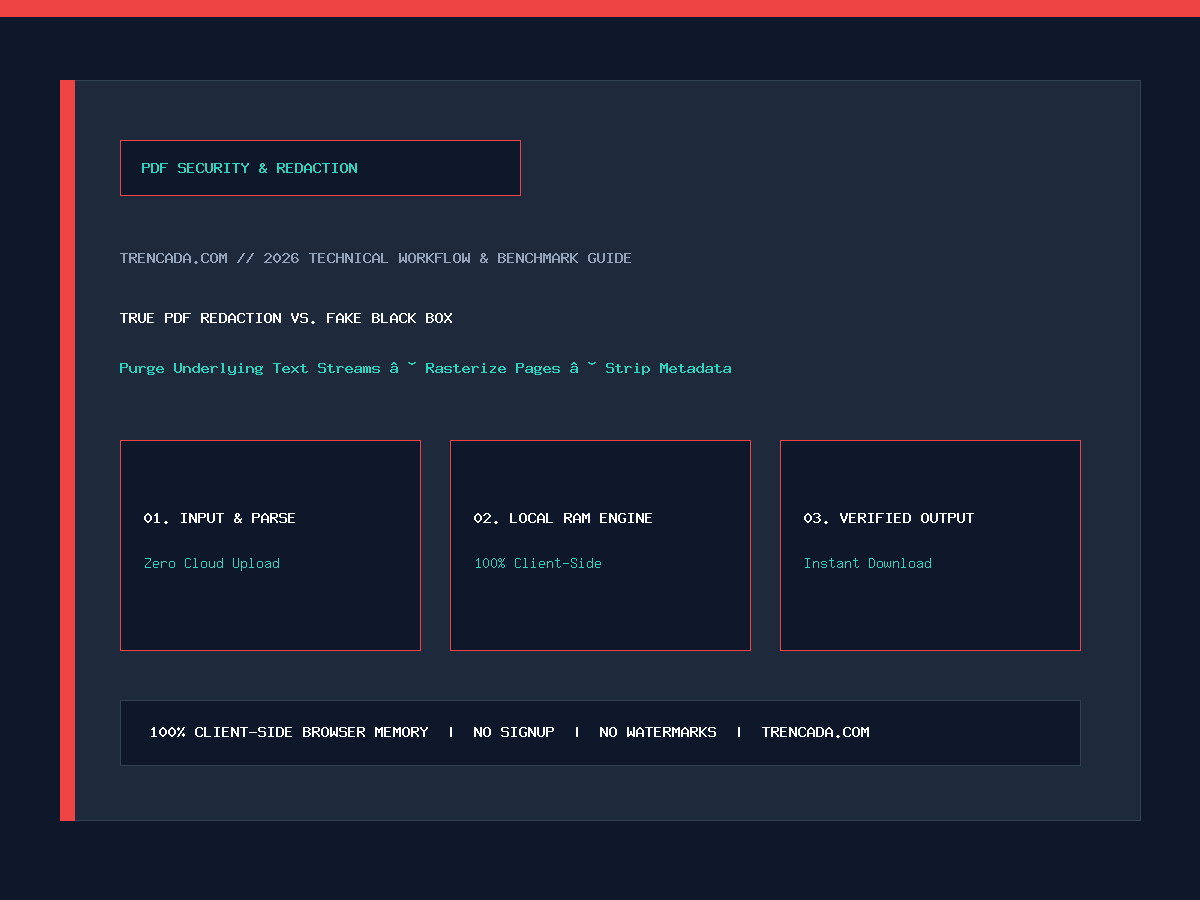
Every year, high-profile court filings, corporate M&A disclosures, FOIA releases, and legal briefs make headlines for the exact same catastrophic security failure: someone opened a PDF in a basic viewer, drew a black rectangle shape or applied a black highlighter marker over Social Security Numbers, bank account numbers, or confidential names, and saved the file. To the naked eye, the text looks blacked out. Yet anyone who opens that PDF, presses Ctrl+A (Select All) and Ctrl+C (Copy), and pastes into Notepad—or simply clicks and drags the black rectangle aside—instantly reveals 100% of the “redacted” text underneath.
As cybersecurity advisories from the National Security Agency (NSA) and federal court e-filing rules warn, visual masking is not redaction. Yet Adobe locks its true Redact tool behind paid Acrobat Pro ($239.88/year). This 2026 security guide explains how PDF object layers expose fake redactions, how true irreversible sanitization works, and how to permanently redact PDFs 100% locally in your browser RAM without uploading sensitive documents to cloud servers.
- Permanently burn redaction boxes and destroy underlying text streams with our Free Client-Side Redact PDF Tool.
- Flatten vector pages into uneditable 300 DPI raster images via the PDF to 300 DPI PNG Converter.
- Encrypt finished documents with AES passwords using the Local Protect PDF Tool.
- Strip entire sensitive or blank pages permanently with the Delete PDF Pages Tool.
Quick Jump Navigation (Table of Contents)
1. Why Black Highlighter Bars & Shapes Fail: Inside the PDF Object Tree
A PDF file is not a flat photograph—it is a multi-layered vector database containing independent object streams: font dictionaries, character glyph strings (`Tj` and `TJ` PostScript operators), vector paths, annotation layers (`/Annot`), and XMP document metadata.
When you draw a black rectangle over a line of text in macOS Preview, Microsoft Edge, Word, or a basic PDF editor:
- Layer 1 (Original Text Stream Remains Intact): The instruction
(SSN: 123-45-6789) Tjremains untouched inside the page’s content stream. - Layer 2 (Annotation Overlay Added): The editor appends a separate rectangle annotation object (`/Subtype /Square` or `/Highlight`) with fill color
#000000at coordinates[x1, y1, x2, y2]on top of Layer 1. - Trivial 3-Second Extraction: Any reader who presses
Ctrl+Fto search for a name, highlights across the paragraph and copies to clipboard, runs `pdftotext`, or uses a screen reader reads Layer 1 directly—completely ignoring the visual box on Layer 2.
2. The 5 Hidden Data Channels That True PDF Redaction Must Purge
Even if you delete visible text tokens from a page, a PDF file can still leak confidential information through four additional forensic channels if the file is not properly sanitized:
| PDF Forensic Leak Vector | How Sensitive Data Hides There | What Fake Redaction Does | What True Sanitized Redaction Does |
|---|---|---|---|
| 1. Vector Text Stream (`Tj`/`TJ`) | Selectable ASCII/Unicode text characters under black boxes. | Leaves 100% of text selectable and searchable. | Destroys character tokens and flattens pixels. |
| 2. Invisible OCR Text Layer | Scanned PDFs contain an invisible text layer (`Tr 3` rendering mode) aligned behind the scan image. | Paints over the image while leaving the invisible OCR text copyable. | Purges the underlying invisible OCR layer completely. |
| 3. Incremental Save History (`%%EOF`) | PDFs append edits to the end of the file; prior unedited versions remain recoverable via hex editors. | Appends the black box as a revision, keeping the original unredacted state in history. | Rebuilds a brand-new single-generation PDF from scratch. |
| 4. Document Metadata (`/Info` & XMP) | Stores original Author name, Company, Word file path (`C:UsersJaneDoe…`), and comments. | Leaves all author and file-path metadata untouched. | Strips `/Info` dictionary, XMP packets, and annotations. |
| 5. Cropped-Out Margin Content | Cropping a PDF (`/CropBox`) only hides areas outside the frame; full `/MediaBox` data remains. | Anyone can reset `/CropBox` to `/MediaBox` to see cropped headers. | Rasterizes only the visible canvas so outside pixels cease to exist. |
3. How True Client-Side Destructive Redaction Works in Browser RAM
Wait—if you have a document containing Social Security Numbers, tax returns, medical diagnoses, or trade secrets that require redaction, uploading that unredacted PDF to a remote cloud server to redact it defeats the entire purpose of privacy!
Trencada’s Client-Side Redact PDF Tool solves both problems simultaneously by performing destructive raster-burn sanitization entirely inside your browser’s local memory:
- Step 1 — Mark Redaction Zones Locally: You draw redaction boxes over sensitive SSNs, names, signatures, or account balances directly in the browser preview.
- Step 2 — Destructive Canvas Flatten: When you apply redaction, the engine renders the page onto an offscreen HTML5 Canvas, paints solid `#000000` pixels directly into the bitmap buffer over your marked coordinates—replacing the original pixel values rather than layering an object on top—and discards 100% of the underlying vector text tokens (`Tj`), hidden OCR strings, annotations, and incremental revision history.
- Step 3 — Clean Single-Layer PDF Reconstruction: The sanitized bitmap is compiled into a fresh, single-generation PDF with stripped XMP/Author metadata. Because the redacted characters no longer exist anywhere in the binary file, it is mathematically impossible to recover them via Copy-Paste, `pdftotext`, or hex inspection.
4. The 3-Step Post-Redaction Verification Audit (Do This Before Sending Any PDF)
Before filing a redacted PDF with a court clerk, government portal, or client, always perform this 15-second verification check on the exported file: Learn how to prepare a PDF for court e-filing before you file.
- The `Ctrl+A` / `Ctrl+C` Notepad Test: Open the redacted PDF in Chrome or Edge, press
Ctrl+A(or `Cmd+A` on Mac), pressCtrl+C, and paste into a blank plain-text Notepad window. Confirm that zero characters from the redacted regions appear in the pasted text. - The `Ctrl+F` Keyword Search Test: Press
Ctrl+Fand type the exact Social Security Number, surname, or dollar figure you just redacted. The search bar must return0 of 0 matches. - The Cursor Selection Test: Hover your mouse cursor over the black redaction bar. The cursor should remain a standard arrow pointer—it must never change into an I-beam text-selection cursor over the blacked-out zone.
Frequently Asked Questions (FAQ)
Can someone remove a black box from a PDF?
If the black box was drawn using a standard shape tool, comment box, or highlighter in Word, Preview, or a basic PDF editor, yes—anyone can click the box and press Delete, or copy-paste the text directly from underneath it. Only true destructive redaction (which deletes the underlying text stream or flattens the page into a sanitized raster image with the black pixels burned in) is permanent and irreversible.
How do I redact a PDF for free without Adobe Acrobat Pro?
Open Trencada’s free Client-Side Redact PDF Tool, select your PDF, draw redaction boxes over the sensitive text or images, and click Apply Redactions. The tool permanently burns the redactions and strips underlying text layers locally in your browser without requiring an Adobe subscription.
Does flattening a PDF into an image remove hidden text under black boxes?
Yes! Converting a PDF page into a high-resolution 300 DPI raster image (using our PDF to PNG Converter) and rebuilding it into a PDF permanently eliminates all vector text streams, hidden layers, and incremental save history so only the visible pixels remain.
Does redacting a PDF also remove the Author name and document properties?
When you export a sanitized PDF through our redaction workflow, standard `/Info` metadata fields (Author, Creator, Producer, Modification history) are stripped so your personal username or internal company folder path is not leaked in Document Properties.
What if I need to remove an entire confidential exhibit page instead of blacking it out?
If an entire page is privileged or irrelevant, use our Delete PDF Pages Tool to strip the page completely from the document tree, or replace it with a single “Page Intentionally Redacted for Privilege” slipsheet before applying Bates Numbering.









