

For decades, websites trained internet users to build passwords the wrong way: start with a familiar dictionary word or name, capitalize the first letter, swap an a for @ or an o for 0, and add an exclamation mark at the end. A password like Summer2026! satisfies almost every old-fashioned signup checklist—yet modern password-cracking hardware can break it in less than a second.
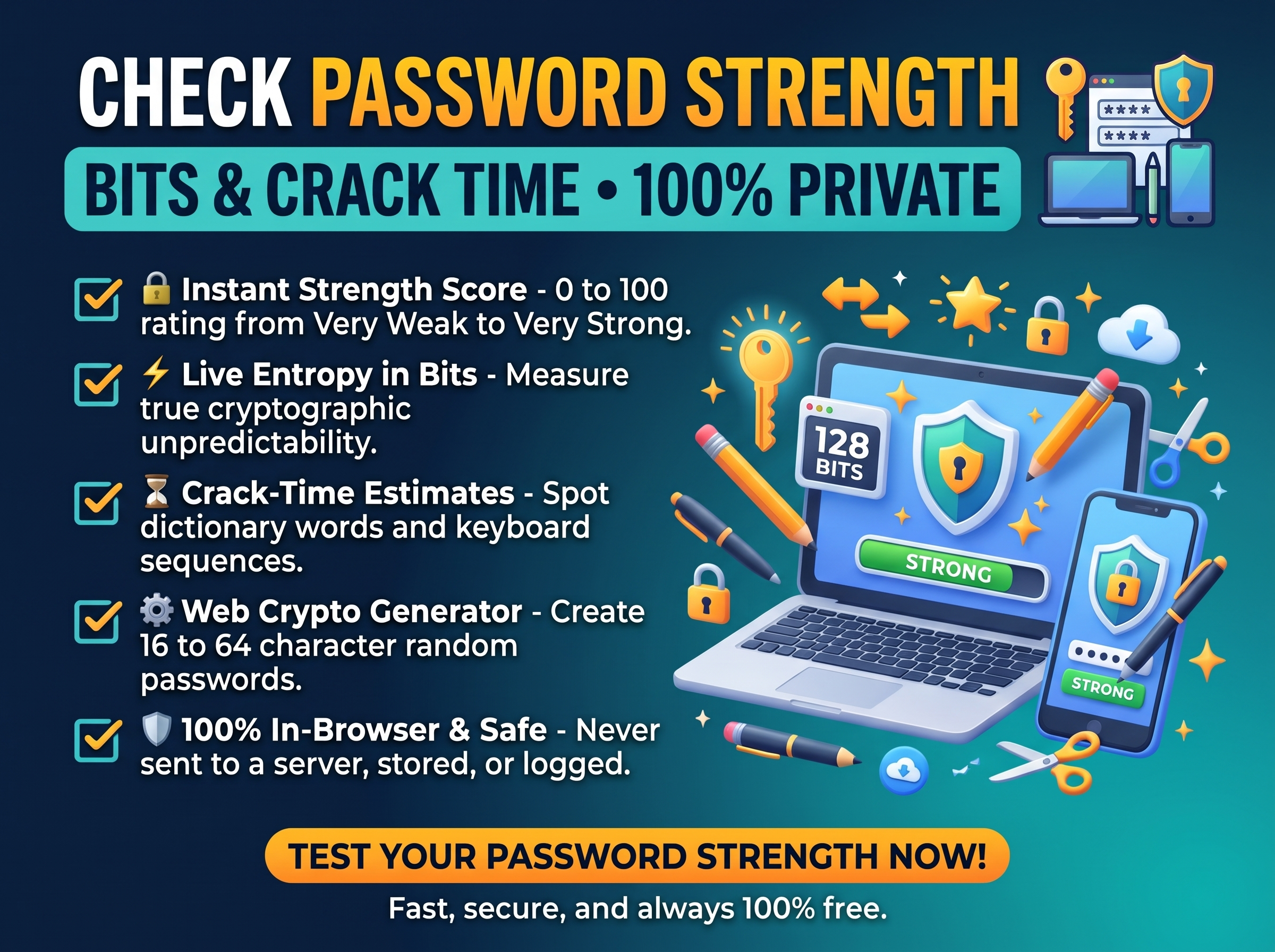
Knowing how to check password strength accurately means looking past simple character-type checkboxes and measuring the two technical factors that determine whether an account survives a real-world attack: information entropy (measured in bits) and freedom from predictable human patterns. With Trencada’s free Password Strength Checker, you can test any password pattern, measure its exact entropy in bits, and see estimated crack times locally in your web browser—without a single character ever leaving your device.
Quick Jump Navigation (Table of Contents)
What Actually Makes a Password Strong? Length, Entropy, and Unpredictability
When attackers attempt to crack leaked password hashes offline, they do not test random combinations from aaaa to zzzz first. Instead, they run high-speed dictionary and rule-based attacks powered by graphics processing units (GPUs) that test billions of candidates per second—starting with breached credential lists, dictionary words, names, dates, keyboard walks (qwerty, 123456, asdfgh), repeated characters, and common “leet-speak” substitutions (@ for a, $ for s, 0 for o, 1 for i).
Naive calculators that only count character sets wildly overestimate the strength of human-chosen passwords unless they also penalize predictable sequences and dictionary words.
How Password Entropy Is Calculated (in Bits)
For a genuinely random password generated without human bias, information entropy (E) measures the mathematical unpredictability of the secret in bits:
E = L × log₂(R)
- L (Password Length): The total number of characters in the password.
- R (Character Pool Size / Radix): The size of the character alphabet from which each character is drawn:
- Numeric PIN (
0–9only): R = 10 (≈ 3.32 bits of entropy per character) - Lowercase letters only (
a–z): R = 26 (≈ 4.70 bits of entropy per character) - Mixed-case letters (
A–Zanda–z): R = 52 (≈ 5.70 bits of entropy per character) - Alphanumeric (
A–Z,a–z,0–9): R = 62 (≈ 5.95 bits of entropy per character) - Full Printable ASCII Set (
A–Z,a–z,0–9, plus 32 symbols): R = 94 (≈ 6.55 bits of entropy per character)
- Numeric PIN (
Because entropy is logarithmic, every single additional bit of entropy doubles the total number of guesses an attacker must make. Adding just 4 random characters from a 94-character pool adds over 26 bits of entropy—multiplying the attacker’s work by more than 67 million times.
Password Entropy Benchmarks & Real-World Crack Resistance Table
Compare how different password lengths and structures hold up against modern cracking techniques:
| Password Structure / Preset | Length (L) | Pool Size (R) | Effective Entropy (Bits) | Strength Rating | Real-World Crack Resistance |
|---|---|---|---|---|---|
6-Digit Numeric PIN (e.g., 592041) |
6 | 10 | ~19.9 bits | Very Weak | 1,000,000 combinations; cracked instantaneously offline. Only safe when hardware-locked after 3–5 failed tries. |
Dictionary Word + Substitution (e.g., P@ssw0rd2026!) |
13 | Pattern-penalized | < 30 bits (effective) | Very Weak / Weak | Cracked in seconds by rule-based dictionary engines despite containing uppercase, lowercase, digits, and symbols. |
| 8-Character Random Full Set | 8 | 94 | ~52.4 bits | Fair | Vulnerable to dedicated multi-GPU offline brute-force arrays if a password hash database is breached. |
12-Character Random Readable (Readable 12 preset) |
12 | 54–62 | ~70–71 bits | Strong | Resists online guessing and standard offline attacks for everyday non-financial accounts. |
16-Character Random Full Set (Strong 16 preset) |
16 | 94 | ~104.9 bits | Very Strong | Aligns with 16-character strong password recommendations; requires billions of years to brute-force. |
32-Character Random Full Set (Maximum 32 preset) |
32 | 94 | ~209.7 bits | Very Strong (Cryptographic) | Built for password manager master keys, server root credentials, and API signing secrets. |
What Official NIST and CISA Password Guidelines Recommend Today
Federal cybersecurity agencies have overhauled their password rules based on empirical breach data—moving away from arbitrary complexity tricks and toward length, randomness, and breach blocklists:
- NIST Special Publication 800-63B: Service providers are directed to require a minimum of 15 characters for single-factor passwords (and a minimum of 8 characters when paired with multi-factor authentication), support passwords up to at least 64 characters, accept all printing ASCII characters and spaces, screen new passwords against blocklists of known compromised credentials, and never impose arbitrary composition rules (such as forcing symbol counts) or mandatory periodic password rotation unless there is evidence of a breach.
- CISA Secure Our World Guidance: Advises everyone to follow three core rules for every account: make passwords long (at least 16 characters), random (either a random string of mixed characters or a 4-to-7-word passphrase of unrelated words), and unique to each service, stored inside a password manager and protected with multifactor authentication (MFA).
Is It Safe to Use an Online Password Strength Checker?
A common—and completely valid—security question is: “Should I ever type my real password into a website to check its strength?”
You should never enter an active password into a website that sends form inputs to a backend server. However, testing password strength in your browser is completely safe when you follow two best practices:
- Use a 100% Client-Side Browser Tool: Trencada’s Password Strength Checker runs exclusively inside your local browser via client-side JavaScript. Zero network requests are triggered when you type; your input is never transmitted, logged, or stored anywhere.
- Test Structural Equivalents or Newly Generated Passwords: To evaluate an existing password habit safely, type a structural clone (same length, same character mix, and same pattern style, but using different words or digits), or generate a brand-new random password in Trencada’s Password Generator and verify its entropy score before saving it into your password vault.
Step-by-Step: How to Check and Generate High-Entropy Passwords on Trencada
Step 1: Test Password Strength, Entropy, and Crack Time Locally
- Open the Password Strength Checker on Trencada.
- Type the password structure you want to evaluate into the input field. You can toggle the Show / Hide button to mask characters on shared screens and click Clear at any time to wipe the field in one click.
- Inspect the four diagnostic metrics that update live as you type:
- 0–100 Strength Score & Rating: Grades the input from Very Weak to Very Strong while detecting common dictionary words, keyboard walks, and repeated characters.
- Length & Unique Characters: Shows total length alongside how many distinct characters are actually used (catching weak repetitions like
aaaa1111). - Entropy (in bits): Displays the calculated bit strength of the password.
- Crack Time & Actionable Tips: Estimates how long an attacker would need to break the password and gives specific tips tailored to the exact weaknesses detected in your input.
Step 2: Generate a Cryptographically Random Password in Your Browser
Humans are notoriously bad at inventing randomness on the spot. Instead of making up passwords manually, open Trencada’s free Password Generator, which builds every password locally using your browser’s cryptographic random number generator (Web Crypto API crypto.getRandomValues) rather than predictable pseudo-random math:
- Pick a One-Click Preset or Custom Length (
4–64characters):- Strong 16: Creates a 16-character password across all four character sets (~104 bits of entropy, rated Very strong)—the ideal default for email, banking, and cloud dashboards.
- Readable 12: Builds a 12-character password omitting look-alike characters so it is easy to read and type on a phone or TV screen.
- PIN 6-digit: Generates an unpredictable 6-digit code for device locks and numeric keypads.
- Maximum 32: Generates a 32-character secret (~209 bits of entropy) for master password vaults, database configurations, and server keys.
- Customize Character Sets and Ambiguous Characters: Check or uncheck Uppercase (
A–Z), Lowercase (a–z), Numbers (0–9), and Symbols (!@#$…). Every generated password is guaranteed to include at least one character from each selected set. Turn on Exclude ambiguous (Il1O0) whenever you want to avoid confusing uppercaseI, lowercasel, the number1, uppercaseO, and0. - Batch Generate and Copy to Your Password Manager: Select
1,3,5, or10passwords per round, click Generate passwords, and use the one-click Copy or Copy all button to paste your new credentials straight into your password manager. When you close the browser tab, the generated passwords vanish completely from memory.
Complementary Security & Developer Utilities on Trencada
If you are auditing application security, configuring authentication services, or documenting security policies for your team, pair our password tools with these privacy-first utilities in Trencada’s Developer Tools collection:
- Format and Validate Security Configs Locally: When editing IAM policies, OAuth payloads, or application configuration files written in JSON, use Trencada’s JSON Formatter Online to validate syntax, sort keys alphabetically, or run JSONPath queries 100% locally in your browser without exposing sensitive payloads to third-party servers.
- Diagram Authentication and MFA Workflows: Documenting login, single sign-on (SSO), or password-reset architecture for an engineering handbook or security audit? Open Trencada’s Flowchart Maker to write simple Mermaid syntax and export clean sequence diagrams and flowcharts as PNG or SVG files in one click.
Frequently Asked Questions (FAQ)
How many bits of entropy is a strong password?
For standard online accounts protected by login rate-limiting and multi-factor authentication, 60 to 75+ bits of entropy offers strong protection. For high-value accounts—including your primary email inbox, financial accounts, password manager master key, and cloud admin consoles—aim for 80 to 100+ bits of entropy, which the Strong 16 preset in Trencada’s Password Generator delivers immediately (~104 bits).
Why is a 16-character password so much stronger than an 8-character complex password?
Even if an 8-character password uses uppercase, lowercase, digits, and symbols (94⁸), it reaches only ~52.4 bits of entropy, which modern multi-GPU cracking rigs can exhaust offline. Doubling the length to 16 random characters (94¹⁶) raises entropy to ~104.9 bits—increasing the number of possible combinations by more than 6 × 10¹⁵ times.
Does Trencada store, log, or transmit the passwords I test or generate?
No. Both the Password Strength Checker and the Password Generator execute 100% client-side in your browser using local JavaScript and the Web Crypto API. Nothing is ever sent to a server or saved after you close the tab.
Should I use a random string of characters or a multi-word passphrase?
Both work well when they are long and unpredictable. Use a 16+ character random string from Trencada’s Password Generator for accounts where your password manager fills credentials automatically, and use a 4-to-7-word random passphrase for master passwords you need to type from memory.
Conclusion: Replace Weak Passwords in Seconds
Protecting your accounts from brute-force and credential-stuffing attacks does not require memorizing frustrating symbol substitutions or rotating passwords every 90 days. Make every password at least 16 characters long, genuinely random, and unique to each site.
Audit your password patterns right now with Trencada’s free Password Strength Checker, and generate 104-bit cryptographically secure replacements in one click using the Trencada Password Generator.









