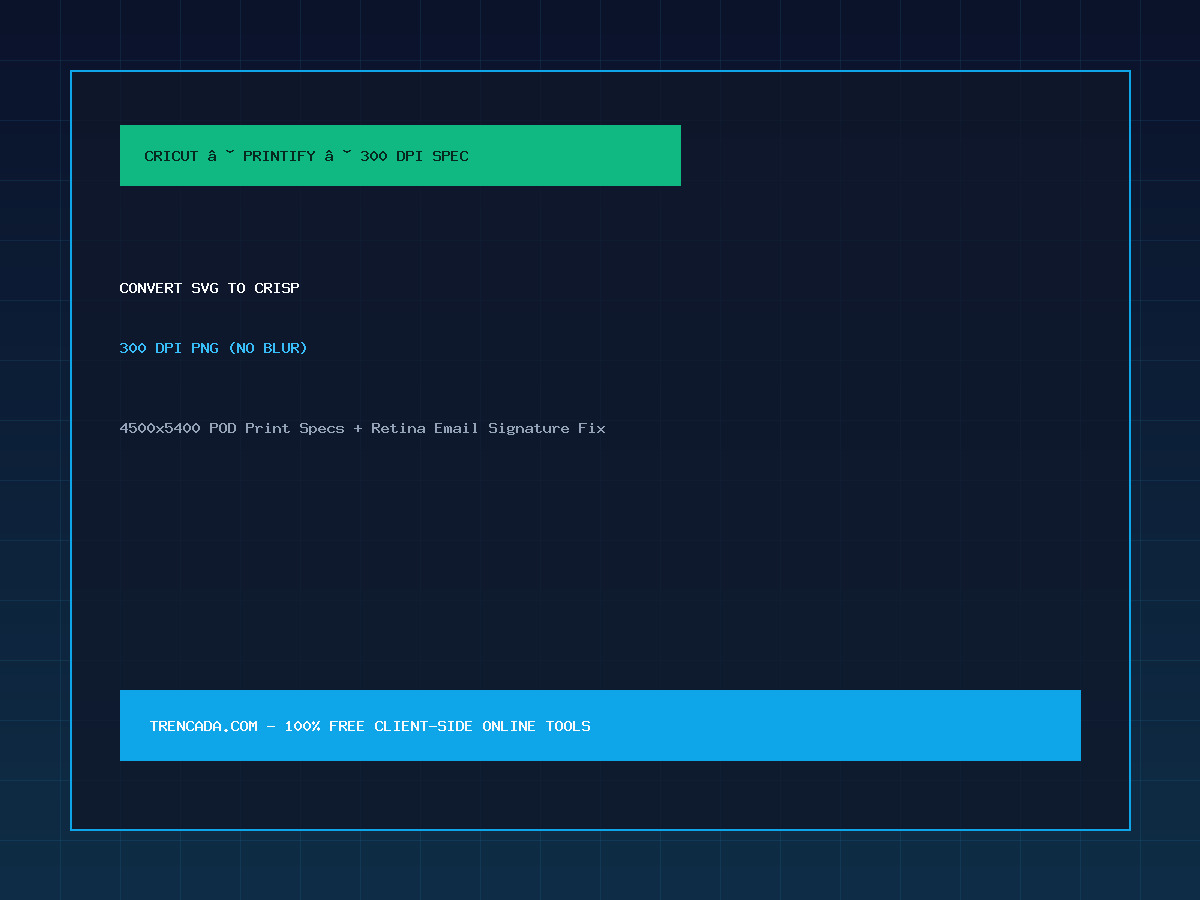
Designers, Etsy print-on-demand (POD) sellers, Cricut crafters, and frontend developers constantly search Google for “convert svg to high resolution png without blurry edges” and “change image dpi from 72 to 300 without losing quality”. While an SVG file stores infinitely scalable mathematical curves, exporting it to PNG often produces blurry, jagged edges when uploaded to Printify, Printful, Canva, or Cricut Design Space.
As troubleshooting threads on the Microsoft Tech Community Windows 11 forum (#4211177), Stack Overflow (#54030521), Reddit’s r/cricut, and r/EtsySellers reveal, basic converters rasterize SVGs at their small default viewBox pixel dimensions (e.g., 500×500 px at 72/96 PPI) and then stretch the bitmap. In this guide, you will learn the exact 300 DPI pixel math required for sharp POD files, how to resize and optimize graphics locally in Trencada’s Image Tools Hub, and how to fix broken Base64 logos in Gmail and Outlook HTML email signatures.
Quick Jump Navigation (Table of Contents)
Why SVG-to-PNG Exports Turn Blurry (The viewBox vs. 300 DPI Trap)
As explained on Graphic Design Stack Exchange (#49637), Reddit’s r/FigmaDesign, and r/Printify, a PNG’s true sharpness depends on its total pixel dimensions (Inches × 300), not just its DPI metadata header.
| Print / Crafting Use Case | Physical Print Area | Required Pixels at 300 DPI | Best Trencada Workflow |
|---|---|---|---|
| DTG T-Shirt / Hoodie (Printify) | 15 × 18 in | 4500 × 5400 px | Scale in Image Resizer & optimize in Image Compressor |
| Cricut Print-Then-Cut Sheet | 6.75 × 9.25 in | 2025 × 2775 px | Convert vector PDF in PDF to PNG Converter |
| 11 oz / 15 oz Mug Wrap | 8.5 × 3.5 in | 2550 × 1050 px | Resize in Image Resizer & convert via PNG to JPG |
| 18 × 24 in Poster Print | 18 × 24 in | 5400 × 7200 px | Bundle print sheets in Image to PDF Converter |
| Retina HTML Email Signature Logo | 180 × 60 px display | 360 × 120 px (2x) | Resize in Image Resizer & compress under 25 KB in Image Compressor |
Step-by-Step: How to Convert Vector Artwork to Crisp 300 DPI PNGs Locally
- Canva Free Vector Workaround: Export your design from Canva as PDF Print (Vector), then open Trencada’s PDF to PNG Converter to render crisp high-density PNGs in your browser.
- Lock 300 DPI Pixel Dimensions: Open Trencada’s Image Resizer and set the exact 300 DPI pixel target (such as
4500 × 5400 px). - Optimize File Size: Pass the high-res PNG through Trencada’s Image Compressor to reduce megabytes without losing transparency, or generate sharp packaging codes with QR Generator.
Why Base64 Images Break in Gmail & Outlook HTML Email Signatures
As documented on Stack Overflow (#9110091), Stack Overflow (#46783599), and the CodeTwo Knowledge Base, Gmail blocks inline data:image/png;base64 URIs entirely and Outlook bloats MIME size by 33%. Instead, resize your logo to 2x Retina dimensions (360 × 120 px) in Image Resizer, compress it under 25 KB in Image Compressor, and reference it via an HTTPS URL with explicit HTML width="180" height="60" attributes.