In legal discovery, mergers and acquisitions (M&A) due diligence, medical record production, and regulatory audits, every single page of every produced document must carry a unique, sequential alphanumeric identifier known as a Bates number (or Bates stamp). Yet when paralegals, solo attorneys, compliance officers, and small business owners search for how to add Bates numbering to a PDF without Adobe Acrobat Pro, they hit two walls: Adobe locks its Bates Numbering module behind the $239.88/year Acrobat Pro tier (excluding it completely from free Acrobat Reader and even Acrobat Standard on many platforms), while cloud-based PDF editors require uploading privileged, confidential client discovery files to third-party servers and cap free users at 3 files per day.
This comprehensive 2026 legal engineering guide explains how court-compliant PDF Bates stamping works under the hood, how to format sequential 6-digit to 8-digit zero-padded prefixes across multi-file document productions, why standard page headers fail when stamped over tight margins, and how to stamp, merge, and sanitize production sets 100% locally in your browser RAM using Trencada’s client-side PDF suite.
- Stamp sequential legal identifiers with custom prefixes using our Free Client-Side PDF Bates Numbering Tool.
- Combine multiple discovery exhibits into a single master production set first with the Local Merge PDF Tool.
- Add standard brief or motion page numbers (
Page X of Y) via the Add Page Numbers to PDF Tool. - Permanently strip privileged SSNs, account numbers, and metadata before stamping with the Client-Side Redact PDF Tool.
Quick Jump Navigation (Table of Contents)
1. What Is PDF Bates Numbering (and How Does It Differ from Standard Page Numbers)?
Originally invented in 1891 by Edwin G. Bates as a mechanical hand-stamping machine with rotating number wheels, modern electronic Bates numbering (described in the Adobe Acrobat Bates Numbering specification and Federal Rules of Civil Procedure Rule 34 discovery guidelines) assigns a globally unique, monotonically increasing identifier to every page across an entire legal matter—not just within a single document.
Understanding the structural difference between standard pagination and Bates numbering prevents costly court clerk rejections:
- Standard Document Pagination (
Page 1 of 12): Resets to1at the start of every new file. If a production contains 40 separate bank statements, there are forty different “Page 1” references, making deposition questioning chaotic. - Global Sequential Bates Stamping (
SMITH-PROD01-000001toSMITH-PROD01-004820): Never resets across files within a production volume. If Exhibit A is 12 pages (000001–000012), Exhibit B automatically starts at000013. During a deposition or trial, counsel can cite “Bates page SMITH-000142” and every party immediately opens the exact page without ambiguity. - Zero-Padded Fixed-Width Digits: Legal Electronic Data Discovery (EDD) platforms (such as Relativity, Everlaw, and Logikcull) sort strings lexicographically. Without leading zeros, computer file systems sort
SMITH-10,SMITH-100, andSMITH-1000beforeSMITH-2. Using 6 to 8 zero-padded digits (000001) guarantees identical alphabetical and numerical sort order.
2. Anatomy of a Court-Compliant 2026 Bates Stamp Format
Before running a batch stamp across discovery PDFs, establish a consistent naming schema with opposing counsel or the requesting agency. A standard production Bates string follows a four-part structure:
[PARTY / MATTER PREFIX] - [PRODUCTION VOLUME] - [ZERO-PADDED NUMBER] [CONFIDENTIALITY DESIGNATION]
Example: ACME-SEC-000105 | CONFIDENTIAL - SUBJECT TO PROTECTIVE ORDER| Bates Component | Recommended Standard | Example | Why It Matters in Litigation & Audits |
|---|---|---|---|
| Producing Party Prefix | 3 to 8 uppercase letters + hyphen | PLAINTIFF- or DEF_JONES_ |
Instantly identifies which party produced the document during cross-examination. |
| Digit Padding Length | 6 digits (small/mid cases) or 8 digits (large M&A) | 000001 to 999999 |
Prevents lexicographical sorting errors in e-discovery databases and load files. |
| Placement Coordinate | Bottom-Right Footer (0.35 in / 25 pt offset) | X: Right - 36pt, Y: Bottom + 20pt |
Keeps the stamp clear of top-left staple corners and standard centered page numbers. |
| Font Face & Size | 10 pt to 12 pt Helvetica Bold or Courier | Helvetica-Bold 10pt (#000000) |
Standard PDF base-14 fonts render identically on every OS without font embedding bloat. |
| Protective Order Legend | Bottom-Left Footer companion stamp | CONFIDENTIAL - ATTORNEYS' EYES ONLY |
Protects trade secrets, medical records, and financial ledgers under court protective orders. |
3. Solving the #1 Bates Stamping Failure: Overlapping Text on Tight-Margin Scans
When stamping scanned receipts, bank statements, medical charts, or full-bleed architectural drawings, a naive PDF stamper simply draws the text string at fixed coordinates (such as Y = 24pt from the bottom edge). If the original document contains footer text, account numbers, or signature lines near the bottom edge, the Bates number stamps directly on top of the evidence—potentially triggering an opposing counsel objection for obscuring discoverable text.
How Client-Side Margin Protection (“Shrink Page to Avoid Overwriting”) Works
In the PDF specification (ISO 32000-1), every page has a /MediaBox defining its physical canvas dimensions (for US Letter, [0, 0, 612, 792] points) and an optional transformation matrix (cm operator) controlling how the page’s content stream is scaled. To guarantee zero overlap with existing content:
- Scale Transformation (
94% Content Box Scaling): The stamping engine wraps the existing page content stream inside a graphics state save/restore block (q ... Q) and applies a uniform scale factor of0.94centered slightly upward (`translate(18.36, 32.0)`). - Reserved 32-Point Bottom Safe Zone: This creates a pristine, guaranteed
0.45-inch (32-point)white margin along the bottom edge of every page—even on borderless smartphone receipt photos or full-bleed scans. - Opaque White Stamp Backing Box: Even when margin scaling is disabled, placing a
2ptwhite rectangle backing behind the Bates text ensures 100% OCR legibility if the stamp crosses a dark scan border or fax line.
4. Comparing 2026 PDF Bates Stamping Methods: Acrobat Pro vs. Cloud Editors vs. Local Browser RAM
Under ABA Model Rule 1.6(c), HIPAA, and GDPR, legal and healthcare professionals must make reasonable efforts to prevent unauthorized disclosure of client information. Uploading unredacted discovery files or patient records to ad-supported cloud PDF servers violates strict data-residency policies.
| Feature / Security Metric | Adobe Acrobat Pro | Cloud Freemium PDF Tools | Trencada Client-Side Bates Tool |
|---|---|---|---|
| Annual Cost | $239.88 / year subscription | Free tier capped at 1–3 files/day ($9–$15/mo) | 100% Free (Unlimited Pages & Files) |
| Client Confidentiality (RAM vs. Cloud) | Local desktop (unless Adobe Cloud sync is active) | Uploads files to remote servers (HIPAA/ABA risk) | 100% Local Browser RAM (Zero Server Upload) |
| Continuous Multi-File Sequencing | Yes | Often restricted to paid batch accounts | Yes (Start at any custom offset e.g. 001451) |
| Custom Prefix, Suffix & Date Tokens | Yes | Limited templates | Full Prefix, Zero-Padding & Confidentiality Stamp |
5. Step-by-Step Workflow: How to Bates Stamp Multi-Exhibit Discovery Sets Locally
- Step 1 — Sanitize & Redact Privileged Data First: Never apply Bates numbers before redacting privileged text, or page counts may shift if pages are removed. If your documents contain Social Security Numbers, bank routing numbers, or attorney-client privileged notes, run them through the Trencada Client-Side Redact PDF Tool first.
- Step 2 — Combine or Sequence Your Exhibits: If opposing counsel requested a single consolidated production PDF per volume, drop your exhibits into the Merge PDF Tool and arrange them in chronological order.
- Step 3 — Configure Your Bates Schema: Open the Trencada PDF Bates Numbering Tool and set:
- Prefix: Enter your party or case code (e.g.,
CASE2026-). - Starting Number: Set
1for Volume 1, or enter the exact continuation number (e.g.,1451) if continuing from a prior production batch. - Number of Digits: Select
6(`000001`) or8(`00000001`). - Position & Margin Protection: Select Bottom Right and enable margin protection if stamping scanned receipts or tight bank statements.
- Prefix: Enter your party or case code (e.g.,
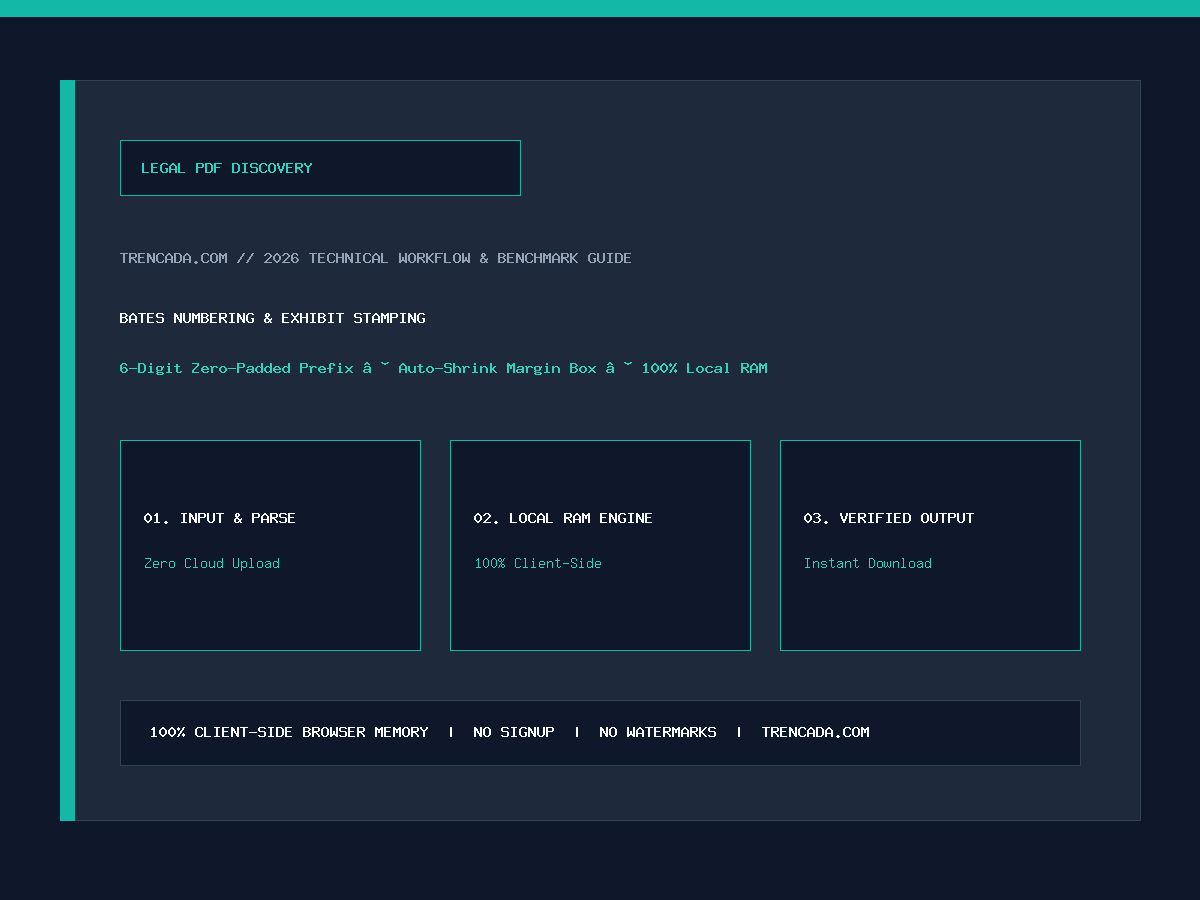
- Step 4 — Export & Log Your Production Range: Click Apply Bates Numbering. The browser stamps every page in milliseconds using local WebAssembly/JavaScript memory and downloads your finished production PDF along with the exact starting and ending Bates range for your discovery cover letter.
Frequently Asked Questions (FAQ)
Can I add Bates numbering to a PDF in free Adobe Acrobat Reader?
No. Free Adobe Acrobat Reader does not include the Bates Numbering tool; Adobe restricts Bates stamping to paid Acrobat Pro subscriptions. Instead of purchasing a yearly license for a single discovery production, you can use Trencada’s browser-based Bates Numbering PDF Tool for free with zero server uploads.
How many digits should a legal Bates number have?
Six digits (000001 through 999999) is the standard across state and federal civil litigation, accommodating up to nearly one million pages while sorting properly in e-discovery databases. For large antitrust, regulatory, or M&A data rooms exceeding 500,000 pages, use 7 or 8 digits (00000001).
How do I continue Bates numbering where my last production left off?
Always record the final Bates number of each production volume in a production log spreadsheet. When preparing Supplemental Production Volume 2, simply set the Starting Number field to the next integer (for example, if Volume 1 ended at DEF-000842, set the starting number for Volume 2 to 843 with 6-digit padding to begin at DEF-000843).
Is it safe to Bates stamp confidential medical or legal PDFs in an online browser tool?
It depends entirely on whether the tool uses server-side or client-side architecture. Traditional online PDF editors upload your files to remote cloud servers. Trencada’s Bates Numbering Tool executes 100% locally inside your browser’s sandboxed RAM—your confidential exhibits never leave your computer.
How do I remove or fix an incorrect Bates number on a PDF?
If a Bates number was added as a separate margin stamp outside the main text area, you can trim and replace the bottom margin band using our Crop PDF Online Tool or mask the old stamp using the Redact PDF Tool before re-stamping with the corrected sequence.